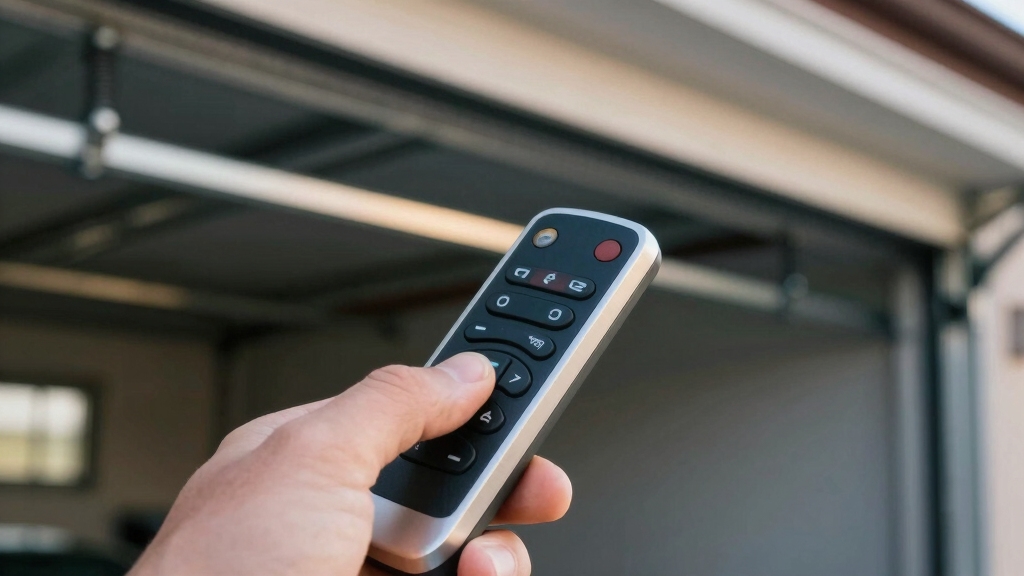

Your garage door remote sends a coded radio frequency (RF) signal, usually around 315 or 390 MHz, to the opener’s receiver when you press a button.
The receiver continuously listens for the matching code, then activates the motor to open or close the door.
Battery strength and physical obstacles affect signal range and performance.
Modern remotes use rolling code technology for secure, encrypted communication.
Keep going to explore how programming, security, and smart features enhance your garage door system.
Key Takeaways
- The remote sends a coded RF signal to the opener receiver when a button is pressed, triggering the door motor.
- The receiver continuously listens for a matching code to activate the garage door mechanism.
- Rolling code technology encrypts signals, changing codes with each use to prevent unauthorized access.
- Signal range typically spans 50 to 150 feet but is affected by battery strength and physical obstacles.
- Programming pairs the remote to the opener via a Learn button, enabling secure and convenient wireless control.
How Garage Door Remotes Send and Receive RF Signals?
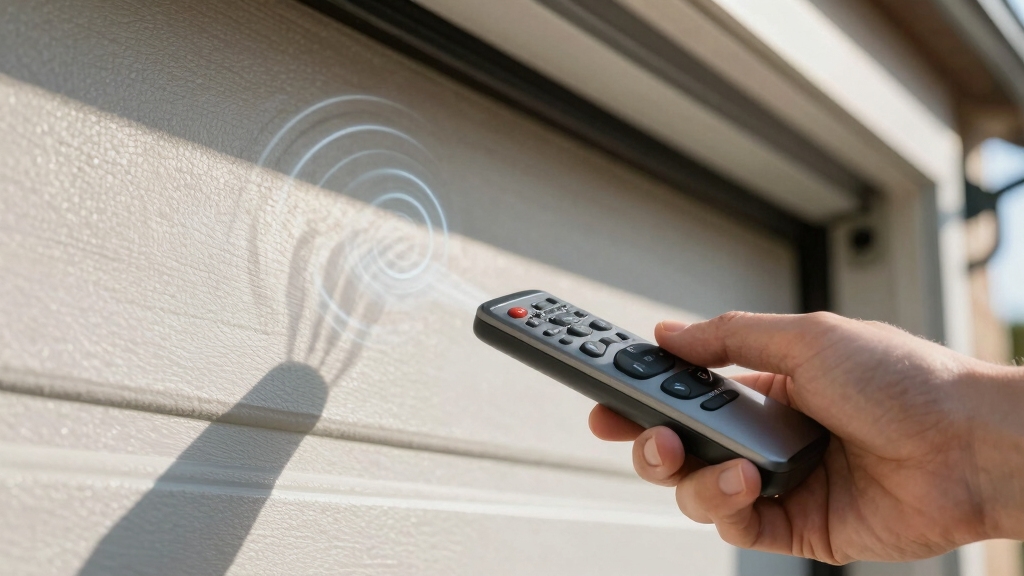
Transmitting a radio frequency (RF) signal, your garage door remote communicates directly with the opener’s receiver to initiate door movement.
Your garage door remote sends an RF signal to the opener’s receiver to start moving the door.
When you press the remote button, it sends a coded RF signal that matches the opener’s expected code.
The receiver, housed within the opener unit, continuously listens for this specific signal.
Upon receiving the correct code, the system triggers the motor to operate the door mechanism.
The RF signal operates within a designated frequency band, typically around 315 MHz or 390 MHz, ensuring compatibility between remote and opener.
This communication occurs wirelessly over an effective range of about 50 to 150 feet, allowing you to activate the door from a distance.
The coded transmission prevents unauthorized access by requiring exact signal matching.
Interference from nearby electronics or overlapping frequencies can sometimes cause unintended activations, highlighting the importance of managing radio frequency interference.
Garage Door Remote Frequencies and Ranges Explained
Although garage door remotes operate on various frequencies within the 300 to 400 MHz spectrum, you’ll most commonly encounter 315 MHz and 390 MHz bands. These frequencies guarantee compatibility between the remote and opener receiver.
The effective signal range typically spans 50 to 150 feet, depending on environmental factors.
When selecting or programming your remote, consider:
- Frequency band compatibility: confirm the remote matches your opener’s frequency.
- Signal range: guarantee the remote transmits effectively within your garage layout.
- Interference: avoid frequencies prone to disruption by nearby devices.
Understanding these factors helps maintain reliable communication between your remote and the garage door opener. This ensures smooth operation every time you press the button. Additionally, if the remote no longer operates the garage door after reset, it may require reprogramming to restore function.
How Battery Life and Obstacles Affect Remote Performance?
Frequently, the performance of your garage door remote depends heavily on the condition of its battery and the presence of physical obstacles.
A weak battery reduces the transmission power of the RF signal, shortening effective range and causing intermittent response.
A weak battery weakens RF signal strength, reducing range and causing unreliable remote operation.
Replace batteries promptly to maintain consistent signal strength.
Physical obstacles like metal doors, walls, or large objects between the remote and opener can attenuate or block the RF signal.
Position yourself within the recommended 50 to 150 feet clear line of sight to guarantee reliable communication.
Avoid transmitting through thick concrete or metal barriers, which absorb or reflect the signal.
Regularly inspect the battery and minimize obstructions in the signal path to optimize remote responsiveness and avoid frustrating failures during operation.
When troubleshooting remote performance issues, consider checking the sensor alignment as misaligned sensors can also affect door operation.
How Rolling Code Technology Secures Your Garage?
Because security is a top priority for garage door systems, rolling code technology plays an essential role in protecting your garage from unauthorized access. Unlike fixed code systems, rolling codes change each time you press the remote button, making it nearly impossible for intruders to intercept and reuse a signal.
Here’s how rolling code technology secures your garage:
- Your remote transmits a unique encrypted code combined with a sequence number every time.
- The opener’s receiver uses an algorithm to verify the new code matches the expected sequence.
- Codes expire immediately after use, preventing replay attacks or code grabbing.
This dynamic coding system generates over 100 billion possible codes, ensuring your garage door remains secure against hacking attempts. Additionally, remote compatibility varies by frequency and rolling code technology, so it is important to check opener manual and program new remotes if existing ones are incompatible.
Key Components of Garage Door Remote Systems
When you press a button on your garage door remote, several key components work together to open or close the door smoothly and securely.
The remote acts as a wireless transmitter, sending an encrypted radio frequency (RF) signal to the receiver built into the opener’s main unit.
This receiver continuously listens for paired signals on specific frequencies, typically 315 or 390 MHz.
Once the signal matches, the motor activates, converting electrical energy into mechanical motion.
The motor drives the door via a chain, belt, screw, or direct drive system, moving the trolley along a rail to guarantee stable, straight movement.
Each component’s precise function guarantees reliable, secure operation, preventing unauthorized access while maintaining smooth door control every time you use the remote.
For optimal system performance, it is important to ensure secure wiring connections and proper power supply to prevent signal loss and maintain consistent operation.
How to Program Your Garage Door Remote in Simple Steps?
To program your garage door remote, start by locating the Learn or Program button on your opener unit. This button is typically near the antenna wire or light cover.
Once found, press and release it to enter programming mode, usually indicated by a blinking LED.
Next, follow these steps:
- Within 30 seconds, press and hold the desired button on your remote until the opener blinks or clicks, confirming signal recognition.
- Release the remote button; the opener should exit programming mode automatically.
- Test the remote by pressing the programmed button to make certain the door responds correctly.
Repeat for additional remotes if needed. This process pairs your remote’s encrypted rolling code with the opener’s receiver, ensuring secure, reliable operation.
For optimal functionality, it is important to consider the garage door’s insulation and material quality when selecting your opener and remote system.
Advanced Smart Features of Modern Garage Door Remotes
Although traditional remotes rely solely on RF signals, modern garage door remotes incorporate advanced smart features that enhance security and convenience.
You’ll find rolling code technology that changes the transmitted code with each button press, preventing signal cloning and unauthorized access.
Many remotes now integrate with smartphone apps, allowing you to monitor and control your garage door remotely via internet connectivity.
Some models include numerical keypads, requiring a code entry for activation, adding an extra security layer.
Additionally, these smart remotes often support multiple door control and can notify you of door status instantly.
To maximize functionality, make sure your opener supports these features and follow manufacturer instructions for pairing and app setup.
These advancements provide improved protection and ease of use beyond basic RF transmission.
Incorporating active alarm systems principles, these remotes offer enhanced real-time alerts and user-controlled activation for increased security.
Frequently Asked Questions
Can I Use a Universal Remote for Different Garage Door Brands?
Yes, you can use a universal remote for different garage door brands, but it must support the specific frequency and coding system of each opener.
You’ll need to program the remote by syncing it with each garage door’s Learn or Program button, following the manufacturer’s instructions.
Keep in mind that rolling code technology requires proper encryption matching.
Verify compatibility with frequencies like 315 MHz or 390 MHz, ensuring secure and reliable operation across brands.
How Do I Reset My Garage Door Remote if It Stops Working?
To reset your garage door remote, first locate the Learn or Program button on the opener unit. Press and release it within 30 seconds.
Then, press and hold the remote button until the opener blinks or clicks, indicating synchronization. If that doesn’t work, erase all remotes by holding the Learn button for 10 seconds.
Afterward, reprogram each remote individually. Always test the remote afterward to confirm proper operation.
What Should I Do if My Garage Door Remote Interferes With Neighbors’?
Before smartphones, folks dealt with interference by reprogramming devices.
If your garage door remote interferes with neighbors’, you should reprogram your remote and opener.
Locate the Learn button on your opener, press it, then quickly press your remote button to sync a new rolling code.
This changes your signal frequency and code sequence, preventing cross-activation.
Also, consider replacing old fixed-code remotes with rolling code models for better security and reduced interference.
Are There Safety Precautions When Installing a Garage Door Remote System?
Yes, you should follow safety precautions when installing a garage door remote system.
Always disconnect power before wiring to avoid shocks.
Mount the receiver away from moisture and heat sources.
Keep the remote’s frequency within legal bands to prevent interference.
Test the door’s auto-reverse feature to guarantee it stops when obstructed.
Securely program rolling codes to prevent unauthorized access.
Finally, follow the manufacturer’s instructions precisely to guarantee safe, reliable operation.
How Can I Extend the Range of My Garage Door Remote?
To extend your garage door remote’s range, first replace its batteries with fresh, high-quality ones.
Make certain the remote’s antenna on the opener unit is fully extended and free from damage.
Remove obstacles between the remote and opener, like walls or metal objects.
You can also install a range extender designed for RF signals or upgrade to a remote with higher transmission power.
Finally, reposition the opener unit for better line-of-sight transmission.
Secure, Smart & Seamless: Mastering Your Garage Door Remote
Now that you understand how garage door remotes use RF signals, frequencies, and rolling code technology, you can see why their security isn’t just a myth.
The theory that these systems are vulnerable without encryption is true. This is why modern remotes incorporate advanced coding to prevent hacking.
By maintaining your remote’s battery and programming it correctly, you guarantee reliable, secure operation every time.
Follow these technical steps to keep your garage access both convenient and safe.