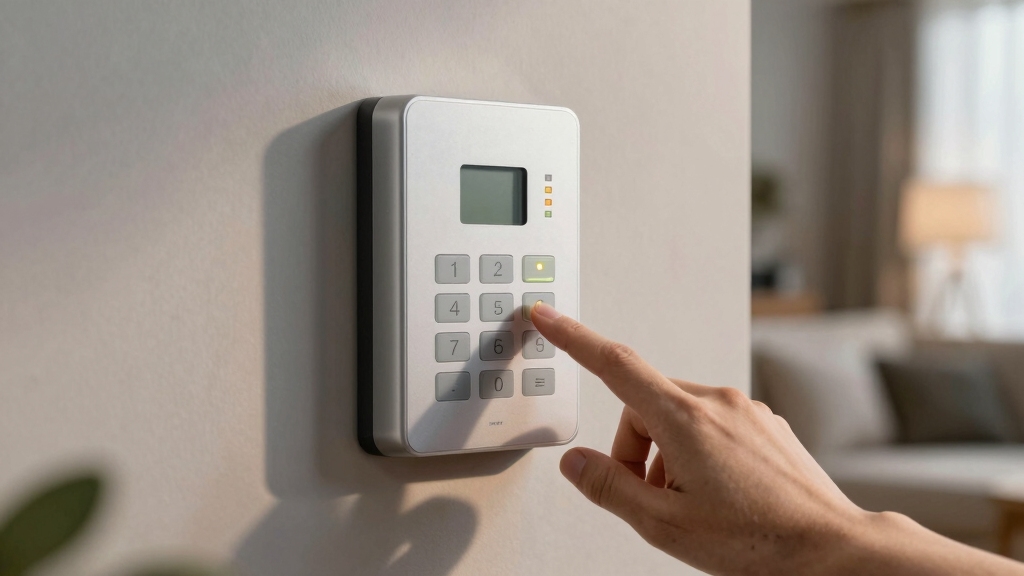

To stop your DSC alarm system from beeping, press *2 on the keypad to access the trouble menu and identify the specific trouble code causing the alert.
Address issues like low backup battery (code 1), power or siren problems (code 2), or wiring faults. After resolving the issue, press # to silence the beeping.
Regular maintenance, battery checks, and troubleshooting common faults will keep your system steady. Further details help you manage power, wiring, and communication problems efficiently.
Key Takeaways
- Press *2 on the keypad to access the trouble menu and view active trouble codes causing the beeping.
- Identify the trouble code, then press # to acknowledge and silence the alarm after addressing the issue.
- Check for low backup battery (code 1) and replace it if necessary to stop intermittent beeping.
- Inspect wiring, AC power, and siren connections for faults causing continuous alarms and fix or call a technician.
- Use *2 then 9 to temporarily cancel troubles, but resolve underlying issues for permanent beeping silence.
Common Causes of Continuous DSC Alarm Beeping
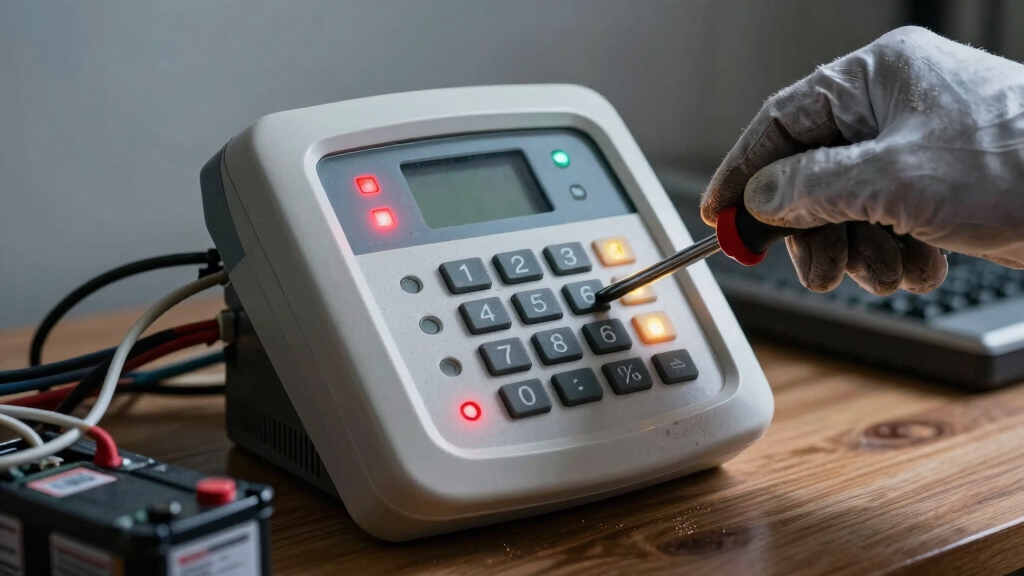
If your DSC alarm keeps beeping continuously, it’s usually because of specific system issues you can identify and address.
One common cause is a low backup battery, which triggers beeping every few seconds.
A low backup battery often causes the DSC alarm to beep intermittently every few seconds.
Another is a communication failure between the panel and the monitoring station, generating alerts.
Power outages or AC troubles also cause the trouble light to activate and prompt beeping.
Additionally, system trouble conditions like wiring faults or sensor malfunctions can result in continuous alarms.
False alarms or siren disconnections may also cause persistent beeping.
You should inspect the battery status, check power sources, and examine wiring connections carefully.
Understanding these causes helps you target the right corrective actions and prevent ongoing alarm disruptions efficiently.
It is also important to regularly update the time and date on your DSC alarm system to maintain accurate logs and ensure proper system performance.
Identifying Trouble Codes on Your DSC Panel
You can easily identify specific system issues by accessing the trouble menu on your DSC panel. Just press *2, and you’ll be able to view the trouble codes.
Each code corresponds to a distinct problem, like a low battery or a communication failure.
Understanding these codes is super helpful because it allows you to pinpoint and address the exact cause of that annoying alarm beeping. So, next time you hear it, don’t stress—just check the trouble menu! Regular maintenance, including battery replacement and cleaning, can help prevent frequent beeping issues and keep your system reliable.
Trouble Code Meanings
When your DSC panel signals a trouble condition with a yellow triangle light, you’ll want to press *2 to access the trouble menu. The panel displays numeric codes indicating specific issues: code 1 means the system’s backup battery is low, code 2 points to siren or AC power problems, and codes 3 through 8 cover phone line faults, communication failures, zone or sensor wiring issues, wireless battery status, and time loss.
Pressing the number associated with each code provides detailed information to help you pinpoint the problem. Understanding these trouble codes lets you quickly identify whether you need to replace batteries, check wiring, or resolve communication errors. This ensures you address the root cause of the beeping effectively and maintain your system’s reliability.
Since backup batteries are critical for maintaining system operation during power outages, regularly testing and replacing them is essential for continuous protection and code compliance.
Accessing Trouble Menu
Although the yellow triangle light on your DSC panel alerts you to a trouble condition, accessing the trouble menu is essential to identify the specific issue. To do this, follow these steps precisely:
- Press *2 on the keypad to enter the trouble menu.
- Observe the numeric trouble codes displayed; each corresponds to a particular system problem.
- Press the number key matching the displayed code to get detailed information.
- After identifying the trouble, press # to acknowledge and silence the alert.
This process works across most DSC models, including PowerSeries and Neo Series panels. Accessing the trouble menu lets you diagnose issues like low battery, communication failure, or wiring faults.
This enables targeted troubleshooting and stops the persistent beeping effectively. Regular maintenance and checking of backup batteries are crucial for preventing common trouble alerts related to power source issues and ensuring continuous power supply reliability.
How to Silence the Beeping on Different DSC Models?
| DSC Model Series | Access Trouble Menu | Silence Beeping | Notes |
|---|---|---|---|
| PowerSeries | *2 | # | Models: PC1616, PC1832 |
| Classic Series | *2 | # | Models: PC1555, PC5010 |
| Neo Series | *2 | # | Displays detailed messages |
| All Series | *2 then 9 | N/A | Temporarily cancel troubles |
Regular maintenance and timely battery replacement can help prevent unnecessary alarms and ensure your DSC system functions reliably, reducing nuisance alarms.
How to Check and Replace Your DSC Alarm Backup Battery?
First things first, to check your DSC alarm’s backup battery, you’ll want to press *2. This will take you to the trouble menu. Keep an eye out for trouble code 1—if you see that, it means your battery is running low.
If you do find that the battery is low, the next steps are pretty straightforward. Start by disconnecting the power to the panel. Once that’s done, remove the old battery and take a moment to check the connections. Look for any signs of corrosion or loose wires; those can definitely cause issues.
Now, it’s time to replace the battery! Make sure you get an exact match with the model specified for your system. After you’ve swapped in the new battery, restore the power and see if the beeping has stopped.
If all went well, you should be good to go! Remember, power interruptions like outages or surges can sometimes trigger system alerts, so be patient if the alarm continues briefly while the system resets during its built-in delay mode.
Identifying Battery Issues
Start by checking your DSC alarm’s backup battery if you hear continuous beeping every few seconds. This often signals a low or failing battery.
To identify battery issues accurately, follow these steps:
- Press *2 on the keypad to access the trouble menu. Look for trouble code 1, indicating a low battery.
- Verify the battery voltage with a multimeter. A reading below 12 volts typically means replacement is necessary.
- Inspect battery connections for loose or corroded wires that could affect performance.
- Check for wireless device battery alerts under trouble code 7, which also trigger system beeping.
Performing these checks helps you confirm battery problems before proceeding with replacement or further troubleshooting. It is important to replace batteries promptly when beeping or low-voltage indicators occur to maintain system reliability.
Battery Replacement Steps
Locate your DSC alarm’s backup battery compartment by opening the control panel cover carefully. First, disconnect power to avoid electrical hazards.
Remove the old battery by gently unplugging the connector, inspecting wires for damage. Replace it with a new, compatible 12V battery, ensuring correct polarity and secure connections.
Close the panel, restore power, and observe the system for normal operation; the beeping should stop immediately.
Using fresh batteries prevents premature low battery warnings and ensures consistent system performance.
| Step | Your Feeling |
|---|---|
| Open panel cover | Cautious |
| Disconnect power | Responsible |
| Remove old battery | Focused |
| Insert new battery | Confident |
| Restore power | Relieved |
Following these precise steps guarantees safe battery replacement and resolves low battery alerts effectively.
Fixing Power and AC Trouble on DSC Alarms
When your DSC alarm signals a power or AC trouble, indicated by the yellow triangle and trouble code 2, you need to verify the AC power source and backup battery connections immediately.
A yellow triangle and trouble code 2 on your DSC alarm indicate power or AC issues requiring immediate verification.
This issue usually stems from a power outage, loose wiring, or a depleted backup battery. To fix it, follow these steps precisely:
- Confirm the alarm system’s AC power adapter is securely plugged in and the outlet supplies power.
- Inspect the backup battery terminals for corrosion or loose connections; clean and tighten as needed.
- Replace the backup battery if it’s older than 3-5 years or shows low voltage.
- After resolving the issue, press *2 on the keypad to access the trouble menu, then press # to acknowledge and silence the alarm.
These actions restore reliable power and stop the beeping. Ensuring backup batteries are properly maintained is critical because hardwired units depend on them to maintain protection during power outages.
Diagnosing DSC Alarm Wiring and Connection Issues
Although wiring and connection issues can be less obvious than battery problems, they often cause persistent trouble alerts and beeping on your DSC alarm system.
Start by pressing *2 on your keypad to access the trouble menu. Identify trouble codes related to wiring: code 2 indicates siren or AC power wiring faults, while codes 5 and 6 correspond to zone or sensor wiring problems.
Inspect wiring physically for damage, loose connections, or disconnections, especially near zones and siren terminals. Check for damaged wires caused by renovations or pests.
If you spot any faults, tighten connections or replace damaged wiring. Avoid proceeding if complex wiring repairs are needed; consult a technician to prevent system malfunction.
After repairs, press # to acknowledge and silence the trouble alert. This diagnostic approach helps pinpoint wiring issues causing beeping.
For safety, always disconnect power before inspecting or repairing wiring to prevent electrical hazards and accidental system activation, as emphasized in wiring inspection safety.
Fixing Phone Line Problems and Communication Failures
After addressing wiring and connection issues, the next step is to verify the phone line and communication links. Failures here often trigger persistent trouble alerts and beeping.
Communication faults prevent your DSC panel from contacting the monitoring station, causing continuous trouble signals.
Follow these steps to fix phone line problems and communication failures:
- Check the phone line connection at the panel and wall jack for secure and undamaged wiring.
- Inspect the phone cable for cuts, frays, or loose plugs that disrupt signals.
- Test the phone line with a standard telephone to confirm dial tone and line integrity.
- Reset the alarm panel after repairs by pressing *2 to view trouble codes, then # to acknowledge and silence alerts.
Managing False Alarms and Siren Problems on DSC Panels
Because false alarms and siren issues can cause persistent beeping and disrupt your security system’s reliability, you need to carefully identify their root causes.
First, check the keypad for trouble code 2 after pressing *2; this indicates siren or AC power problems.
Inspect siren wiring for disconnections or damage, as loose or broken wires often trigger false alarms and continuous beeping.
Verify that all sensors and zones are properly connected and functioning to avoid false triggers.
Silencing the beeping temporarily requires pressing # after accessing the trouble menu with *2.
If false alarms persist, recalibrate or test sensors following your panel’s manual.
Avoid ignoring these signals, as unresolved siren faults may impair alarm effectiveness and battery life.
Conduct thorough wiring and sensor checks promptly.
When to Call a Technician for DSC Alarm Troubleshooting?
If your DSC alarm continues to beep despite following all troubleshooting steps, it’s time to call a technician. Persistent beeping often signals deeper system issues beyond basic fixes. A professional can accurately diagnose and resolve complex problems safely.
Call a technician when you encounter:
- Repeated trouble codes that don’t clear after battery replacement or resets.
- Wiring faults or sensor malfunctions indicated by multiple zone trouble codes.
- Communication failures between the panel and monitoring station, causing alerts or loss of remote access.
- Siren or power supply issues that persist despite verifying connections and replacing backup batteries.
Rely on expert diagnostics to prevent damage and ensure your DSC alarm operates reliably without continuous beeping.
Frequently Asked Questions
Can I Disable the Beeping Without Affecting Alarm Security?
Yes, you can temporarily silence the beeping without compromising alarm security by acknowledging the trouble condition.
Press *2 to access the trouble menu, identify the issue, then press # to mute the beep. This stops the sound but keeps monitoring active.
How Often Should I Replace the DSC Alarm Backup Battery?
Think of your DSC alarm backup battery like the heart of the system. It needs regular care. You should replace it every 3 to 5 years to guarantee reliable power during outages.
If your system starts beeping every few seconds, that’s a sign the battery’s failing and needs immediate replacement. Always check connections when swapping batteries and use manufacturer-approved replacements to keep your alarm running smoothly and securely.
Is It Safe to Clean DSC Alarm Sensors Myself?
Yes, you can safely clean DSC alarm sensors yourself if you follow precautions.
First, disconnect power to avoid triggering false alarms or damage.
Use a soft, dry cloth or a slightly damp microfiber cloth to gently wipe the sensor surface.
Avoid harsh chemicals or excessive moisture.
Don’t open the sensor casing unless you’re qualified.
After cleaning, restore power and test the sensor to confirm proper function.
If unsure, consult a technician.
Can Pets Trigger Continuous Beeping on DSC Alarms?
Pets prowling provocatively can prompt persistent panel problems. Yes, pets can trigger continuous beeping on DSC alarms, especially if motion sensors or glass break detectors detect their movement.
To prevent this, you should adjust sensor sensitivity or reposition devices away from pet pathways. Regularly check for false alarms by reviewing trouble codes via *2 on your keypad. Then silence alerts with # after addressing the issue, ensuring accurate system performance.
How Do Weather Conditions Affect DSC Alarm Performance?
Weather conditions can impact your DSC alarm’s performance by causing false trouble alerts or sensor malfunctions.
Moisture from rain or humidity may damage wiring or sensors, triggering beeps or trouble codes.
Extreme temperatures can affect battery life and wireless signal strength.
You should inspect sensor enclosures for water intrusion, make sure wiring is secure and weatherproof, and replace batteries regularly to maintain reliable system operation in varying weather conditions.
Don’t Ignore It: Solve DSC Alarm Beeping Today
Think of your DSC alarm system as a vigilant lighthouse. Its beeping signals are warnings, guiding you through potential hazards.
By understanding trouble codes, checking batteries, and inspecting wiring, you’ll navigate these alerts with confidence. When power or communication falters, your lighthouse dims but can be restored with precise steps.
If the signal still blares after your fixes, calling a technician guarantees your safety beacon shines steady. This protects your home without interruption.