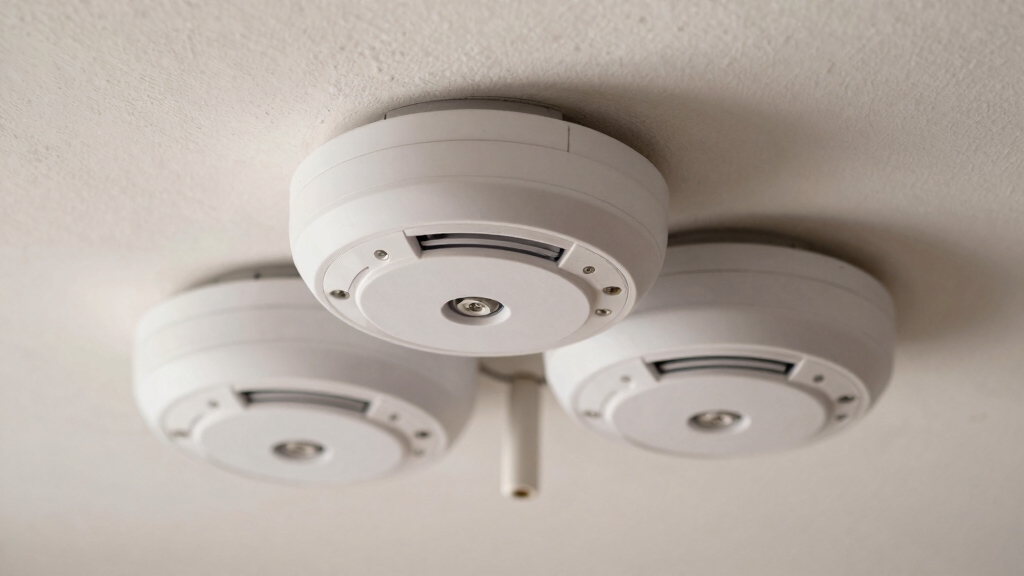

To interconnect smoke alarms, you either hardwire them using 12-3 or 14-3 wiring, connecting black to black (hot), white to white (neutral), and red to red (interconnect).
Alternatively, you can link them wirelessly via radio frequency pairing. Both methods require battery backup for power outages and ensure all units sound simultaneously when one detects smoke.
You’ll need to test each setup thoroughly and comply with local code requirements. Keep exploring to understand the installation nuances and maintenance essentials.
Key Takeaways
- Turn off power and use 12-3 or 14-3 wiring to connect black (hot), white (neutral), and red (interconnect) wires in hardwired alarms.
- Activate pairing mode on wireless units and sequentially connect each alarm to establish radio frequency interconnection without wiring.
- Test interconnection by pressing one alarm’s test button, ensuring all units sound simultaneously for proper communication.
- Use battery backup in both hardwired and wireless systems to maintain operation during power outages.
- Follow manufacturer instructions and local codes for wiring, pairing, maintenance, and replacement to ensure reliable interconnected alarms.
Why Interconnect Smoke Alarms? Benefits and Importance?
Although installing individual smoke alarms provides basic protection, interconnecting them substantially enhances your home’s safety. When one alarm detects smoke or fire, all alarms sound simultaneously.
Connecting smoke alarms ensures simultaneous alerts, significantly boosting your home’s overall fire safety.
This immediate, whole-home alert increases your escape time by notifying occupants regardless of their location. Interconnected alarms also improve hazard identification, especially with models offering voice and location-specific alerts.
During power outages, battery-backed interconnected alarms maintain full functionality, ensuring continuous protection. By activating all alarms at once, you minimize response delays and reduce the risk of unnoticed fires spreading.
This system’s all-encompassing coverage is essential for multi-level homes or larger properties, where isolated alarms might fail to alert everyone promptly. Ultimately, interconnection elevates your fire safety strategy, providing a reliable, coordinated warning system that saves lives.
It is important to note that interconnection is limited to same manufacturer alarms due to proprietary signaling protocols.
Types of Interconnected Smoke Alarms: Hardwired and Wireless
When selecting interconnected smoke alarms, you’ll find two primary types: hardwired and wireless systems.
Hardwired alarms connect through your home’s AC power with battery backup, ensuring continuous operation even during outages.
Wireless alarms use radio frequency to link units without any wiring, ideal for existing homes where rewiring isn’t practical.
Both types enable simultaneous alerts across all detectors, enhancing safety. Here’s what you need to ponder:
- Hardwired systems require professional installation with 12-3 or 14-3 NMB cables for interconnection.
- Wireless units offer easier installation and flexibility without rewiring.
- Both types support combination alarms integrating smoke, CO, and heat detection.
- Battery backup in both systems guarantees functionality during power failures.
Battery backups are essential because they provide a backup power source that keeps alarms working during electrical outages. Choose based on your home’s infrastructure and installation preferences.
Setting Up Hardwired Smoke Alarm Interconnection
Before you start wiring your hardwired smoke alarm system, make sure to turn off power at the circuit breaker. Confirm it’s off with a voltage detector.
Use 12-3 NMB wire for interconnecting multiple alarms, connecting black to black (hot), white to white (neutral), and red to red (interconnect). Strip ½ inch of insulation and secure each connection with wire connectors.
Mount alarms using manufacturer brackets after wiring. Test the system by pressing the test button on one unit; all alarms should sound.
Hardwired smoke detectors should be connected to a dedicated 120V circuit with battery backup to ensure continuous operation during power outages.
| Wire Color | Function | Connection Point |
|---|---|---|
| Black | Hot (Line) | Circuit breaker, alarms |
| White | Neutral | Circuit neutral bus |
| Red | Interconnect (Signal) | Between all alarms |
Setting Up Wireless Interconnected Smoke Alarms
Wireless interconnected smoke alarms typically install easily since you won’t need to run any wiring. These battery-operated units communicate via radio frequency, allowing you to place alarms throughout your home without rewiring.
To set them up, follow these steps precisely:
- Install each alarm in its designated location, ensuring ideal coverage.
- Activate pairing mode on one unit, then sequentially pair each additional alarm.
- Confirm successful interconnection by triggering a test alarm; all units should sound simultaneously.
- Use the smart touch button to temporarily silence nuisance alarms without disabling the system.
This wireless setup maintains full functionality during power outages due to battery operation. It’s ideal for retrofitting existing homes, providing thorough alerts with minimal installation effort and no electrical modifications.
Be sure to power each alarm until you hear the musical tone and voice prompt indicating it is ready to connect before starting the pairing process.
How to Test, Maintain, and Ensure Code Compliance?
Although interconnected smoke alarms enhance safety, you must regularly test and maintain them to guarantee reliable operation and compliance with local building codes.
Press the test button on one alarm to confirm all units sound simultaneously, confirming communication integrity.
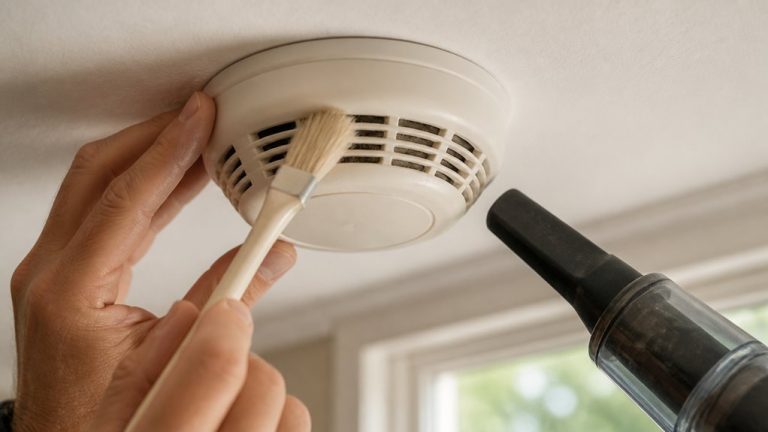
Replace batteries annually or as indicated, and verify backup power functionality during AC outages. Inspect wiring connections in hardwired systems for corrosion or loose terminals.
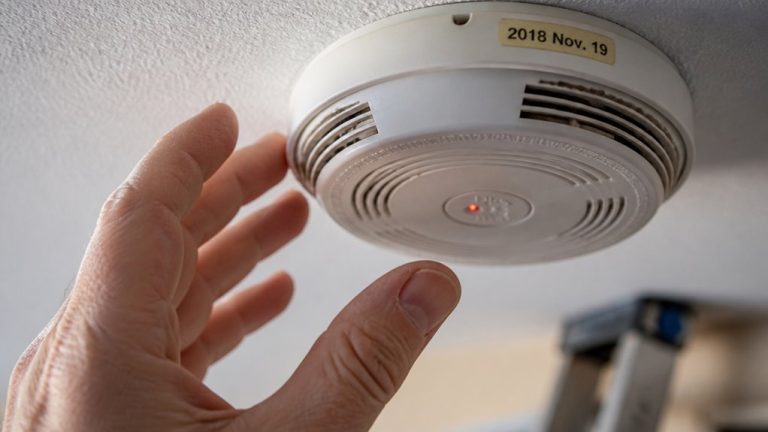
Maintain manufacturer-recommended replacement intervals, typically 10 years, to confirm sensor reliability.
Confirm your installation meets code requirements, such as using 12-3 or 14-3 wiring for hardwired interconnects and employing compatible brand-specific adapters when replacing units.
Document inspections and tests per jurisdictional mandates. Adhering to these protocols confirms your interconnected smoke alarm system remains effective, compliant, and ready to protect occupants in an emergency.
Ensure backup batteries are regularly tested and replaced as they automatically activate during power outages to maintain continuous operation and safety. backup batteries
Frequently Asked Questions
Can I Interconnect Smoke Alarms From Different Brands?
You generally can’t interconnect smoke alarms from different brands reliably because manufacturers use proprietary signaling protocols.
Mixing brands often leads to communication failures or false alarms. To guarantee seamless operation and code compliance, stick to the same brand and model series when linking alarms.
If you must mix, check for brand-specific adapters or compatibility notes. However, it’s best to standardize your entire system for safety and functionality.
How Does Interconnecting Affect Smoke Alarm Battery Life?
Interconnecting smoke alarms slightly reduces individual battery life because interconnected units communicate continuously, drawing more power.
Wireless battery-operated models rely solely on batteries, so expect more frequent replacements.
Hardwired systems use household power, with batteries as backup, minimizing battery drain during normal operation.
To maintain reliability, test alarms regularly and replace batteries promptly.
Using high-quality batteries and following manufacturer guidelines guarantees peak performance without compromising interconnected functionality.
What Should I Do if Only One Alarm Sounds During Testing?
If only one alarm sounds during testing, it’s like a single note out of tune in a symphony. Your system isn’t communicating properly.
First, check all wiring connections: black to black, white to white, red to red. Make certain power is off before inspecting.
Verify battery status and ensure all units are compatible and properly paired if wireless. Test again; if the issue persists, replace faulty alarms or consult a professional for system diagnostics.
Are There Smart Home Systems Compatible With Interconnected Alarms?
Yes, many smart home systems are compatible with interconnected smoke alarms. You can integrate models from brands like First Alert, Kidde, and Nest with platforms such as Alexa, Google Home, and Apple HomeKit.
These alarms use wireless or hardwired interconnectivity and often support app notifications, voice alerts, and remote testing. Make sure you select alarms specifically designed for smart integration and verify compatibility with your chosen home automation system for seamless operation.
Can Interconnected Alarms Be Linked to My Security System?
Imagine your home’s security system as a conductor synchronizing an orchestra; interconnected alarms can indeed be linked to it, amplifying safety.
Many modern security hubs support integration with smoke alarms via relay modules or smart home protocols like Z-Wave or Zigbee. This connection enables centralized monitoring and immediate alerts, enhancing response times.
Confirm compatibility by checking your security system’s specifications and using manufacturer-approved adapters for seamless communication and reliable operation.
Protect What Matters Most With Smarter Alarm Systems
Interconnecting your smoke alarms markedly boosts home safety. Studies show interconnected alarms increase the chance of early detection by 50%.
Whether you choose hardwired or wireless systems, proper setup guarantees all alarms sound simultaneously. This gives you essential extra seconds to react.
Regular testing and maintenance keep your system code-compliant and fully functional. Don’t underestimate this critical upgrade; it’s a technical investment that can save lives and protect your property.