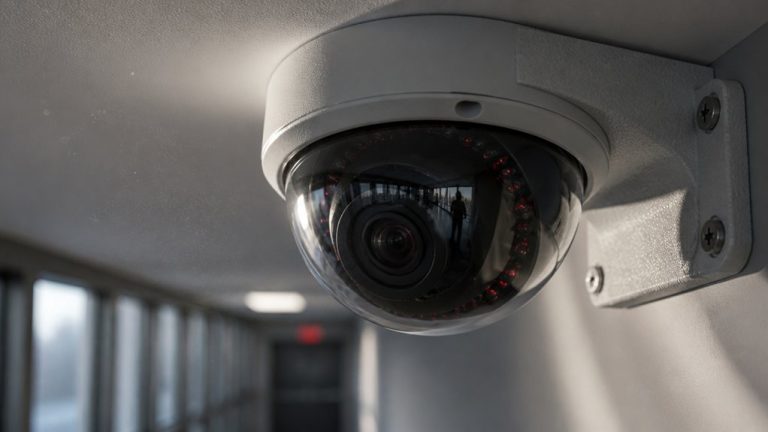

You get low-quality security camera footage because manufacturers balance cost and performance by limiting resolution and using cheap lenses. This blurs critical details.
Compression reduces file size by cutting fine textures, causing pixelation, especially in motion. Small sensors struggle in low light, producing grainy, low-contrast images.
Poor lighting and incorrect installation further degrade clarity. These combined design and environmental trade-offs keep footage quality low.
Understanding these factors reveals why your security videos look as they do.
Key Takeaways
- Budget cameras prioritize quantity over resolution, resulting in low pixel count and blurred, smudged images.
- Poor-quality lenses cause soft focus, optical distortions, and reduce detail sharpness regardless of sensor resolution.
- Video compression removes fine details and introduces artifacts to save storage and bandwidth, lowering image clarity.
- Small sensors capture less light, producing noisy, grainy footage with poor low-light performance and limited dynamic range.
- Improper lighting, installation, and continuous recording force compromises on image quality and clarity for broader coverage.
Why Low Resolution Hurts Security Camera Footage?
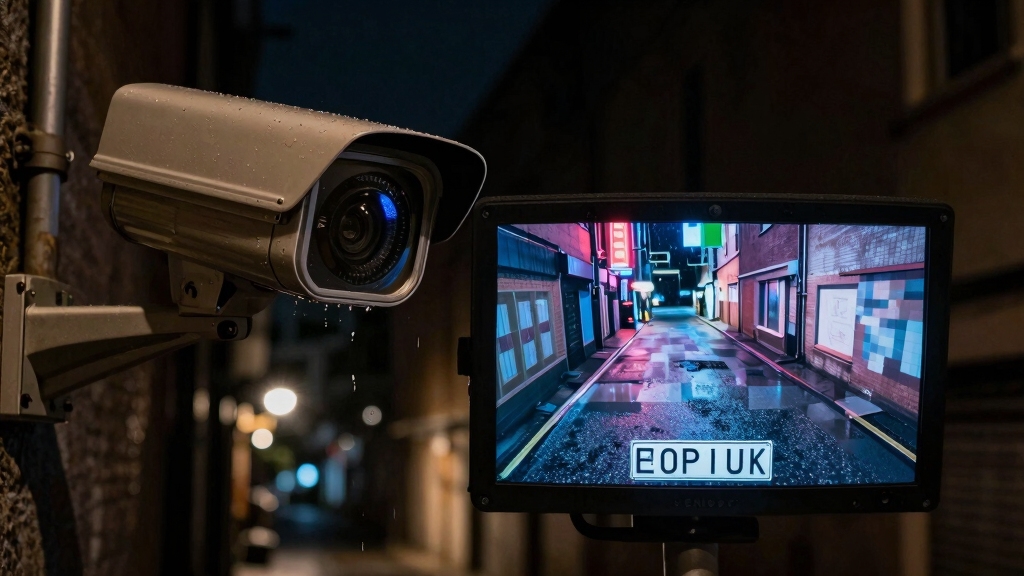
Although low-resolution cameras may reduce costs and simplify storage, they markedly impair security footage by failing to capture essential details such as facial features and license plates.
Low-resolution cameras cut costs but compromise crucial details like faces and license plates in security footage.
When you rely on standard definition (SD) instead of high definition (HD), the footage becomes blurred and distorted, making identification difficult.
Low pixel count results in smudged faces and mosaic-like license plates, which hinder recognition and forensic analysis.
Budget systems often prioritize camera quantity over resolution, producing large coverage but poor image quality.
Default settings further reduce resolution to enable smoother live feeds on average Wi-Fi networks, sacrificing detail for performance.
As a result, you can’t depend on low-resolution footage for accurate evidence or real-time monitoring, limiting overall security effectiveness.
Additionally, limited resolution increases the strain on the processor to balance image quality and frame rate, often resulting in compromises that degrade footage clarity.
How Poor Lens Quality Blurs Security Camera Videos?
When you rely on poor-quality lenses in security cameras, the resulting video suffers from soft focus and distorted edges that obscure critical details.
You might think resolution alone dictates clarity, but lens quality plays a vital role in sharpness and detail fidelity.
Cheap lenses, often fixed-focus or low-grade varifocal, can’t properly resolve fine features, no matter the sensor’s capability.
- Low-grade optics produce optical aberrations like blurring and edge distortion, reducing image sharpness across the frame.
- Limited focal length options restrict your ability to zoom or capture wide angles without compromising clarity.
- Inferior lens coatings and materials introduce flare and reduce contrast, washing out subtle but important details.
Understanding lens limitations helps explain why even “high resolution” footage can still appear fuzzy and unreliable.
Additionally, selecting cameras with appropriate HDR performance can help maintain image clarity in varied lighting conditions.
Why Video Compression Reduces Security Camera Detail?
Poor lens quality can blur details despite high resolution, but even sharp footage can lose clarity through video compression.
When you compress video, the camera reduces the amount of data by removing redundant or less noticeable information.
Video compression cuts data by eliminating redundant or less visible details to reduce file size.
This process uses algorithms like H.264 or H.265 to shrink file sizes, but it also discards fine textures and subtle color variations essential for detail.
Lower bitrates, common in budget or 24/7 recording systems, intensify this effect, causing blocky artifacts and smudged edges.
Compression also struggles with high-motion scenes, leading to blur and pixelation.
Since security cameras must balance storage limits and network bandwidth, they often prioritize smaller files over image fidelity.
As a result, video compression markedly reduces the sharpness and detail you expect from the raw footage.
Additionally, continuous 24/7 recording typical of wired cameras increases data volume, necessitating more compression to fit storage constraints.
Why Small Sensor Size Struggles in Low Light?
Sensitivity to light markedly impacts security camera performance, especially under low-light conditions. When you rely on a small sensor, you face inherent limitations that degrade image quality. Here’s why:
- Reduced Light Capture: Small sensors have fewer and smaller photodiodes. They gather less light, leading to darker, noisier footage with grain and artifacts when illumination drops.
- Limited Dynamic Range: The sensor can’t capture a wide range of brightness levels. This results in underexposed shadows or blown-out highlights, obscuring critical details.
- Poor Low-Light Responsiveness: Small sensors struggle during dawn, dusk, or night. They produce washed-out images lacking contrast and clarity, which severely compromises identification and monitoring.
Understanding these sensor constraints clarifies why many budget security cameras fail to deliver usable footage in challenging lighting. Additionally, proper installation techniques such as angling cameras slightly downward can enhance infrared sensor effectiveness to improve night vision performance.
How Lighting and Installation Affect Security Camera Performance?
Beyond the camera’s hardware, lighting conditions and installation choices critically shape the quality of your security footage. Poor lighting causes grainy, underexposed images, especially at night or in transitional light. Incorrect installation, such as wrong angles, excessive distance, or obstructions, further degrades clarity.
You must guarantee sufficient illumination and proper camera placement to maximize sensor capability and lens performance.
| Lighting Issue | Impact on Footage |
|---|---|
| Insufficient lighting | Grainy, noisy video |
| Overexposure | Washed-out details |
| Infrared interference | Night vision malfunction |
| Obstructed lens | Blurred or blocked view |
| Improper angle/distance | Reduced detail, poor framing |
Optimizing both lighting and installation enhances image sharpness, detail retention, and identification accuracy in your surveillance system. Additionally, choosing the right camera recording method can help ensure consistent video quality regardless of connectivity limitations.
Frequently Asked Questions
How Does Weather Impact Security Camera Video Quality?
Weather affects your security camera’s video quality by introducing elements like rain, fog, and snow that obscure the lens, causing blurry or distorted images.
Moisture can trigger condensation inside the camera, further degrading clarity.
Harsh sunlight or shadows from clouds reduce dynamic range, while wind may shake the camera, producing jittery footage.
Cold temperatures can slow sensor response, and dust or debris carried by weather can accumulate, compromising your video’s effectiveness.
Can Network Issues Cause Security Camera Lag or Freezing?
Network issues can absolutely cause your security camera to lag or freeze, like a traffic jam clogging data flow.
When your bandwidth chokes or your Wi-Fi signal weakens, video packets stumble or drop, disrupting smooth streaming.
This packet loss forces buffering or frame skips, causing delays and frozen images.
Latency spikes and jitter worsen real-time monitoring, especially if compression and bitrate aren’t optimized for your network’s capacity.
What Role Does Camera Maintenance Play in Footage Clarity?
Camera maintenance directly impacts footage clarity by preventing dust, dirt, and lens obstructions from degrading image quality.
If you don’t clean lenses regularly, smudges blur details like facial features. Neglecting firmware updates can cause software inefficiencies, reducing image processing performance.
You also need to check camera alignment and focus; mispositioned cameras or incorrect zoom settings distort footage.
Consistent maintenance guarantees peak sensor function and preserves clear, reliable video output.
How Do Analog Cameras Differ From Digital Ones in Image Quality?
You won’t believe how much analog cameras lag behind digital ones in image quality!
Analog systems rely on standard definition signals, so their footage looks blurry, lacks fine details, and suffers from noise and distortion.
Digital cameras capture higher-resolution images with better sensors and advanced compression, preserving clarity.
Plus, digital tech provides wider dynamic range and improved low-light performance, while analog cameras struggle with grainy, washed-out visuals and limited detail retention.
Why Do Some Cameras Fail Faster Than Others?
Some cameras fail faster because they use cheaper components, like low-quality lenses, small sensors, and substandard electronics, which degrade quicker under stress.
Poor weatherproofing and inadequate heat dissipation cause hardware damage over time. You’ll also see faster failure if the camera lacks regular maintenance or uses outdated firmware.
Budget models often sacrifice durability and quality control, making them prone to early malfunction compared to professionally built, well-maintained systems.
Clear the Blur: Upgrading Your Security Camera for Better Footage
You might expect security cameras to capture crystal-clear footage, but factors like low resolution, poor lens quality, and heavy video compression all degrade the image.
Small sensors struggle in low light, and improper lighting or installation only worsen things.
Think of it like relying on a telegram in the age of smartphones; outdated tech limits clarity.
To improve your footage, you’ll need to upgrade components and optimize conditions, ensuring your camera performs at its full potential.