
To clear the yellow triangle on your DSC alarm, first access the trouble menu by pressing * then 2 on the keypad to see specific trouble codes. Identify and fix the issue, such as replacing low batteries, restoring AC power, or fixing tamper warnings.
You can silence beeping temporarily by pressing #. After repairs, press * to check if the trouble cleared; some models need you to press * again or enter code 999 to reset. For more detailed steps, keep exploring the process.
Key Takeaways
- Press * then 2 on the keypad to access and view active trouble codes causing the yellow triangle.
- Resolve the underlying issue such as replacing batteries, restoring AC power, or fixing tamper alerts.
- Press [*] to check if the trouble condition is cleared after repairs.
- On some DSC Neo models, press [*] again or enter code 999 to acknowledge and reset all trouble alerts.
- Disconnect backup battery before hardware resets and seek professional help if the trouble light persists.
What the Yellow Triangle on a DSC Alarm Means?
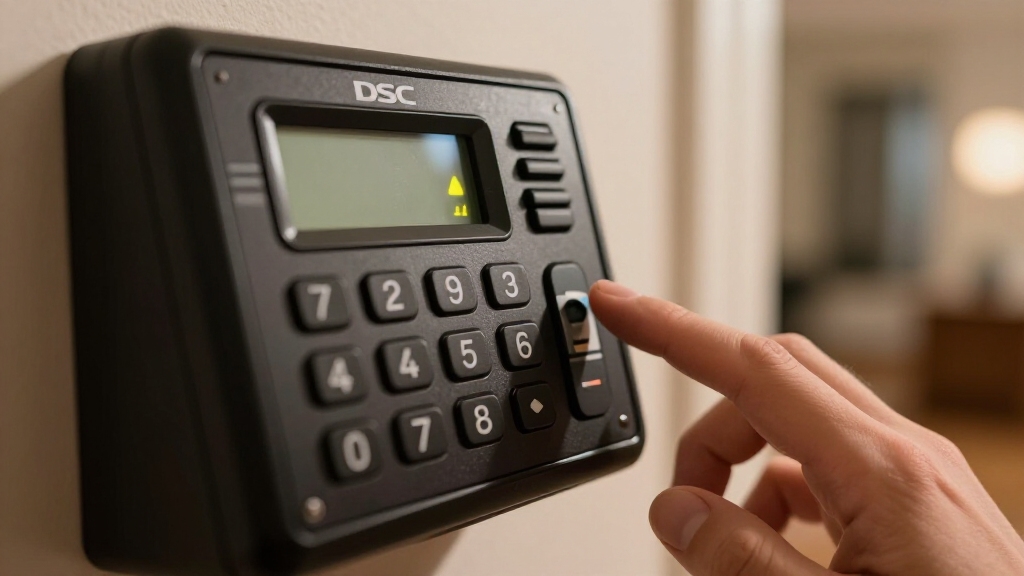
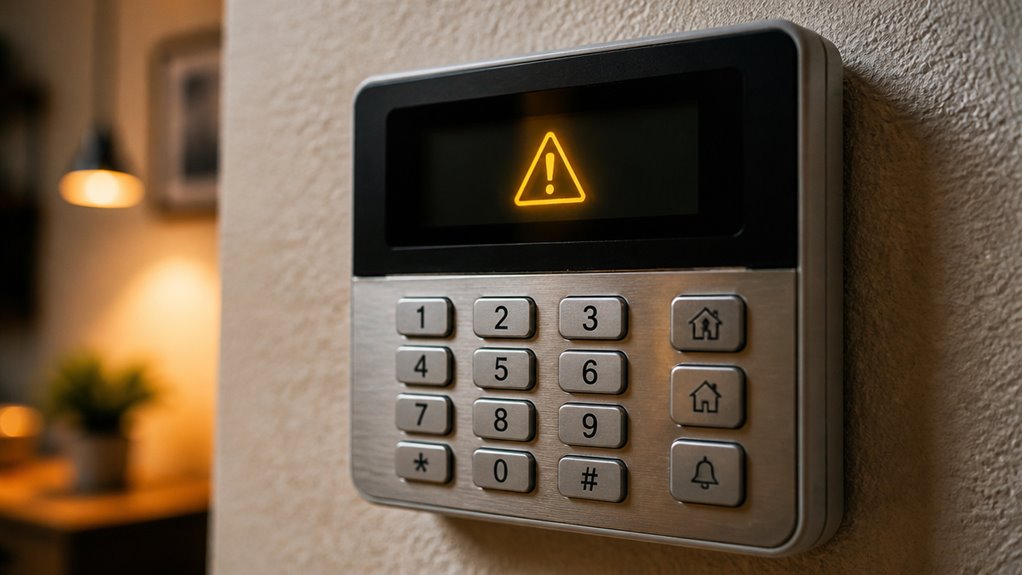
The yellow triangle on your DSC alarm keypad usually signals a trouble condition that needs your attention. This trouble light indicates a system malfunction, tamper, or fault.
Depending on your panel model and issue type, it may stay solid or flash. Typically, the keypad beeps every 10 seconds while the trouble remains active, alerting you continuously.
The indicator won’t clear automatically until you resolve the underlying problem. Your first step should be to view the trouble code using the keypad’s designated command.
Doing this helps you identify the exact fault causing the yellow triangle. Understanding this indicator is vital because it highlights system issues that could compromise your security if left unattended.
Addressing it promptly maintains system integrity and reliability. You can access the trouble menu by pressing * then 2 on the keypad to view specific trouble codes before performing any reset.
Viewing and Silencing Yellow Triangle Trouble Codes
Use these steps to manage trouble codes:
- Press # to silence beeping temporarily.
- Press [*] to display active trouble codes.
- Enter access code if required to view the trouble list.
Viewing and silencing trouble codes lets you identify faults before proceeding with repairs or resets.
Common Yellow Triangle Trouble Codes and Their Fixes
Common trouble codes displayed by the yellow triangle on your DSC alarm help pinpoint specific system issues.
The yellow triangle on your DSC alarm indicates specific trouble codes to help diagnose system problems quickly.
For instance, a low system battery code means the main panel backup battery needs replacing.
An AC loss code signals a power outage; check your transformer and outlet.
Telephone line trouble or communications failure indicates disrupted reporting paths, so verify phone or internet connections.
Zone tamper or sensor trouble codes warn of open doors, windows, or damaged devices; inspect and secure these.
Low sensor batteries, RF jamming, or supervision faults require checking device batteries, signal interference, and wiring.
Identifying these codes accurately guarantees you can target repairs effectively.
Use the keypad to view the trouble code before proceeding, as clearing the yellow triangle depends on fixing the underlying fault.
Pressing *2 on the keypad allows you to access the trouble menu and view specific active codes causing the yellow triangle to appear.
How to Fix Problems Causing the Yellow Triangle?
Start by addressing the specific trouble code shown on your DSC keypad to resolve the yellow triangle indicator. Use the code to identify the root cause and apply the appropriate fix before attempting to clear the trouble. Common issues include power, battery, and tamper faults.
Restore AC power by checking the transformer and outlet if the trouble code indicates AC loss. Replace backup or sensor batteries when the panel signals low battery conditions. Secure open doors, windows, or sensor housings to resolve tamper or zone fault alerts.
After fixing these problems, the system should stop displaying the yellow triangle. If the trouble persists, inspect wiring and communication connections or seek professional service to avoid further faults. Regular maintenance and testing of sensors and components can help prevent these issues from recurring.
Confirming and Clearing the Yellow Triangle After Repairs
Once you’ve resolved the underlying issue, return to the keypad and press [*] to check if the trouble condition remains active. The keypad will display any remaining trouble codes or confirm that the system is clear. Always ensure that the system is fully powered down by disconnecting the backup battery before performing any hardware resets or repairs.
On some DSC Neo models, you can press [*] again or enter code 999 to acknowledge and reset all troubles. The yellow triangle will clear only if the panel no longer detects faults. If it persists, re-inspect the problem area or consult the system manual for additional troubleshooting.
Remember, certain faults like time-and-date loss require reprogramming before clearing. If the trouble light still won’t clear after your efforts, professional service may be necessary to diagnose wiring or communication issues.
Always confirm the panel shows no active trouble before considering the repair complete.
Frequently Asked Questions
Can the Yellow Triangle Cause False Alarms on My DSC System?
The yellow triangle itself won’t cause false alarms, but it signals a system fault that might increase false alarm risk.
If you ignore trouble conditions like sensor tamper, low battery, or communication failures, you could experience unreliable sensor behavior or delayed responses.
You need to diagnose and fix the underlying issues promptly to maintain system integrity and prevent false alarms.
Always acknowledge and clear troubles after repair.
How Often Should I Replace the Backup Battery to Avoid Troubles?
You should replace your DSC alarm’s backup battery every 3 to 5 years to avoid trouble conditions.
Batteries degrade over time, causing low battery trouble signals and potential system malfunctions. Regularly test your system to catch early battery issues.
If your panel indicates a low battery, replace it promptly. Using fresh, manufacturer-recommended batteries guarantees reliable backup power during outages.
This also prevents the yellow triangle trouble indicator from appearing.
Is It Safe to Ignore the Yellow Triangle if the System Still Arms?
You shouldn’t ignore the yellow triangle even if your system still arms.
Studies show that over 40% of alarm system faults stem from unresolved trouble indicators like this.
The yellow triangle signals malfunctions or faults that could compromise security or system reliability.
Address the issue by checking the trouble code, fixing the root cause, and confirming the panel clears the warning.
Ignoring it risks system failure or communication loss.
Can Firmware Updates Affect the Yellow Triangle Trouble Indicator?
Yes, firmware updates can affect the yellow triangle trouble indicator. When you update your DSC alarm’s firmware, it may reset system diagnostics or change how faults are detected and displayed.
You might see the yellow triangle clear temporarily or new trouble codes appear. Always check the trouble list after an update to make sure no active faults remain.
If issues persist, verify firmware compatibility and consider reprogramming the panel to resolve false indicators.
What Happens if the Yellow Triangle Never Clears Despite Repairs?
If the yellow triangle keeps sticking around despite your fixes, it’s a sign the system’s still holding onto a concern. You’ll want to double-check every repair step; sometimes a subtle glitch or overlooked fault lingers.
Review wiring, battery health, and communication lines thoroughly. If it persists, consider reprogramming or professional diagnostics. Your panel won’t clear the trouble symbol until all underlying issues are fully resolved and acknowledged.
Keep Your DSC Alarm Working Without Warning Lights
Clearing the yellow triangle on your DSC alarm is like fixing a warning light on your car’s dashboard. It signals an issue needing attention before it turns critical.
Just as ignoring that light risks bigger damage, overlooking the yellow triangle can compromise your security.
By following the steps to identify and resolve trouble codes promptly, you ensure your system runs smoothly and safely.
Remember, a quick fix now prevents costly repairs later.