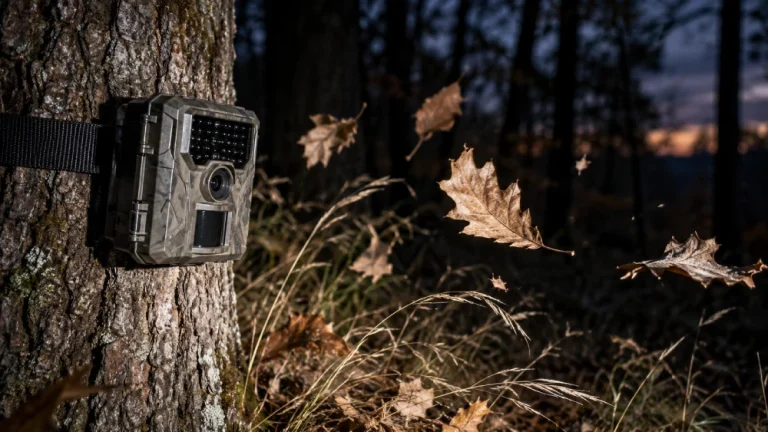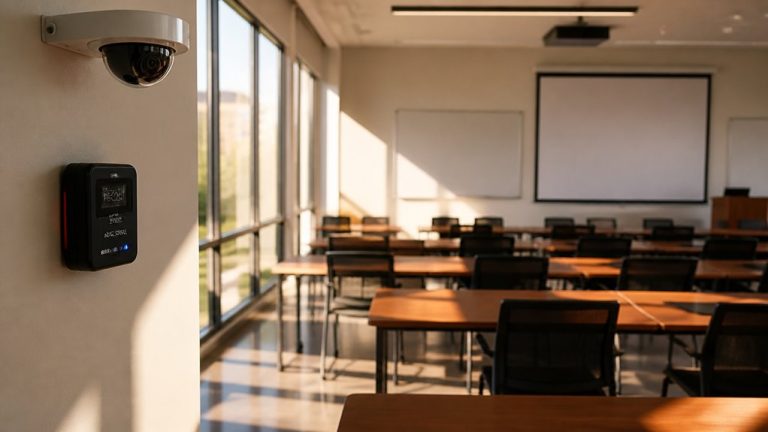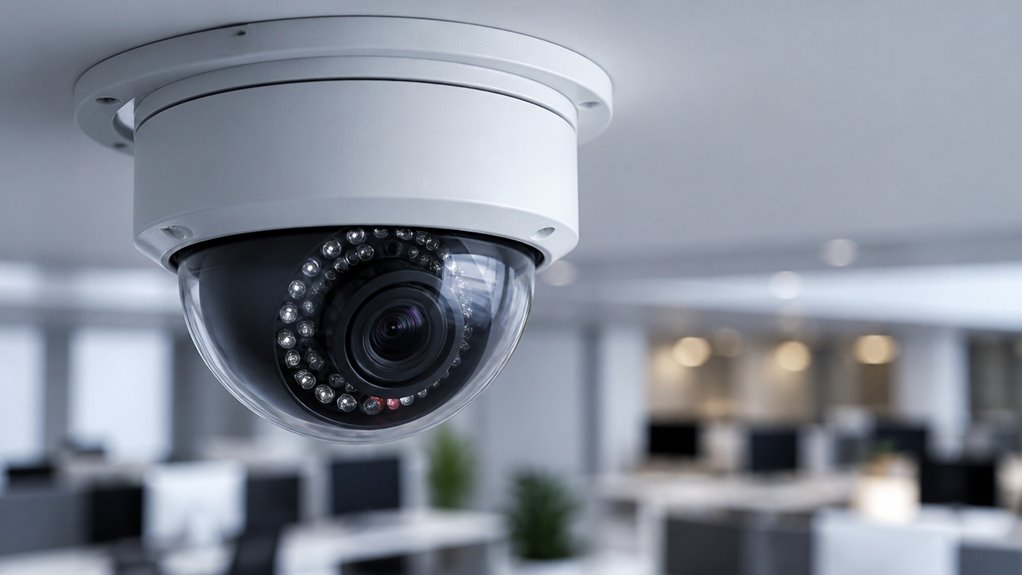

An IP camera captures and transmits digital video over an internet protocol network using a unique IP address.
It converts light into digital data internally, compresses it onboard to save bandwidth, then streams footage via Ethernet, Wi-Fi, or PoE cables.
You’ll get high-resolution images with motion detection and remote access options.
These cameras vary by sensor quality, connectivity type, and security features.
Understanding their technical aspects and selection criteria will help you make an informed choice.
Key Takeaways
- IP cameras capture and transmit digital video over IP networks using unique IP addresses for identification and communication.
- They convert light into digital data internally and compress video with codecs like H.264 or H.265 before transmission.
- IP cameras stream video via Ethernet, Wi-Fi, or PoE cables to network recorders, cloud storage, or management software.
- They offer high-resolution video, remote access, and advanced features like motion detection and night vision for enhanced surveillance.
- IP cameras require secure access controls, encrypted communication, and regular firmware updates to maintain system security.
What Is an IP Camera, and How Does It Work?
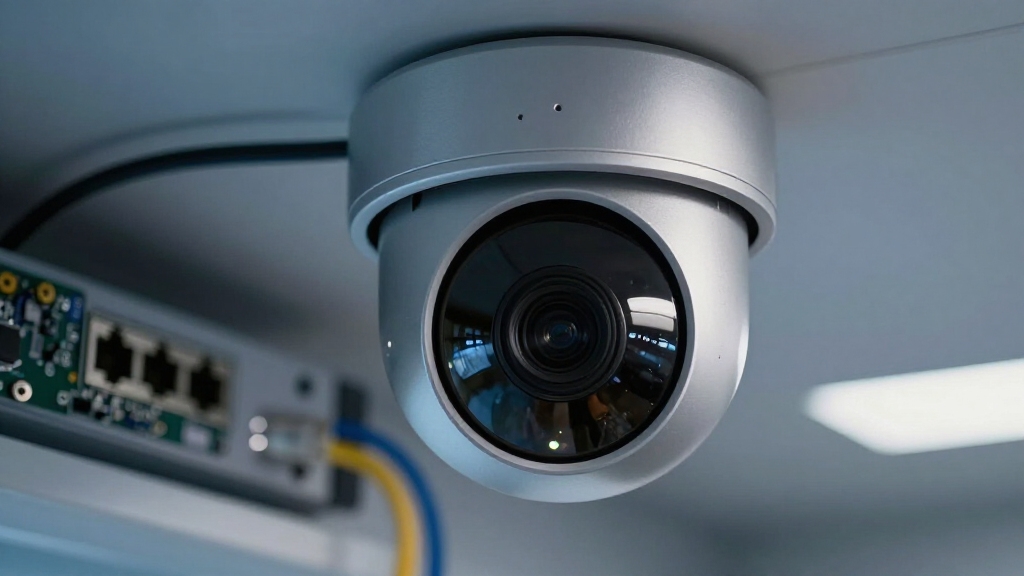
Understanding what an IP camera is starts with recognizing it as a digital video device that transmits image data over an IP network.
An IP camera is a digital video device that transmits image data through an IP network.
Unlike analog CCTV, it assigns a unique IP address for identification and communication. When light passes through the lens, the image sensor converts it into digital data internally.
This data undergoes compression, commonly H.264 or H.265, to optimize bandwidth before transmission. You’ll find these cameras sending streams via Ethernet, Wi-Fi, or PoE-enabled cables to network video recorders, cloud storage, or management software.
This conversion and network protocol use differentiate IP cameras from traditional systems by eliminating local analog recorders. IP cameras also often include motion detection capabilities to trigger alerts and recording based on pixel changes.
Top Features of IP Cameras You Should Know
One standout feature of IP cameras is their high-resolution video quality. You really get clearer and more detailed images compared to traditional analog systems. It makes a huge difference, especially when you need to capture those important details.
And let’s talk about advanced motion detection. This feature takes security up a notch by accurately identifying movement, which helps cut down on those annoying false alerts. So, you can focus on what really matters, knowing that your surveillance is both effective and efficient.
Together, these features really enhance the overall performance of your security setup. Additionally, IP cameras support remote access via apps or browsers, allowing you to monitor your property from anywhere with an internet connection.
High-Resolution Video Quality
A key advantage IP cameras offer over traditional analog systems is their ability to deliver high-resolution video, providing clear and detailed images essential for accurate monitoring and identification.
You’ll notice the difference in image clarity, which enhances your ability to distinguish faces, license plates, and other critical details.
Consider these factors when evaluating high-resolution IP cameras:
- Pixel count: Higher megapixels yield sharper images, allowing for digital zoom without significant quality loss.
- Frame rate: Smooth video at 30+ frames per second ensures real-time, fluid motion capture.
- Compression standards: Efficient codecs like H.265 maintain image quality while reducing bandwidth usage.
- Sensor quality: Larger sensors improve low-light performance and dynamic range, imperative for varied lighting conditions.
These technical aspects make high-resolution IP cameras a superior choice for precise surveillance needs. Additionally, IP cameras perform onboard encoding, which reduces the processing load on the recorder and enables efficient handling of high-resolution streams.
Advanced Motion Detection
While basic motion detection alerts you to movement within the camera’s field of view, advanced motion detection in IP cameras goes further by analyzing the nature and context of motion to reduce false alarms and improve response accuracy.
These systems use algorithms to differentiate between relevant objects like humans or vehicles and irrelevant motions such as shadows or foliage movement.
By leveraging AI-based analytics, advanced motion detection enables event filtering, triggering alerts only when specified criteria are met.
This precision minimizes unnecessary notifications and optimizes bandwidth and storage usage.
When implementing IP cameras with this feature, you gain more reliable monitoring.
This allows you to prioritize genuine security events and enhance situational awareness without overwhelming your response resources.
Additionally, customizable detection zones and sensitivity settings enable focused alerts on critical areas, further reducing false alarms and improving overall accuracy through custom detection zones.
Types of IP Cameras and How They Connect
Explore how IP cameras connect to networks, as their types largely depend on their method of connectivity. Understanding these connection types helps you select the appropriate camera for your network environment and performance needs.
IP cameras primarily fall into four categories based on connectivity:
- Wired Ethernet Cameras: Use RJ45 connectors, offering stable, high-bandwidth data transfer. They often support Power over Ethernet (PoE) for simplified installation.
- Wireless Wi-Fi Cameras: Connect via local wireless networks, providing installation flexibility. However, they may have less stable connections.
- Cellular IP Cameras: Utilize mobile networks (3G/4G/5G), ideal for remote or temporary setups without existing infrastructure.
- Hybrid Cameras: Combine wired and wireless capabilities, ensuring redundancy and adaptability in varying network conditions.
Each type requires consideration of bandwidth, latency, and power availability for best deployment. Additionally, wireless cameras depend heavily on Wi-Fi signal strength for connection stability and video quality.
Common Uses of IP Cameras in Security and Monitoring
IP cameras frequently serve as critical tools in security and monitoring due to their ability to deliver high-resolution video and real-time remote access.
You’ll find them widely used in home security, enabling you to monitor entrances and vulnerable areas remotely.
In business environments, IP cameras provide all-inclusive surveillance for offices, warehouses, and retail spaces. This allows centralized control through video management systems (VMS).
Their integration with AI analytics helps detect human presence, vehicles, or unauthorized access, enhancing situational awareness.
Additionally, IP cameras support remote monitoring, so you can view live or recorded footage off-site. This is essential for security operations and incident response.
When deployed in smart building systems, these cameras contribute to automated safety alerts and activity tracking, increasing overall security efficiency.
For comprehensive safety, these systems are often combined with interconnected alarms to ensure simultaneous alerts across devices.
Keeping Your IP Camera Safe and Easy to Manage
To keep your IP camera secure, it’s essential to start with strong, unique passwords. You definitely want to restrict user permissions, too, so that you minimize the chances of unauthorized access. It’s all about making it harder for anyone to get in who shouldn’t be there.
Don’t forget about firmware updates! Regularly applying these updates is crucial because they patch any vulnerabilities and improve system stability. Plus, if you use centralized management tools, you can streamline the process. This way, you can maintain top-notch security without interrupting the operation of your cameras. It’s a win-win!
Enabling two-factor authentication adds an extra layer of protection by requiring a second verification step to access your camera accounts.
Securing Access Controls
Strengthen your camera’s defenses by implementing robust access controls that prevent unauthorized entry and maintain system integrity.
You need to manage user authentication rigorously, ensuring strong, unique passwords and disabling default credentials.
Employ role-based access control (RBAC) to limit permissions strictly to necessary functions.
Enforce encrypted communication protocols like HTTPS to protect login credentials and video streams from interception.
Finally, segment your network by placing IP cameras on isolated VLANs to minimize exposure to other critical systems.
- Replace default usernames and passwords immediately.
- Use RBAC to assign minimal privileges per user role.
- Enable HTTPS or other TLS-based protocols for all access.
- Isolate IP cameras in dedicated VLANs to reduce attack surface.
Regularly update router and camera firmware to patch vulnerabilities and maintain cybersecurity integrity.
This precise configuration safeguards your IP camera from unauthorized access.
Simplifying Firmware Updates
When managing networked cameras, keeping firmware up to date is essential for maintaining security and operational stability.
Firmware updates patch vulnerabilities, fix bugs, and enhance performance, reducing the risk of cyberattacks and system failures. To simplify this process, leverage automated update features if available.
Many IP cameras support scheduled or push updates via the manufacturer’s management software or cloud platform, minimizing manual intervention. Always verify update authenticity by downloading firmware from trusted sources to avoid compromised files.
Before updating, back up current settings to prevent data loss. Additionally, disable obsolete services to reduce attack surfaces.
Regular firmware updates are crucial because lack of firmware updates may leave vulnerabilities unpatched, increasing security risks.
How to Pick the Right IP Camera for You?
Selecting the right IP camera involves evaluating your specific surveillance needs, environmental conditions, and network capabilities. To make an informed choice, consider these factors:
- Resolution and Frame Rate: Higher resolution provides clearer images. Verify your network supports the bandwidth for smooth streaming at the desired frame rate.
- Connectivity Type: Choose wired for reliability and power over Ethernet (PoE). Opt for wireless for flexible installation, but be aware of potentially less stable connections.
- Environmental Suitability: Match indoor or outdoor models based on weather resistance and lighting conditions. Consider infrared night vision for low light.
- Advanced Features: Assess the need for motion detection, two-way audio, and AI analytics to enhance security and reduce false alarms.
- Proper installation, including lens alignment and unobstructed views, is essential to maximize coverage and prevent blind spots.
Frequently Asked Questions
Can IP Cameras Work Without Internet Access?
Yes, your IP cameras can work without internet access if they’re connected to a local network.
They’ll still capture and store footage on an NVR or local storage device.
However, without internet, you won’t access live streams remotely or receive cloud alerts.
You can monitor footage on-site via your network, but features like remote viewing and cloud backup depend on internet connectivity to function properly.
How Do IP Cameras Handle Power Outages?
Power problems pose a persistent challenge. During outages, IP cameras typically stop streaming since they rely on continuous power.
To maintain monitoring, you’ll need an uninterruptible power supply (UPS) or backup battery system that provides temporary electricity.
Some models with PoE can benefit from centralized UPS units powering switches. Without backup, your footage halts, and remote access fails.
Implementing reliable power redundancy is essential for uninterrupted surveillance.
What Is the Typical Lifespan of an IP Camera?
You can typically expect an IP camera to last between 5 to 10 years, depending on build quality and environmental conditions.
Factors like constant power supply, firmware updates, and proper weatherproofing for outdoor units extend lifespan. Harsh environments or electrical surges can degrade components faster.
Regular maintenance and using PoE over reliable networks also help maximize operational longevity, ensuring consistent video performance and reducing early hardware failures.
Are IP Cameras Compatible With Smart Home Systems?
Yes, IP cameras are compatible with many smart home systems. You’ll find that most support integration via common protocols like ONVIF, RTSP, or proprietary APIs.
This allows you to connect them with platforms such as Google Home, Amazon Alexa, or Apple HomeKit. You can automate alerts, live viewing, and recording through your smart home hub, enhancing control and security.
Just verify compatibility before purchase for seamless operation.
Can IP Cameras Be Hacked, and How Common Is It?
Yes, IP cameras can be hacked, and it’s more common than you might think.
Attackers exploit weak passwords, outdated firmware, and unsecured networks.
You must use strong passwords, enable encryption, and update firmware regularly.
Disabling unnecessary services can also reduce risks.
Segmenting your network and monitoring access logs are essential steps.
By proactively managing security, you markedly decrease the chances of unauthorized access.
This ensures your IP camera system remains reliable and protected.
Choose the Right IP Camera for Your Network
Choosing the right IP camera is like selecting the perfect lens for your security vision. It captures every detail with precision, streaming clarity and control straight to your fingertips.
By understanding its features, types, and safeguards, you empower yourself to build a fortress of digital watchfulness. Stay sharp, stay connected, and let your IP camera be the vigilant eye that never blinks.
Turn data into decisive protection.