
You can turn off your SimpliSafe smoke alarm by entering your Master or Custom PIN on the keypad. This is the only authorized, immediate way to cancel and disarm the alarm.
The built-in silence button provides a temporary mute for up to 10 minutes but doesn’t fully cancel the alert. The mobile app can’t silence smoke alarms due to UL safety rules, and removing batteries isn’t recommended.
For more on handling false alarms and prevention, keep exploring these insights.
Key Takeaways
- Enter the Master or Custom PIN on the keypad to immediately cancel and disarm the SimpliSafe smoke alarm.
- Use the built-in silence button to temporarily mute the alarm for up to 10 minutes during false alarms.
- The mobile app cannot silence or cancel smoke alarms due to UL safety regulations and system design.
- Monitoring agents can only cancel alarms after contacting the primary contact and verifying the situation.
- Avoid removing the battery; always disarm via keypad to maintain safety and device functionality.
How to Quickly Turn Off a SimpliSafe Smoke Alarm?
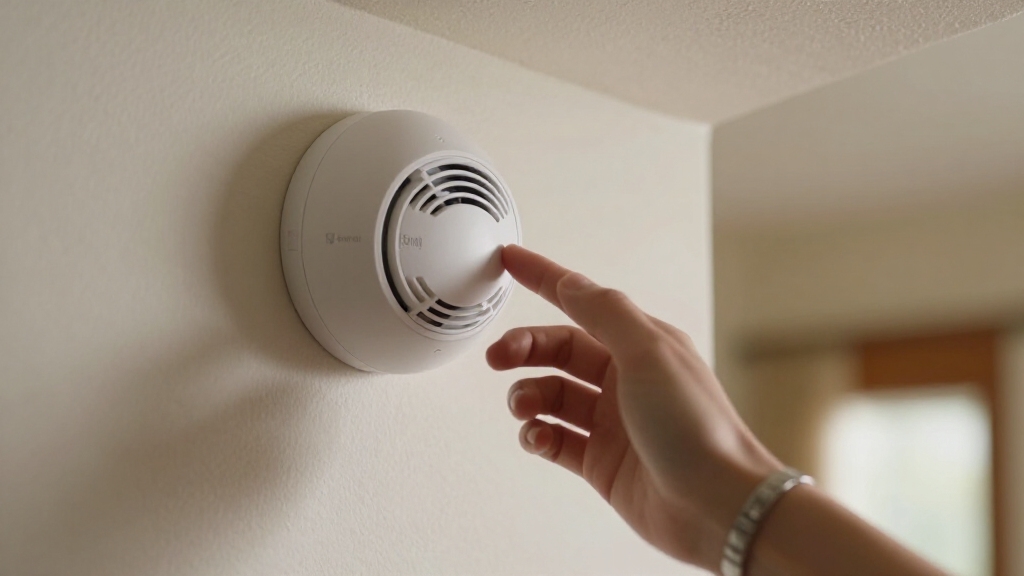
When you need to quickly turn off a SimpliSafe smoke alarm, the most effective method is to enter your Master or Custom PIN directly on the Keypad. This action immediately cancels the alarm and disarms the smoke event.
Enter your Master or Custom PIN on the Keypad to quickly cancel and disarm a SimpliSafe smoke alarm.
You can’t silence or cancel these alarms through the mobile app due to UL safety regulations, which prevent remote deactivation to guarantee occupants are alerted in emergencies.
If you have active monitoring, you can also cancel the alarm by speaking with a monitoring agent when they contact your primary number.
However, for rapid, on-site control, the Keypad PIN entry is the only authorized and reliable method. Always use this approach to maintain compliance with safety protocols and avoid disabling critical life-safety alerts improperly.
For comprehensive security, SimpliSafe systems require a third-generation base station and keypad for full functionality and control.
Why You Can’t Silence SimpliSafe Smoke Alarms in the App?
Knowing that the keypad PIN is the only way to quickly silence a SimpliSafe smoke alarm highlights why the mobile app doesn’t offer this function.
UL safety standards strictly prohibit remote cancellation of life-safety alarms like smoke detectors to guarantee occupants are alerted before deactivation.
The SimpliSafe app allows you to cancel other alarms, but smoke alarms require physical interaction via the keypad PIN to prevent remote silencing without verifying presence.
This design prioritizes safety by preventing accidental or malicious remote shutdowns that could delay fire detection and response.
If monitoring is active, agents can only cancel alarms after confirming with the primary contact, never directly through the app.
This approach guarantees the alarm’s integrity and compliance with fire safety regulations, making the keypad PIN method the only authorized silencing option.
Central station monitoring systems rely on continuous monitoring to ensure immediate response and verification before any alarm can be silenced.
How to Use the SimpliSafe Smoke Alarm’s Silence Button?
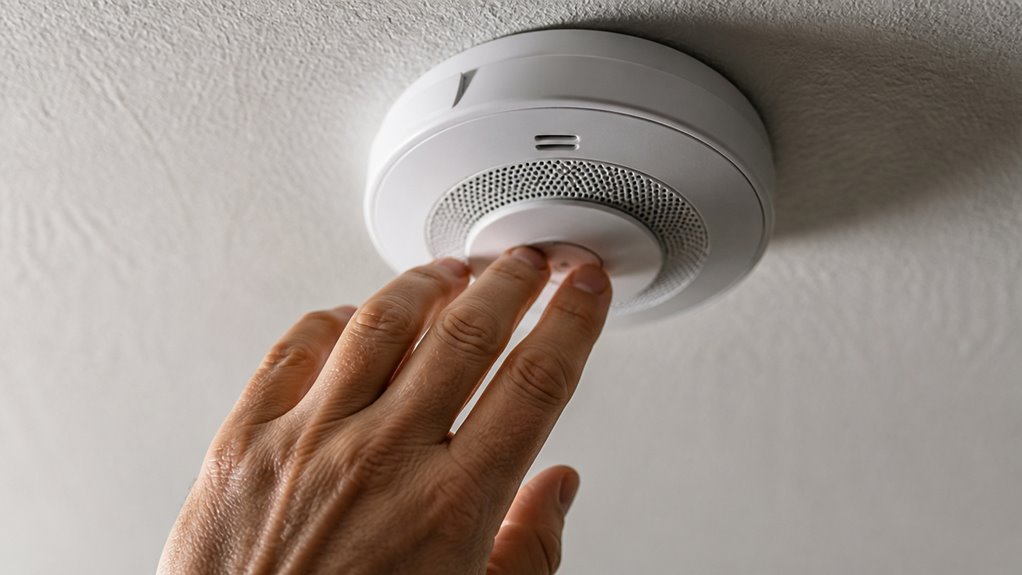
If you ever find yourself dealing with a false alarm from your SimpliSafe smoke detector, don’t worry! You can easily silence it by using the built-in silence button on the device. Just press that button, and it’ll mute the alarm for up to 10 minutes.
This little pause gives you a chance to clear out any lingering smoke or steam that might be causing the alarm to go off. Just keep in mind, if the smoke is still there after those 10 minutes, the alarm might reactivate. So, it’s a good idea to check things out before the time is up!
For a more permanent solution when troubleshooting persistent issues, consider performing a factory reset on your smoke alarm.
Temporary Alarm Silence
SimpliSafe smoke alarms frequently include a test/silence button that lets you temporarily mute false alarms triggered by non-threatening factors like steam or cooking smoke.
This feature provides up to 10 minutes of silence, giving you time to clear the air without disabling your system. Use it only when you’re sure there’s no real fire risk.
Key points to remember:
Press the test/silence button on the detector to initiate temporary silence.
Silence lasts approximately 10 minutes before the alarm resets.
If smoke persists, the alarm will reactivate after the silence period.
This method doesn’t cancel the alarm system; use the Keypad for full disarm.
Never remove the battery to stop an alarm; it compromises safety.
Temporary silence helps manage nuisance alarms while maintaining essential fire protection.
The detector’s food-safe detection mode helps reduce false alarms caused by cooking activities, complementing the temporary silence feature.
Silence Button Usage
When a false smoke alarm sounds, quickly pressing the detector’s silence button can temporarily mute the alarm for up to 10 minutes. This feature lets you pause the alarm without disabling the entire system or removing batteries.
Use the silence button only during false alarms caused by steam, dust, or minor cooking smoke. Remember, the alarm will reactivate if smoke persists after the silence period.
The silence button doesn’t cancel the alarm event within the SimpliSafe system; you still need to enter your Master or Custom PIN on the Keypad to fully clear the alert.
Avoid relying on the silence button as a permanent solution. It’s a temporary measure designed to reduce nuisance noise while maintaining safety protocols and ensuring the system remains active until the hazard clears.
For persistent false alarms, regular cleaning and maintenance of the smoke detector can help prevent nuisance beeping and improve reliability.
How to Handle Persistent SimpliSafe Smoke Alarm False Alarms?
When you’re dealing with those pesky false alarms from your SimpliSafe smoke alarm, it’s a good idea to first figure out what’s causing them. Common triggers include things like steam from the shower, dust buildup, or even having the alarm too close to bathrooms.
If you need a quick fix, just hit the silence button. It’ll mute the alarm for about 10 minutes, giving you a little breathing room. Just keep in mind that it’s only a temporary solution.
To really reduce those annoying false alarms in the future, make it a habit to clean your smoke detector regularly. And try to place it away from anything that might set it off, like kitchens or bathrooms. That way, you can help keep your home safe without the interruptions!
If chirping persists despite these efforts, it may indicate sensor faults or contamination that require professional attention.
Identifying False Alarm Causes
False alarms can quickly wear you down, especially if they keep going off without an obvious cause. To effectively address persistent false alarms, you need to identify common triggers that fool your SimpliSafe smoke detector. Knowing these will help you reduce unnecessary alerts and maintain system reliability.
Watch for these false alarm causes:
Steam from showers or cooking, especially near bathrooms or kitchens.
Dust or debris buildup inside the detector’s sensing chamber.
Smoke residue from burnt food or cooking fumes.
Placement of the detector too close to HVAC vents or ceiling fans.
Environmental factors like excessive humidity or aerosol sprays.
Regular cleaning and strategic placement markedly lower false alarm frequency. Pinpointing the root cause is your first step toward preventing nuisance alerts and ensuring your system functions as intended. Be sure to reset the alarm after cleaning or maintenance to restore proper operation.
Temporary Alarm Silence Options
Frequently, persistent false alarms from your SimpliSafe smoke detector demand immediate yet safe silencing methods to prevent unnecessary disruption.
You can temporarily mute the alarm by pressing the detector’s test/silence button, which pauses the alarm for up to 10 minutes. To fully cancel the alarm, use your Keypad and enter your Master or Custom PIN.
Avoid removing batteries, as it compromises safety. Below is a summary of temporary silence options:
| Method | Details |
|---|---|
| Test/Silence Button | Mutes alarm temporarily (up to 10 mins) |
| Keypad PIN Entry | Cancels alarm immediately and safely |
| Mobile App | Cannot cancel smoke alarms |
| Battery Removal | Not recommended; safety risk |
| Air Circulation | Use fans/windows to clear smoke |
For ongoing issues, understanding and addressing the trouble codes behind persistent alarms can help prevent frequent false alerts.
Always prioritize safe silencing over quick fixes.
Preventing Future False Alarms
Although occasional nuisance alarms can be managed with temporary silencing, persistent false alarms require proactive steps to prevent recurrence.
To handle ongoing SimpliSafe smoke alarm false alarms, focus on environmental control and detector maintenance. Avoid placing detectors near bathrooms or kitchens where steam or smoke from cooking can trigger alarms.
Regularly clean the detector chamber to remove dust and debris that can cause false triggers. Use ventilation to clear lingering smoke or steam quickly.
Finally, make certain the detector is properly installed per manufacturer guidelines.
- Keep smoke detectors away from steam-prone areas
- Clean detectors monthly to prevent dust buildup
- Use fans or open windows to clear residual smoke
- Avoid cooking directly under detectors
- Confirm correct installation height and location
These measures reduce false alarms and improve system reliability. Additionally, consider upgrading to photoelectric detectors to minimize false alarms caused by cooking fumes and steam.
Common Causes of SimpliSafe Smoke Alarm False Alarms
SimpliSafe smoke alarms often trigger unnecessarily due to environmental factors that interfere with their photoelectric sensors.
Steam from showers or cooking can mimic smoke particles, causing false alarms.
Steam from showers or cooking often triggers false alarms by simulating smoke particles.
Dust and debris accumulating inside the sensing chamber also disrupt sensor accuracy, leading to unwanted triggers.
Burning food produces smoke particulates that the detector interprets as a fire threat, even if the situation isn’t dangerous.
These false alarms occur because the sensor’s design prioritizes early detection over discriminating between harmless and hazardous particles.
Understanding these common causes helps you identify and address nuisance alarms effectively.
You’ll want to focus on eliminating these environmental interferences to maintain reliable alarm performance and avoid unnecessary system activations.
Proper placement and ventilation are essential to reduce the risk of steam-induced false alarms by keeping detectors away from steam sources and ensuring good airflow.
Placement and Maintenance Tips to Reduce False Alarms
Proper placement and regular maintenance play essential roles in minimizing false smoke alarms. You can avoid nuisance alerts by strategically locating your SimpliSafe smoke detector and keeping it clean. Steam, dust, and cooking fumes are common triggers that you can control. Follow these tips to reduce false alarms effectively:
Install detectors away from bathrooms and kitchens to prevent steam and smoke interference.
Keep the detector at least 10 feet from cooking appliances and vents.
Clean the sensor chamber monthly using a soft brush or vacuum to remove dust and debris.
Avoid painting or covering the detector, which can obstruct sensor function.
Test your alarms regularly to guarantee proper operation and identify maintenance needs early.
These steps maintain detector accuracy and enhance your home’s safety.
Why You Shouldn’t Remove the Battery to Stop Smoke Alarms?
Keeping your smoke detector clean and well-placed helps reduce false alarms, but it doesn’t eliminate the need for correct handling when an alarm sounds. You shouldn’t remove the battery to stop the alarm because it compromises your safety.
Removing the battery disables the smoke detector entirely, leaving you vulnerable to real fires without warning. SimpliSafe’s system requires you to use the Keypad PIN to cancel alarms properly. This ensures the system alerts occupants before silencing.
Battery removal also risks damaging the alarm or voiding service coverage. Instead, use the test/silence button for temporary muting during false alarms or disarm via the keypad. Trusting proper shutdown methods maintains the device’s integrity and your home’s protection against fire hazards.
Frequently Asked Questions
Can Monitoring Agents Cancel the Smoke Alarm Remotely?
Yes, monitoring agents can cancel the SimpliSafe smoke alarm remotely, but only during active monitoring when they contact the first Primary Contact.
However, remote cancellation is strictly limited due to UL safety rules for life-safety alarms, ensuring people in the home are alerted first.
You won’t be able to cancel smoke alarms via the mobile app; using the Keypad PIN is the primary and safest method to disarm the smoke alarm yourself.
How Long Does the Silence Button Mute the Alarm?
The silence button on your SimpliSafe smoke alarm mutes the alarm for up to 10 minutes.
During this period, the alarm stops sounding but may reactivate if smoke remains in the air after the silence expires.
Use this function to temporarily quiet false alarms, but remember it doesn’t deactivate the detector.
The alarm will automatically reset if smoke persists, ensuring your safety until conditions clear.
What Happens if Smoke Is Still Present After Silencing?
Silencing the alarm offers temporary relief, but if smoke lingers, the alarm will reactivate once the mute period ends.
This design guarantees your safety by preventing false security.
The detector continuously monitors air quality, so persistent smoke triggers repeated alerts until the environment clears.
You must address the smoke source or improve ventilation; otherwise, the alarm remains active.
This prioritizes life safety over convenience through this fail-safe mechanism.
Are Smoke Alarms Connected to Other Simplisafe Devices?
Yes, your SimpliSafe smoke alarms are connected to other SimpliSafe devices within the system. When smoke is detected, the alarm triggers the entire system, including the keypad and monitoring service. This ensures a coordinated response and helps alert you and your monitoring agents instantly.
However, the smoke alarm’s cancellation requires input via the keypad due to safety protocols. This prevents remote silencing through the app or other devices.
Can Steam From Cooking Trigger the Smoke Alarm?
Just like a Victorian-era fog could obscure a streetlamp, steam from cooking can trigger your SimpliSafe smoke alarm. Its photoelectric sensor can mistake steam for smoke, causing false alarms.
You should avoid placing detectors near kitchens or bathrooms where steam is common. Regularly cleaning the sensor reduces nuisance activations.
If you get a false alarm, use the keypad PIN or the detector’s silence button to manage it safely and promptly.
Final Answer: How to Turn off SimpliSafe Smoke Alarm
To effectively tame your SimpliSafe smoke alarm, tackle triggers thoughtfully and trust its technology.
You can’t simply silence alarms through the app, but the physical silence button swiftly stops sounds during false alerts.
Stay sharp by securing sensor spots and sustaining sensor cleanliness to sidestep stubborn signals.
Remember, removing batteries risks safety systems.
By balancing careful care with correct controls, you’ll confidently curb clamor without compromising vital caution.