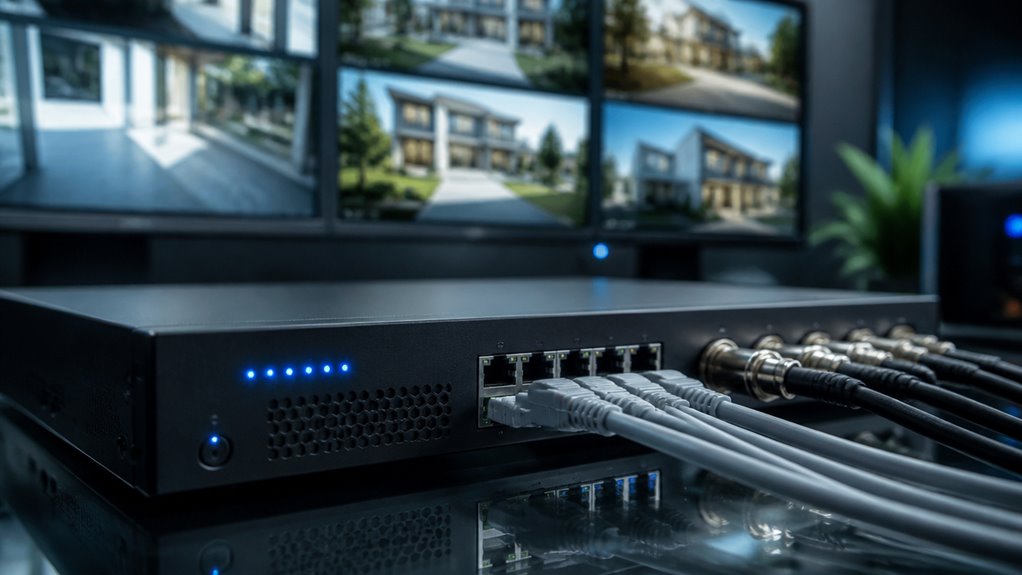

An NVR (Network Video Recorder) captures and manages digital video streams from your IP cameras over a network.
It stores high-resolution footage locally or in the cloud. It relies on cameras to encode video, reducing processing load and supporting advanced features like AI analytics and event-triggered recording.
NVRs enable scalable surveillance with smooth playback, remote access, and efficient bandwidth use. Understanding how NVRs integrate with your cameras and storage helps optimize your security system’s performance and expansion capabilities.
Key Takeaways
- NVR (Network Video Recorder) receives and processes digital video streams from IP cameras over a network for centralized surveillance.
- It stores compressed video footage locally or on the cloud, enabling easy retrieval and playback of high-resolution recordings.
- NVR systems rely on IP cameras that encode video independently, reducing processing load on the recorder.
- They support remote monitoring, event-triggered recording, and integration with smart analytics for enhanced security.
- NVRs offer flexible installation with Ethernet, Wi-Fi, and PoE, allowing scalable and efficient camera network setups.
Understanding NVRs and How They Work
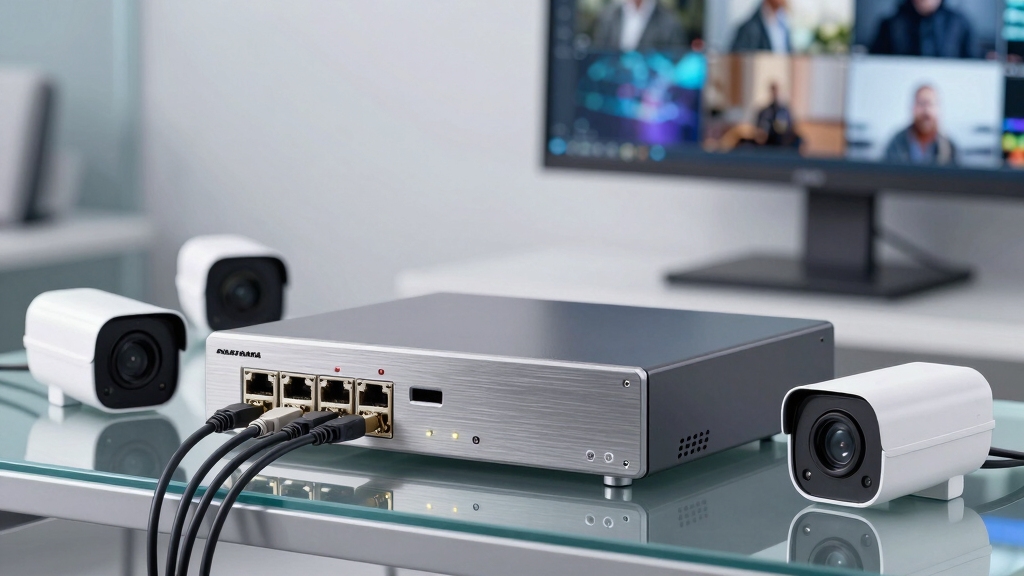
Although it may seem complex at first, understanding how an NVR works is straightforward once you grasp its core function: it receives and processes digital video streams directly from IP cameras over a network.
Understanding an NVR is simple: it processes digital video streams directly from IP cameras over a network.
You rely on the NVR as a centralized hub that collects encoded video data from multiple cameras, each assigned a unique IP address for identification.
The device compresses and stores this footage on local or cloud storage, enabling efficient retrieval and playback.
You’ll appreciate that the NVR supports high-resolution video and scalable channel capacities, making it suitable for various surveillance setups.
Additionally, it handles event-triggered recording and integrates analytics, which reduces processing load by offloading encoding tasks to the cameras themselves.
This ensures smooth, reliable video management.
NVR systems often use PoE technology to simplify installation by combining power and data transmission over a single Ethernet cable.
NVR vs DVR: Key Differences in Video Surveillance?
When you look at NVR and DVR systems, one of the first things you’ll notice is the types of cameras they use. NVRs are all about those IP cameras, while DVRs stick with the traditional analog ones. It’s like choosing between the latest smartphone and an old flip phone!
Now, let’s talk about how they handle video processing. NVRs are pretty cool because they encode the footage right at the camera before sending it out.
On the other hand, DVRs take a different route; they process those analog signals internally. It’s like having a personal chef (NVR) versus cooking your meal in a microwave (DVR).
And if you’re considering connectivity and scalability, NVRs really shine here. They offer a range of network and wireless options, making it easy to expand your system as needed.
DVRs, however, are tied down by their reliance on coaxial cables. So, if you’re looking for flexibility, NVRs might be the way to go!
Additionally, NVR systems commonly use PoE technology, which simplifies power and data delivery through a single cable, enhancing installation efficiency and system reliability.
Camera Types Used
Security cameras are the core components distinguishing NVR and DVR systems, primarily by their technology and connectivity.
NVRs use IP cameras that independently encode and transmit digital video over Ethernet or Wi-Fi networks. This allows for flexible placement and higher resolution. These cameras assign IP addresses for seamless integration with the NVR, supporting wireless setups and scalability without heavy processor demands on the recorder.
In contrast, DVR systems rely on analog cameras connected via coaxial cables. These cameras send raw analog signals to the DVR for encoding and storage.
Analog cameras limit resolution and installation flexibility, tethering you to wired connections.
Understanding these camera types is essential. NVR-compatible IP cameras enable advanced features like AI analytics and remote access, while DVR-compatible analog cameras suit simpler, localized surveillance needs.
Additionally, NVR systems benefit from video compression technologies such as H.265, which optimize storage and bandwidth usage.
Video Processing Methods
The type of cameras used directly influences how video data is processed in NVR and DVR systems.
With NVR, IP cameras handle initial video encoding, compressing footage at the source before sending it over the network. This method reduces processing load on the NVR itself, allowing it to efficiently receive, store, and manage high-resolution digital streams.
Conversely, DVR systems receive raw analog signals from cameras and perform video encoding and processing internally. This demands more local hardware resources.
Because NVRs rely on digital data transmitted via Ethernet or Wi-Fi, they support advanced video compression formats and analytics integration.
DVRs, limited to coaxial cables and analog signals, typically offer lower resolution and basic processing capabilities.
Understanding these differences helps you select the right system based on your surveillance quality and processing requirements.
Additionally, NVR systems benefit from Power over Ethernet (PoE) support, simplifying installation by delivering power and data through a single cable.
Connectivity and Scalability
Because NVR systems leverage network-based IP cameras, they offer greater connectivity options and scalability compared to DVR setups. You can easily add cameras without rewiring, as NVRs connect via Ethernet or Wi-Fi. This enables flexible configurations and supports higher resolution and advanced features without overloading the recorder.
When considering scalability and connectivity, keep in mind:
- Add or relocate cameras effortlessly over a network.
- Integrate wireless cameras to reduce cabling complexity.
- Scale from a few to thousands of cameras with minimal infrastructure changes.
- Access and manage all cameras remotely through centralized software.
This flexibility allows you to tailor your surveillance system precisely to your growing security needs. NVRs are ideal for dynamic environments where expansion or reconfiguration is common.
Additionally, using video compression standards like H.265 helps manage bandwidth and storage efficiently in large-scale NVR deployments.
Key Components of an NVR System
Understanding the key components of an NVR system helps you design an efficient, scalable surveillance network.
At its core, IP cameras capture and encode video independently.
They transmit data over a wired or wireless network to the NVR.
The network infrastructure, typically Ethernet or Wi-Fi, guarantees seamless communication between cameras and the NVR.
Inside the NVR, dedicated storage drives securely hold compressed, encoded footage for retrieval and playback.
The system’s software manages camera settings, schedules, and motion detection, providing centralized control.
Optional monitors and routers facilitate real-time monitoring and remote access.
Together, these components enable reliable video recording, storage, and management.
They assure your surveillance setup is robust and adaptable to expanding security needs.
For optimal performance, it is important to assess Wi-Fi signal strength at camera locations to avoid streaming interruptions and maintain stable communication.
Why NVRs Are Ideal for High-Resolution Video Recording?
Capture every detail with an NVR system designed to handle high-resolution video streams efficiently.
Unlike traditional systems, NVRs process video data digitally, preserving image clarity without degradation.
NVRs digitally process video data to maintain crystal-clear image quality without any loss.
Their robust processing power supports 4K and higher resolutions, ensuring you don’t miss any critical detail.
You’ll appreciate how NVRs optimize bandwidth and storage by compressing high-res footage without compromising quality.
With an NVR, you get:
- Crisp, detailed video essential for accurate identification
- Smooth playback even at high resolutions
- Scalable storage options tailored to your recording needs
- Efficient data handling that reduces network strain
These features make NVRs invaluable for security setups demanding superior video fidelity and reliability.
Additionally, NVRs often integrate seamlessly with smart platforms to enable remote monitoring and coordinated security responses.
How IP Cameras Integrate With NVR Systems?
To connect IP cameras to an NVR, you usually go through your network, which can be done via Ethernet or Wi-Fi. Each camera gets its own unique IP address, making communication between them super smooth.
Now, what’s cool is that these cameras work independently to encode video data. They send this information over the network as digital streams right to the NVR.
Once the NVR gets this data, it processes and securely stores everything, so you can easily view it in real-time or play it back whenever you need.
Using Power over Ethernet (PoE) can simplify wiring by delivering both power and data over a single cable for hardwired IP cameras.
Camera-Network Connectivity
When connecting IP cameras to an NVR system, the network serves as the critical communication channel that enables seamless video transmission. Your IP cameras assign themselves unique IP addresses, allowing the NVR to identify and manage each feed effectively.
This integration relies on wired Ethernet or wireless Wi-Fi, guaranteeing flexible installation options. Proper network configuration guarantees stable connectivity and uninterrupted video flow.
You’ll appreciate these key aspects of camera-network connectivity:
- Efficient data routing minimizes latency and packet loss.
- Network protocols guarantee secure and reliable camera-NVR communication.
- Scalability allows you to add cameras without network overload.
- Power over Ethernet (PoE) simplifies wiring by delivering power and data simultaneously.
Many systems also use a unique device identifier embedded in each camera to ensure secure identification and management across the network.
Understanding these factors helps you optimize your NVR system’s performance and reliability.
Video Data Transmission
IP cameras send encoded video streams directly to the NVR over the network, ensuring efficient and secure data transmission. You assign each camera an IP address, enabling the NVR to recognize and manage multiple streams simultaneously.
The NVR then assembles, compresses, and stores these packets on local or cloud storage. This architecture reduces NVR processing load since encoding happens at the camera level. You benefit from scalable setups, adding cameras without degrading performance.
Network protocols like TCP/IP maintain data integrity and security during transmission. Many advanced systems, such as those from Reolink, also support RTSP streaming for integration with third-party NVRs and NAS devices.
| Aspect | Description |
|---|---|
| Encoding Location | Done at IP cameras before sending |
| Transmission Method | Digital packets over Ethernet/Wi-Fi |
| Storage | Centralized on NVR or cloud drives |
This integration optimizes video quality, latency, and system scalability.
How NVRs Store Video and Enable Remote Access?
NVRs break down video streams from multiple cameras and efficiently store them on local hard drives or cloud servers. This ensures seamless access to footage.
NVRs decode multiple camera streams, storing footage locally or in the cloud for easy, seamless access.
You can rely on NVRs to compress and encode video data, organizing it for quick retrieval and playback. Remote access is enabled through network connectivity, allowing you to monitor live or recorded footage from anywhere via secure apps or web portals.
This setup guarantees you stay connected and informed in real time.
With an NVR, you’ll benefit from:
- Centralized storage managing multiple high-resolution streams effortlessly
- Flexible cloud or on-premises storage options for data security
- Remote viewing capabilities on various devices anytime, anywhere
- Efficient bandwidth use maintaining video quality without lag
This combination makes NVRs indispensable for modern surveillance systems.
How NVR Systems Use AI to Improve Security Monitoring?
Although traditional video recording systems rely mainly on motion detection, modern NVR systems use AI algorithms to enhance security monitoring by analyzing video feeds in real time.
You benefit from reduced false alarms as AI distinguishes between humans, animals, and objects. AI-powered facial recognition and behavior analysis further improve threat detection accuracy, allowing proactive responses.
| AI Feature | Security Benefit |
|---|---|
| Object Detection | Filters irrelevant motion triggers |
| Facial Recognition | Identifies individuals of interest |
| Behavior Analysis | Detects suspicious or unusual activity |
Setting Up and Expanding Your NVR Surveillance Network
When planning your surveillance setup, understanding how to properly configure and expand your NVR network is essential for peak performance. Start by assigning unique IP addresses to each camera to guarantee seamless communication.
Connect cameras via Ethernet or Wi-Fi to maintain stable data transmission. As you expand, verify your NVR’s channel capacity and upgrade storage to accommodate additional footage. Prioritize network bandwidth to avoid lag or dropped frames.
To optimize your setup, focus on:
- Proper camera placement for maximum coverage
- Secure, high-speed network connections
- Scalable storage solutions to prevent data loss
- Regular firmware updates for enhanced functionality
Top Benefits of NVRs for Home and Business Security
Because they leverage advanced IP camera technology and network connectivity, network video recorders deliver superior video quality and flexible surveillance options that cater to both home and business security needs.
You’ll benefit from high-resolution footage that’s encoded at the camera level, reducing processing load on the NVR and enhancing performance.
NVRs offer scalable channel capacities, allowing you to add cameras without significant system upgrades.
Remote access capabilities let you monitor your property from anywhere, while integrated AI features like facial recognition and object detection minimize false alarms.
You can expand storage easily, using local drives or cloud solutions, and enjoy wireless connectivity options for convenient installation.
Frequently Asked Questions
Can NVRS Work With Cameras From Different Manufacturers?
Yes, you can use NVRs with cameras from different manufacturers, but compatibility depends on standards like ONVIF support.
If your cameras and NVR both support ONVIF, they’ll communicate smoothly, allowing you to mix brands without issues.
However, some proprietary features mightn’t work across brands. Always verify protocol compatibility and firmware versions to guarantee seamless integration and full functionality in your surveillance setup.
What Network Requirements Are Needed for Optimal NVR Performance?
You’ll need a stable, high-speed Ethernet network with gigabit switches to handle multiple high-resolution IP cameras.
Make sure low latency and minimal packet loss for smooth video streaming and recording. Use wired connections when possible to guarantee bandwidth, but strong Wi-Fi can work for fewer cameras.
Assign static IPs to avoid conflicts.
Also, consider network segmentation to separate surveillance traffic from general data, preserving performance and security.
How Often Should NVR Storage Drives Be Maintained or Replaced?
Think of your NVR’s storage drives like a car’s tires. They need regular check-ups and timely replacement to keep things running smoothly.
You should maintain drives every 6 months by checking for errors and defragmenting if necessary. Replace them every 3 to 5 years or sooner if you notice slow performance, unusual noises, or frequent failures.
Staying proactive guarantees reliable video storage and prevents critical footage loss.
Are There Subscription Fees for Cloud Storage With NVR Systems?
Yes, you’ll often encounter subscription fees for cloud storage with NVR systems.
While your NVR stores footage locally, cloud storage adds remote backup and access flexibility.
Providers typically charge monthly or annual fees based on storage size and retention period.
Some offer limited free tiers, but for extended storage or advanced features like AI analytics, you’ll likely pay.
Always review plans to balance cost against your surveillance needs.
Can NVR Systems Support Audio Recording Alongside Video Footage?
Yes, NVR systems can support audio recording alongside video footage, provided your IP cameras have built-in microphones or external audio input capabilities.
The NVR processes and stores both audio and video streams simultaneously, enabling synchronized playback.
Just make sure your NVR and camera models explicitly support audio features, as not all do.
This integration is useful for enhanced surveillance, offering clearer context during events and improving overall security monitoring effectiveness.
NVR Systems: The Next Generation of Video Surveillance
By choosing an NVR system, you tap into advanced technology that handles high-resolution video with ease. It supports remote access and AI-powered monitoring.
Did you know that IP camera adoption, which NVRs rely on, has grown by over 20% annually? This growth reflects how NVRs are becoming essential for both home and business security.
With scalable setups and precise recording, you’re investing in a future-proof surveillance solution that’s both reliable and efficient.