
You’ll get high-resolution video from 1080p up to 4K Ultra HD with Lorex cameras, plus reliable night vision using both color and infrared LEDs.
Their local storage options, including microSD slots and NVR support, help you avoid cloud fees while maintaining privacy.
AI-driven smart detection cuts down false alerts, distinguishing people, vehicles, and packages.
Connectivity features include Wi-Fi 6 and PoE for versatile setup.
Beyond this, there’s more to explore about their design, voice compatibility, and system management.
Key Takeaways
- Lorex cameras offer resolutions from 1080p HD up to 4K Ultra HD, with color night vision and infrared LEDs for low-light clarity.
- Local storage options like microSD cards and NVRs avoid subscription fees and enhance privacy through onboard and centralized recording.
- Smart detection features include AI-driven alerts for people, vehicles, and packages, plus active deterrents like sirens and spotlights.
- Connectivity supports Wi-Fi 6 and Power over Ethernet for stable streaming, with flexible wired and wireless installation options.
- Integration includes Alexa and Google Assistant casting, but lacks Apple HomeKit, IFTTT, and professional monitoring services.
Lorex Camera Video Quality and Night Vision
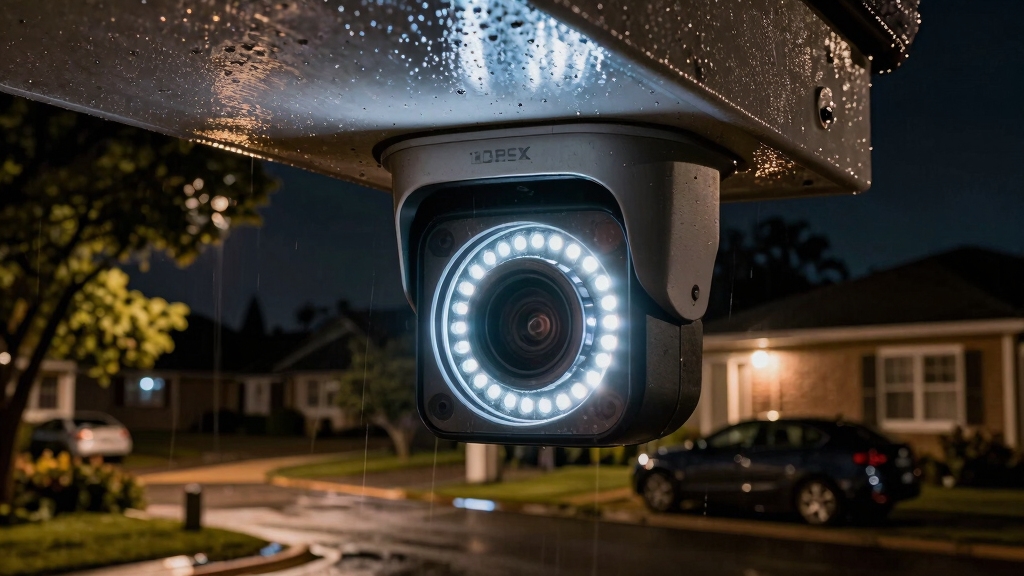
While evaluating Lorex cameras, you’ll notice their video quality stands out with options ranging from 1080p HD to 4K Ultra HD resolution, guaranteeing detailed image capture across models.
You can select high-resolution 4K Ultra HD for maximum clarity or opt for 2K HD on certain pan-tilt and indoor units for balanced performance.
Entry-level smart indoor cameras provide 1080p resolution, delivering solid image quality at a lower cost.
For low-light conditions, you’ll benefit from Lorex’s Color Night Vision booster technology, which enhances ambient light to maintain color detail after dusk.
Infrared LEDs supplement night mode by producing crisp black-and-white video in complete darkness.
This combination of technologies guarantees that you reliably capture clear, detailed footage regardless of lighting scenarios.
However, practical night vision range may vary, often performing effectively up to around 75 feet despite higher advertised distances.
Lorex Camera Storage Options Explained
Because Lorex cameras prioritize local video access, they provide multiple storage options that eliminate recurring cloud fees. You can store your recordings directly on the device or network hardware, ensuring immediate access without additional costs.
The system supports various local storage methods, accommodating different user needs. Built-in microSD card slots enable free, onboard video storage. Network Video Recorders (NVRs) and Digital Video Recorders (DVRs) allow centralized, expandable storage for multiple cameras.
NVR units connect up to eight cameras, consolidating footage efficiently. Motion-triggered recording stores relevant video clips locally, optimizing storage space.
These options offer flexibility and reliable access, removing dependency on cloud subscriptions while maintaining video security within your control. Additionally, NVRs support remote monitoring capabilities, allowing users to access live and recorded footage from anywhere.
Lorex Camera Smart Detection and AI Features
When you rely on Lorex cameras, their smart detection and AI capabilities enhance security by accurately identifying people, animals, vehicles, and package deliveries. This differentiation minimizes false alerts, allowing you to focus on genuine events.
The system uses advanced motion detection algorithms that filter out irrelevant movements, improving alert accuracy. Additionally, Lorex integrates active deterrent features like built-in sirens and spotlight warnings that trigger upon suspicious activity, providing immediate threat response.
You can also communicate remotely via two-way audio, enabling real-time interaction with visitors or intruders. Furthermore, color night vision equipped with ambient lighting improves object identification in low-light conditions.
Lorex Camera Connectivity: Wi-Fi 6 and PoE Options
Building on its advanced detection and communication capabilities, Lorex guarantees reliable data transmission and flexible installation options through robust connectivity features.
You’ll benefit from the latest Wi-Fi 6 technology, which delivers faster wireless speeds and enhanced network efficiency, minimizing latency during video streaming.
Alternatively, the Power over Ethernet (PoE) option secures stable, uninterrupted power and data via a single cable, ideal for wired setups.
These connectivity choices allow you to tailor your surveillance system to your specific environment and performance needs.
Key connectivity features include:
- Wi-Fi 6 support for high-speed wireless data transfer and improved network capacity
- PoE capability for simplified wiring and continuous power/data transmission
- 18-foot power cables to facilitate versatile wired outdoor camera placement
- Compatibility with Alexa and Google Assistant for integrated voice command control
For optimal installation performance, it is important to plan camera layout strategically to ensure strong signal strength and reliable connection stability.
Lorex Camera Weather Resistance and Design
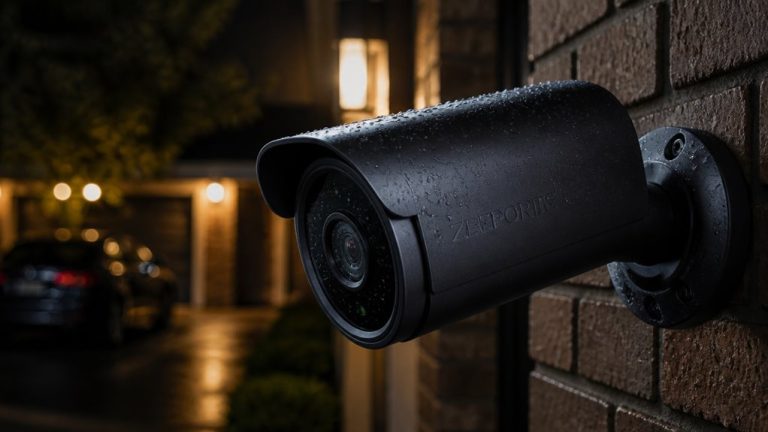
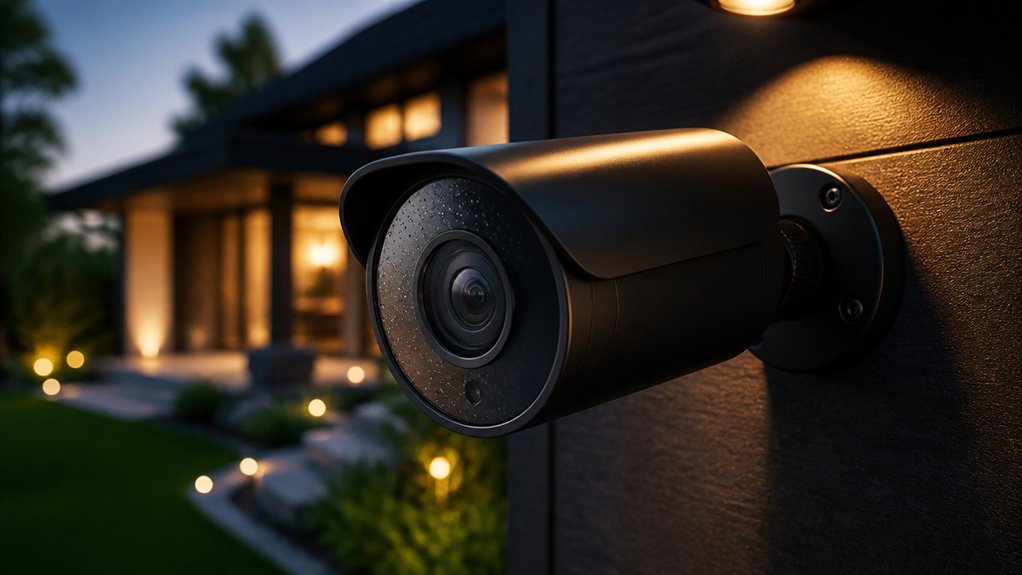
Although outdoor surveillance demands durable equipment, Lorex cameras meet this challenge with IP65 weather resistance, ensuring protection against dust and water exposure.
This rating certifies that you can install these cameras in harsh outdoor conditions without worrying about damage from rain, dust, or humidity.
The designs cater to both dome-type and spotlight-style models, giving you options based on your surveillance needs.
With a wide field of view ranging from 140 to 180 degrees, many Lorex cameras employ dual-lens systems to offer panoramic coverage.
Additionally, integrated spotlights and sirens provide active deterrence, alerting visitors immediately.
The cameras’ robust construction supports flexible installation, whether wired or wireless. The 18-foot power cables facilitate ideal placement.
To maintain image clarity in challenging conditions, many models feature built-in heaters to prevent fogging and moisture buildup.
Lorex Camera Voice Assistant Compatibility
You can totally control your Lorex cameras using voice commands with both Alexa and Google Assistant. This means you can enjoy hands-free operation for live viewing and some basic functions, which is pretty convenient!
If you’re an Alexa user, you’ll be happy to know that you can view your camera feeds right on your Echo Show devices. How cool is that? On the flip side, Google Assistant also has your back with similar streaming capabilities on Nest displays.
All these compatibility features really enhance user convenience by seamlessly linking your Lorex security system to your smart home ecosystem. It just makes everything a lot easier! Integrating your cameras with smart home platforms also enables real-time alerts and remote viewing for improved security management.
Alexa Integration Features
How seamlessly do Lorex security cameras integrate with Alexa for voice-controlled functionality? Lorex cameras provide robust Alexa compatibility, enabling you to control your surveillance system hands-free via voice commands.
Once linked, you can ask Alexa to display live feeds or adjust camera settings on Echo Show or Fire TV devices.
Key Alexa integration features include:
- Voice-activated live view access on compatible Alexa-enabled screens.
- Ability to toggle camera motion detection and sirens through voice commands.
- Support for multi-camera control within a single voice ecosystem.
- Real-time status updates from cameras via Alexa notifications.
This integration leverages Lorex’s secure cloud and local storage connectivity. It ensures you maintain control without compromising privacy or responsiveness. For full functionality, Lorex cameras require a stable WiFi connection to enable remote viewing and real-time alerts.
Google Assistant Support
Where does Google Assistant fit into Lorex’s ecosystem of smart home controls? It serves as a convenient voice command interface, allowing you to control Lorex cameras hands-free.
Once linked through the Google Home app, you can use simple commands to view live feeds on compatible devices like Chromecast or Nest displays. This integration supports camera streaming but doesn’t extend to configuring settings or managing recordings via voice commands.
You’ll find that Google Assistant complements Lorex’s existing app ecosystem by providing quick access to video streams, enhancing usability without adding complexity. However, it lacks advanced control functions, so you’ll rely on Lorex’s proprietary apps for detailed management and storage setup.
For optimal use, ensure your devices are positioned with a clear exit behind to maintain safety during physical setup or maintenance.
Limitations of Lorex Cameras
Although Lorex cameras offer robust features and high-quality video, they come with several limitations that might affect your overall experience. For starters, they don’t support Apple HomeKit or IFTTT, limiting your smart home integration options.
Lorex cameras provide strong features and quality video but lack smart home integrations like Apple HomeKit and IFTTT.
You’ll also need to manage setup manually, which can be time-consuming, especially when wiring multiple cameras. Furthermore, Lorex systems lack professional monitoring services, so you’re responsible for responding to alerts.
Nighttime close-range exposure can be inconsistent, sometimes causing finicky image quality.
- No support for Apple HomeKit and IFTTT integrations
- Manual setup required for placement and wiring
- Absence of professional home monitoring services
- Inconsistent exposure settings at close distances during night
These factors may require you to adjust expectations regarding convenience and automation. Additionally, many modern security cameras emphasize local storage and event-triggered recording to enhance privacy and reduce cloud reliance, which may contrast with Lorex’s approach.
Lorex Security System Setup and Management
Setting up and managing your Lorex security system involves several precise steps to guarantee peak performance and reliability.
Begin by selecting optimal camera locations, considering power sources and Wi-Fi or Ethernet connectivity. For wired setups, run PoE cables carefully to ensure stable power and data transmission.
Insert microSD cards or connect to an NVR to enable local storage without subscription fees. Use the Lorex app to configure cameras, calibrate motion detection zones, and enable AI-driven alerts distinguishing people, vehicles, and packages.
Adjust exposure and night vision settings to mitigate occasional close-range image issues. Manage alerts and two-way audio through the app for real-time interaction.
Regularly update firmware via the interface to maintain security and feature compatibility. This hands-on approach requires technical diligence but maximizes system effectiveness.
Consider implementing smart motion detection with customizable zones and real-time alerts to enhance security and reduce false alarms.
Frequently Asked Questions
Can Lorex Cameras Be Used for Commercial Property Surveillance?
Yes, you can use Lorex cameras for commercial property surveillance. They offer 4K Ultra HD resolution and advanced AI detection to identify people, vehicles, and packages, enhancing security accuracy.
Their IP65 weather resistance suits outdoor installations, while PoE options provide reliable wired connections. You can connect up to eight cameras to one NVR, storing footage locally without recurring fees.
Keep in mind, setup is manual and professional monitoring isn’t included.
What Is the Warranty Period for Lorex Security Cameras?
You get a standard one-year limited warranty on Lorex security cameras, which covers defects in material and workmanship.
While that period might seem brief compared to some competitors offering longer coverage, Lorex provides reliable hardware backed by solid customer support.
Keep in mind, the warranty doesn’t cover damage from misuse or environmental factors. If you need extended protection, you might consider supplemental plans, but the baseline warranty guarantees fundamental peace of mind.
Are There Mobile Apps Available for Remote Camera Access?
Yes, you can access your cameras remotely through dedicated mobile apps compatible with both iOS and Android devices.
These apps let you view live footage, review recorded clips, receive motion alerts, and manage settings on the go.
They support two-way audio communication and integrate with Alexa and Google Assistant for voice commands.
You’ll need a stable internet connection and proper account setup to enable seamless remote monitoring and control.
How Often Should the microSD Cards Be Replaced or Formatted?
You should format your microSD cards every three to six months to maintain peak performance and prevent data corruption.
Replacement isn’t typically necessary unless you notice read/write errors or the card’s capacity diminishes.
Regular formatting clears cluttered files from motion-triggered recordings, ensuring efficient storage management.
Always back up important footage before formatting.
Use high-quality, endurance-rated microSD cards designed for continuous video recording to extend their lifespan.
Can Lorex Cameras Integrate With Other Smart Home Security Systems?
Think of your smart home devices like puzzle pieces; not all fit perfectly together. Lorex cameras don’t natively integrate with Apple HomeKit or IFTTT, limiting direct connection to some systems.
However, they work with Alexa and Google Assistant for voice control. If you want seamless automation with other security systems, you’ll need to manage Lorex independently. It supports self-monitored setups without third-party integration.
Protect Your Home With Confidence Using Lorex
When choosing a security camera, Lorex stands out with its advanced AI features and versatile storage options.
You’ll appreciate the 4K video quality and reliable night vision, ensuring clear footage around the clock.
With 80% of home intrusions occurring at night, Lorex’s weather-resistant design and smart detection give you peace of mind.
Whether you prefer Wi-Fi 6 or PoE, setup is straightforward, making Lorex a technically sound investment for thorough home security.