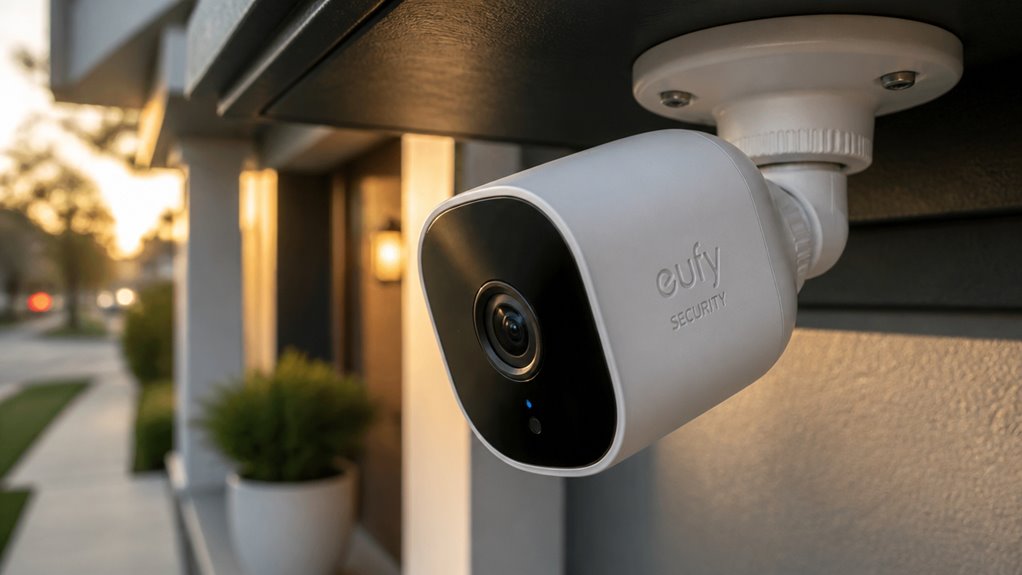

If you want high-quality 4K footage with smart local AI processing and no monthly fees, Eufy Security Cameras deliver solid privacy-focused performance.
They offer excellent indoor and outdoor options with features like solar charging, face recognition, and event-triggered recording to optimize storage and battery life.
However, 4K streaming demands strong internet, and you’ll manage your own security without professional monitoring.
For a balanced mix of control, quality, and cost-effectiveness, Eufy stands out. Explore how it fits your setup.
Key Takeaways
- Eufy cameras offer 4K video quality with up to 8x digital zoom for crisp, detailed footage ideal for identification.
- Local AI processing ensures enhanced privacy by storing and analyzing footage on-device without cloud reliance.
- Solar charging options extend battery life and reduce maintenance, enabling flexible outdoor camera placement.
- Event-triggered recording conserves storage and power, focusing on relevant clips rather than continuous footage.
- Best suited for DIY users seeking no monthly fees, privacy control, and high-quality video without professional monitoring.
Which Eufy Security Camera Is Best for You?
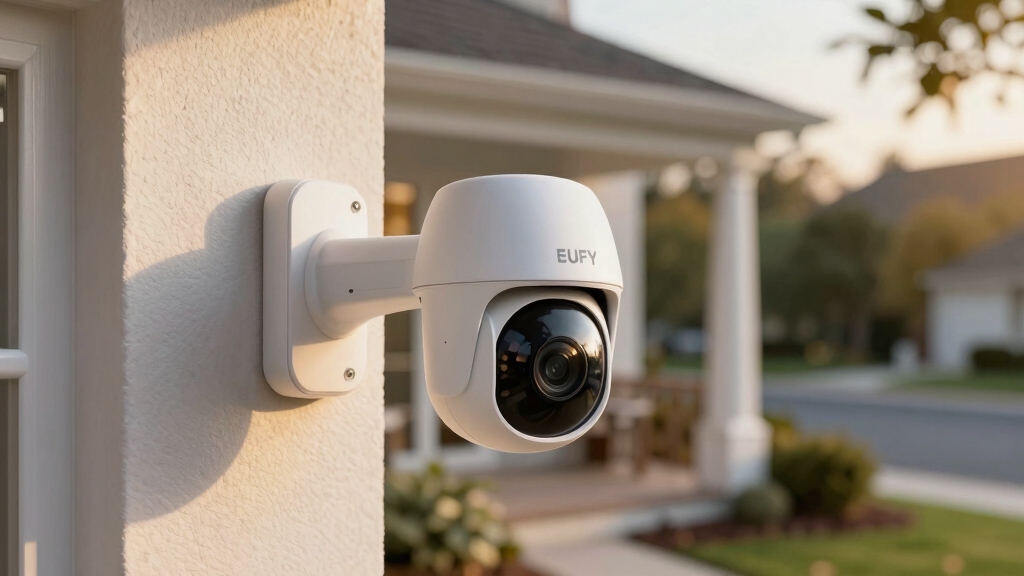
Choosing the best Eufy security camera depends on your specific needs, whether it’s indoor monitoring, outdoor surveillance, or a versatile doorbell solution.
Selecting the right Eufy camera hinges on your unique security needs, from indoor to outdoor or doorbell monitoring.
If you want premium image quality outdoors, the EufyCam 3 offers 4K resolution with up to 8x zoom and solar charging, making it suitable for long-range placement.
For indoor use, the Eufy Indoor Cam S350 delivers crisp 4K video with pan-and-tilt capabilities, ideal for tracking movement inside your home.
The Eufy Video Doorbell E340 combines doorbell functionality with camera surveillance, providing a dual-purpose option.
You’ll benefit from Eufy’s local storage and a no-monthly-fee model. Keep in mind each model’s feature set aligns with specific environments and usage scenarios, so match your choice carefully to your security priorities.
Eufy’s emphasis on local AI processing ensures enhanced data privacy by keeping footage securely inside your home.
Comparing Eufy Indoor vs Outdoor Cameras
While both indoor and outdoor Eufy cameras prioritize security, they differ markedly in design, features, and environmental adaptability.
Outdoor models like the EufyCam 3 emphasize ruggedness, weather resistance, and solar charging, ensuring continuous operation despite variable conditions. They offer long battery life and extended wireless range, suitable for expansive coverage.
Indoor cameras, such as the Eufy Indoor Cam S350, focus on versatility with pan-and-tilt functions and advanced human tracking for detailed room monitoring.
Both support local storage and event-triggered recording, but outdoor cameras generally incorporate enhanced AI features like facial recognition for better perimeter security.
Your choice hinges on placement needs: outdoor units resist environmental challenges and offer broader coverage, while indoor cameras provide flexible monitoring with dynamic movement tracking in controlled environments.
Additionally, reliable power and data transfer methods, such as connecting through Ethernet cables with PoE, are essential for stable operation and uninterrupted recording.
Eufy 4K Video Quality Explained
Eufy’s 4K cameras really stand out when it comes to delivering crisp, detailed footage.
Whether you’re monitoring indoor spaces or keeping an eye on the outdoors, the clarity is impressive.
And here’s the cool part: you can zoom in up to 8x on recorded video! This means you can easily identify faces or even license plates without worrying about losing any resolution.
Pretty handy, right?
Additionally, advanced AI-powered smart detection helps reduce false alarms by distinguishing humans, pets, and vehicles for more accurate monitoring.
Crisp 4K Resolution
Because video clarity plays a crucial role in security camera effectiveness, Eufy’s 4K resolution models stand out by delivering exceptionally sharp and detailed footage.
When you choose a 4K Eufy camera like the EufyCam 3 or Indoor Cam S350, you benefit from enhanced image precision that aids in identifying faces and license plates clearly.
This higher resolution supports superior event recording quality without compromising storage efficiency, thanks to Eufy’s local storage system.
Key aspects of Eufy’s crisp 4K resolution include:
- Four times the pixel count of 1080p, providing finer detail
- Enhanced clarity in both day and night conditions
- Improved forensic value for recorded events
- Compatibility with up to 8x digital zoom on recorded footage
This clarity makes it easier for you to assess security incidents accurately.
Additionally, pairing these cameras through the eufySecurity app ensures seamless setup and optimal video performance.
Zoom Capabilities
The impressive sharpness of Eufy’s 4K resolution sets the stage for effective zoom capabilities, enabling you to scrutinize recorded footage with greater detail.
With EufyCam 3, you can zoom in up to 8x on recorded video, maintaining clarity that helps identify faces, license plates, or other fine details vital for security.
This digital zoom leverages the high pixel density of 4K footage, reducing pixelation compared to lower-resolution cameras.
However, zooming is limited to recorded events, as continuous recording isn’t supported.
While you won’t get optical zoom, the digital zoom’s performance is particularly strong given the resolution.
This capability enhances your ability to review incidents retrospectively, making Eufy’s 4K zoom a practical tool for detailed security analysis.
The processor inside the camera performs image enhancements to maintain clarity during digital zoom.
Indoor And Outdoor Quality
Although lighting conditions vary drastically between indoor and outdoor environments, Eufy’s 4K cameras consistently deliver sharp, high-resolution footage that captures fine details with clarity.
You’ll notice that whether inside or outside, the image quality supports accurate identification, essential for security purposes. The cameras handle dynamic lighting well, maintaining detail in shadows and highlights.
Key points to contemplate include:
- Indoor models like the S350 offer clear 4K resolution suited for detailed room monitoring.
- Outdoor cameras, such as the EufyCam 3, produce crisp footage even in variable natural light.
- Both support up to 8x zoom on recorded video without significant loss of clarity.
- Footage is optimized for human and object recognition, enhancing security reliability.
This balanced performance makes Eufy’s 4K cameras versatile for diverse surveillance needs. Additionally, utilizing local storage options can ensure continuous recording without the need for subscription fees, adding to the overall reliability of the system.
Required Internet Speeds for Eufy 4K Streaming
To enjoy Eufy’s 4K footage without any hiccups, you’ll want a solid internet connection. Aim for at least 100 Mbps bandwidth to comfortably manage that high data rate.
But don’t forget! Things like network congestion or multiple devices using the same connection can really impact your streaming experience. So, it’s worth thinking about how 4K video affects your overall network traffic. This way, you can tweak your setup for the best viewing experience possible.
Using efficient compression codecs like H.265 can help reduce bandwidth consumption while maintaining video quality.
Recommended Bandwidth Levels
Make sure your internet connection can handle the demands of Eufy’s 4K streaming to fully benefit from its high-resolution video quality. Streaming 4K footage requires a stable and fast bandwidth to prevent lag and buffering.
For peak performance, consider these recommended bandwidth levels:
Minimum 100 Mbps download speed for smooth live streaming and playback.
Upload speed of at least 20 Mbps to support multiple simultaneous camera feeds.
Low latency network to reduce delay during real-time monitoring.
Consistent bandwidth without frequent fluctuations to maintain video clarity.
Meeting these bandwidth thresholds guarantees you won’t miss critical details in your 4K streams. While Eufy cameras use event-based recording, streaming live 4K video is bandwidth-intensive.
Planning your internet capacity accordingly is vital for a reliable security setup. Leveraging PoE technology can simplify the installation and optimize network efficiency for your Eufy camera system.
Streaming Performance Factors
When you stream 4K video from Eufy cameras, your internet connection must deliver consistent high speeds to maintain smooth playback and reduce buffering.
EufyCam 3 and the Indoor Cam S350, both offering 4K resolution, demand substantial bandwidth because 4K video transmits large data volumes in real-time.
Generally, a minimum sustained download speed of 100 Mbps is recommended to support multiple streams without degradation.
Your network’s upload speed also matters if you remotely access live feeds, influencing latency and responsiveness.
Additionally, stable Wi-Fi or Ethernet connections help prevent packet loss, which can cause dropped frames or lag.
To optimize streaming performance, make certain your router and network infrastructure accommodate these speeds consistently, especially during peak usage times or when multiple devices share bandwidth.
For enhanced security and uninterrupted monitoring, consider systems with cellular backup features that maintain connectivity during internet outages.
Impact On Network Usage
Streaming 4K video from Eufy cameras markedly influences your network usage by demanding high and stable internet speeds. To maintain smooth streaming and prompt notifications, your connection must handle substantial data throughput without frequent buffering or lag.
Eufy’s 4K models, like the EufyCam 3, require more bandwidth compared to their 2K counterparts, especially during live streaming or multiple camera usage. Here’s what you should consider:
A minimum of 100 Mbps internet speed is recommended for single-camera 4K streaming.
Multiple 4K streams increase bandwidth needs proportionally, stressing your network.
Network stability directly impacts video clarity and real-time responsiveness.
Local storage reduces cloud data usage but doesn’t lessen streaming bandwidth demands.
Ensuring your internet plan meets these criteria will optimize your Eufy 4K streaming experience.
To manage bandwidth efficiently without sacrificing quality, using video compression such as H.265 is highly advisable.
Local Storage and Recording on Eufy Cameras
Eufy cameras prioritize local storage, allowing you to keep your footage securely within your home network rather than relying on cloud services. Instead of continuous recording, these cameras focus on event-triggered clips, efficiently capturing relevant moments while conserving storage space.
The HomeBase acts as the central storage hub, with models like the EufyCam S3 Pro including 16 GB onboard and expandable capacity up to 16 TB in some configurations. This setup guarantees your data stays private and accessible without monthly fees.
Recording quality matches the camera’s resolution, supporting up to 4K on premium models such as the EufyCam 3. While local storage reduces cloud dependency, you’ll need to manage storage limits and ensure your HomeBase maintains a reliable connection for seamless recording and retrieval.
Eufy Power Options: Solar Charging and Battery Life
Sure! Here’s a more conversational version of the text:
You know, several EufyCam models come with built-in solar panels. This feature makes it super convenient to keep your cameras charged without having to swap out batteries all the time. Plus, the battery life on these cameras is designed to last a long time, which means you won’t be constantly worrying about recharging them.
Solar Charging Benefits
Frequently, battery life poses a significant concern for wireless security cameras. Eufy addresses this challenge effectively with its solar charging options. By integrating built-in solar panels, models like the EufyCam 3 reduce your dependence on manual recharging, supporting continuous operation even in outdoor environments.
Solar charging benefits include:
Extended camera uptime by supplementing battery power through sunlight.
Reduced maintenance effort since you won’t need frequent battery swaps or recharges.
Enhanced placement flexibility, allowing installation farther from power outlets.
Eco-friendly operation by harnessing renewable energy and lowering electricity use.
These advantages make solar-powered Eufy cameras practical for users seeking reliable, low-maintenance security with fewer interruptions caused by battery depletion.
Battery Longevity Insights
Although solar charging markedly reduces the need for manual recharging, understanding the battery longevity of Eufy cameras remains essential for guaranteeing uninterrupted security coverage.
EufyCam 3 models, equipped with built-in solar panels, can sustain longer operation by harnessing ambient sunlight. This extends battery life beyond traditional cycles.
Under typical use, these cameras offer several months of standby time without solar input, depending on motion detection frequency and environmental conditions.
You should note that battery performance may degrade over time, affecting capacity. The local storage approach also minimizes power consumption compared to continuous streaming.
To maximize longevity, position solar panels for peak sunlight exposure and manage settings to balance detection sensitivity and battery use.
Easy Setup and Installation of Your Eufy System
Getting your Eufy security system up and running involves straightforward steps designed for DIY users. The process emphasizes ease and flexibility, whether you’re installing indoor cameras or outdoor models like the EufyCam 3.
The system connects via a HomeBase hub, simplifying network integration and local storage management. Key setup and installation points include:
- Mount cameras using included brackets and minimal tools, with options for wired or wireless power.
- Connect the HomeBase to your router via Ethernet for stable communication.
- Use the Eufy Security app to guide you through device pairing and configuration.
- Position cameras strategically within wireless range, supported by a robust signal reaching up to 445 feet.
This approach balances user control with technical robustness, ensuring a smooth setup experience.
Eufy Smart Features: Face Recognition and Motion Tracking
When you rely on Eufy’s smart features, you gain access to advanced face recognition and motion tracking capabilities that enhance security monitoring.
Eufy’s BionicMind AI powers face recognition by learning and tagging individuals, improving accuracy over time. However, initial recognition requires training through photos or manual tagging, which can limit immediate effectiveness.
The system processes data locally, ensuring privacy and reducing latency in alerts. Motion tracking, particularly on models like the Indoor Cam S350, actively follows human movement across a room, allowing you to monitor dynamic activity seamlessly.
This pan-and-tilt functionality complements static cameras by maintaining focus on moving subjects, which enhances real-time awareness. Together, these smart features provide a layered approach to detecting and identifying activity, emphasizing local processing and user control without relying on cloud services.
Pros and Cons of Eufy Security Cameras
Exploring Eufy security cameras reveals a blend of strengths and limitations that shape their appeal to different users. You’ll appreciate their strong points but should also consider a few drawbacks before deciding.
Eufy cameras offer notable strengths alongside some limitations to weigh before making your choice.
- Pros: High-resolution 4K video quality offers crisp footage for identification. Local storage eliminates ongoing fees. Solar charging on select models extends battery life. AI-based face recognition adds smart detection.
- Cons: Initial face recognition accuracy requires training. 4K streaming demands fast internet. Some kits have higher upfront costs. Lack of professional monitoring may deter users seeking all-encompassing security services.
This balance means Eufy suits DIY enthusiasts valuing privacy and quality. However, you might find professional alternatives better if you want continuous monitoring or simpler setup.
Save Money With Eufy’s No-Fee DIY Ecosystem
While professional monitoring might appeal to some, Eufy’s DIY ecosystem stands out by eliminating monthly fees. This can markedly reduce long-term costs.
You won’t pay recurring charges because Eufy stores videos locally on the HomeBase, supporting up to 16 TB of expandable storage. This means your footage remains accessible without subscription costs, unlike many competitors relying on cloud storage.
The system records only event-triggered clips, optimizing storage use and battery life. While you’ll manage security independently without professional oversight, the trade-off is significant savings.
Additionally, the setup’s compatibility with various cameras—from indoor to outdoor models—allows you to tailor a system that fits your budget and needs. This makes Eufy a cost-effective choice for those prioritizing financial efficiency without sacrificing quality.
Frequently Asked Questions
Can Eufy Cameras Integrate With Other Smart Home Systems?
You can integrate Eufy cameras with popular smart home systems like Amazon Alexa and Google Assistant, enabling voice control and smart routines.
However, compatibility with Apple HomeKit is limited or unsupported in some models, which may restrict seamless integration for iOS users.
While Eufy emphasizes a DIY ecosystem prioritizing local storage and privacy, you may encounter some limitations combining their cameras with broader smart home platforms or professional monitoring services.
Are Eufy Cameras Weather-Resistant for Extreme Climates?
Yes, Eufy cameras are weather-resistant and designed to handle various climates, including extreme conditions.
Their outdoor models, like the EufyCam 3 and S3 Pro, feature IP67-rated waterproofing, protecting against dust and heavy rain.
You can rely on them to endure harsh weather without performance loss.
However, if you live in extremely cold or hot regions, it’s wise to check specific model specs and consider additional protection to guarantee peak longevity.
How Secure Is the Local Storage From Hacking Attempts?
You’ll find Eufy’s local storage quite secure since it keeps your footage off the cloud, reducing exposure to remote hacks. The HomeBase encrypts recordings and communications between cameras and storage, adding a strong security layer.
However, security depends on your network setup. Using strong Wi-Fi passwords and firmware updates is essential. While not immune to all threats, local storage minimizes risks compared to cloud-dependent systems, enhancing your control over data privacy.
Can Multiple Users Access the Eufy App Simultaneously?
Yes, multiple users can access the Eufy app simultaneously by sharing device access. You need to invite other users through the app, granting them permissions to view live streams and recorded footage.
Each user maintains a separate login, ensuring individual control and security. This setup supports collaborative monitoring while keeping data secure.
Only designated users can manage settings or receive alerts, maintaining an organized multi-user environment.
Get Clearer Security Without Monthly Fees
Choosing the right Eufy security camera depends on your specific needs: indoor or outdoor use, video quality, and smart features like face recognition.
For example, if you install an Eufy 4K outdoor camera with local storage, you get crystal-clear footage without monthly fees.
This is especially useful during internet outages.
This DIY system balances cost, convenience, and advanced tech.
It’s a practical choice if you want reliable, detailed security without ongoing expenses.


[…] without technical hurdles or extra cabling. Reliable power and data transfer methods (e.g., Ethernet with PoE) are recommended for stable operation in some […]