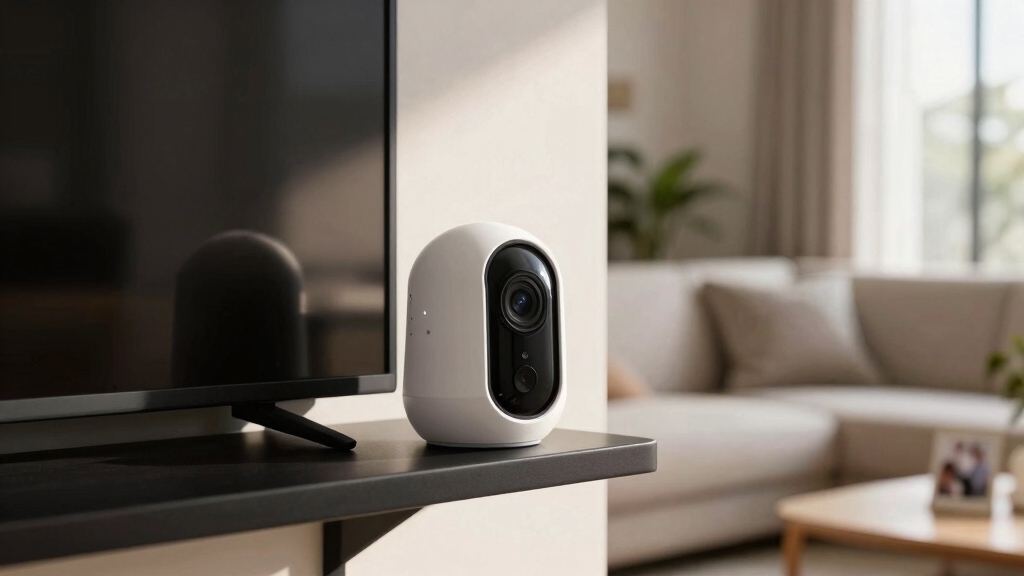

If you want an affordable, versatile security camera, Wyze offers solid options for both indoor and outdoor use. Their v3 and v4 models provide high-quality video up to 2.5K resolution and advanced features like person detection and color night vision, though some require subscriptions.
Outdoor models are weather-resistant, while Pan cameras suit indoor areas. You can choose local microSD storage or cloud, balancing cost and functionality. Exploring further reveals how each model fits specific needs.
Key Takeaways
- Wyze cameras offer at least 1080p HD video, with v4 providing up to 2.5K resolution for superior daytime clarity.
- Outdoor use requires v3 or v4 models with IP65 rating; Pan models are designed for indoor use only.
- Person detection and advanced alerts generally need a Cam Plus subscription, except v3 Pro’s built-in AI provides instant alerts.
- Two-way audio is standard across models, while local microSD storage supports continuous recording without fees.
- Pricing starts around $36, balancing affordability with features, though cloud storage can be unreliable and subscriptions add AI benefits.
Choosing the Right Wyze Camera for Your Needs
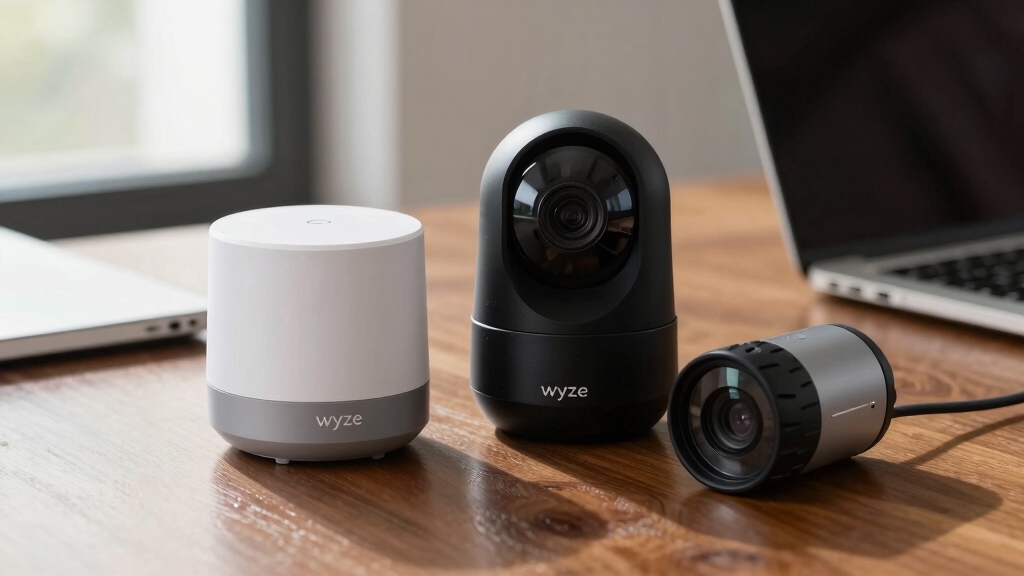
When selecting a Wyze camera, you’ll want to contemplate your specific environment and monitoring priorities to guarantee the best fit.
Choose a Wyze camera that aligns with your environment and security needs for optimal performance.
Consider whether you need indoor or outdoor surveillance since models like the v3 and v4 support both with IP65 ratings, while Pan models suit indoor use only.
Evaluate if features like pan functionality, subject tracking, or person detection align with your security goals, noting that some require subscriptions.
Also, factor in audio needs, as all models offer two-way communication.
Storage preferences matter too: local microSD cards provide continuous recording without fees, whereas cloud options may have occasional hiccups.
Finally, assess budget constraints against performance demands, balancing premium features against cost. Ensure you pick a camera that meets your environment and monitoring criteria efficiently and without compromise.
Regular maintenance such as lens cleaning and firmware updates helps preserve optimal performance and avoid blind spots.
Comparing Wyze Camera Models by Video Quality
How does the video quality vary across Wyze camera models, and what does that mean for your surveillance needs? You’ll find that all models provide at least 1080p HD resolution, ensuring clear footage.
However, the Wyze Cam v4 steps up with 2.5K resolution, offering superior daytime clarity and depth. The v3 Pro’s 2K resolution excels at capturing distant objects with flawless live-streaming.
Night vision also varies. The v3 and v4 include color night vision, enhancing low-light visibility, while earlier models rely on infrared.
- Choose v4 for the best detail and vibrant color day and night.
- Opt for v3 Pro if you need sharper focus at a distance.
- Infrared night vision suits basic, budget-conscious setups.
- All models support 8x digital zoom for close inspection.
Keep in mind that higher resolution cameras like these increase storage and bandwidth demands, which should be considered when planning your surveillance system.
Wyze Camera Detection Features and Alerts
Although Wyze cameras come with a variety of detection features, their effectiveness depends heavily on the model and subscription status. You’ll find motion detection with customizable zones across most models, reducing false alerts markedly on the v4 due to its improved algorithm.
Person detection is limited without a Cam Plus subscription, except for the v3 Pro, which uses internal AI for instant alerts. The v4 adds sound recognition for events like yelling or glass breaking, plus facial and package detection if you subscribe.
Smoke and CO alarm detection is available on older models like the v2, while noise alerts feature on the v3 Pro. These layered detection capabilities offer flexibility, but maximizing their potential requires careful model selection and often a paid subscription.
For optimal performance, it is also important to consider camera placement to minimize blind spots and improve detection accuracy.
Indoor vs Outdoor Use: Which Wyze Camera Works Best?
Understanding the detection features and alert systems of Wyze cameras naturally leads to pondering where you intend to use them indoors or outdoors. Your choice hinges on environmental resilience and functional needs.
For outdoor use, Wyze Cam v3 and v4 stand out with IP65 ratings, ensuring dust-tight and water-jet resistance. The Outdoor Cam’s PIR motion detector further bolsters outdoor suitability.
Conversely, Pan v3 and v2 models excel indoors but lack weatherproofing, risking warranty void if modified for outdoor use.
Consider these factors:
- Weather resistance: Opt for IP65-rated cameras like v3 or v4 outdoors.
- Motion detection specificity: Outdoor models include PIR sensors for precise alerts.
- Placement versatility: v4 works well on entryways and gardens.
- Warranty safety: Avoid outdoor hacks on indoor-only models.
Proper mounting, positioning & physical security is essential to ensure optimal performance and durability in outdoor environments.
This analysis helps you align camera choice with setting demands.
Pricing, Compatibility, and Storage Options for Wyze Cameras
Wyze cameras offer an appealing balance between affordability and functionality, with prices starting as low as $36. This makes them accessible for budget-conscious users without sacrificing essential features.
You’ll find Alexa compatibility standard, but Apple HomeKit and seamless Google integration are missing. This may impact users invested in those ecosystems.
Storage options include local microSD cards (up to 32GB) for continuous recording without subscriptions. Cloud storage is optional but occasionally unreliable.
The Cam Plus subscription enhances event clip duration and adds AI features.
These cameras typically use H.265 video compression to balance video quality with storage efficiency.
| Feature | Details |
|---|---|
| Price Range | $36 and up |
| Compatibility | Alexa, no Apple HomeKit |
| Local Storage | microSD up to 32GB |
| Cloud Storage | Optional, with some hiccups |
Frequently Asked Questions
How Do I Reset My Wyze Camera to Factory Settings?
To reset your Wyze camera to factory settings, locate the setup button usually found on the bottom or back of the device.
Press and hold it for about 10-15 seconds until the status light blinks yellow and then blue, indicating a successful reset.
This clears all your current settings, allowing you to set it up anew.
Can Wyze Cameras Integrate With Other Smart Home Brands?
You can integrate Wyze cameras with Alexa, enabling voice commands and routines. However, they don’t support Apple HomeKit or offer seamless Google Assistant integration.
This limits cross-platform connectivity if you rely on those ecosystems. The Wyze app allows you to customize rules and triggers, which can work alongside other smart home devices indirectly.
What Is the Warranty Period for Wyze Cameras?
You get a one-year limited warranty with Wyze cameras, covering defects in materials and workmanship. If your device malfunctions within this period, Wyze typically offers repair, replacement, or refund options.
It’s important to keep your purchase receipt and register the product online for smoother claims. Remember, warranty doesn’t cover damage from misuse, unauthorized modifications, or environmental factors, so handle your camera carefully to maintain coverage.
How Do I Update the Firmware on My Wyze Camera?
To update your Wyze camera’s firmware, open the Wyze app and navigate to the device list.
Select your camera, tap the settings gear, then choose “Device Info.”
If an update is available, you’ll see an “Update” button; tap it to start. Make sure your camera stays powered and connected to Wi-Fi during the process.
Firmware updates improve performance, add features, and fix bugs, so it’s important to keep your camera’s software current.
Are Wyze Cameras Compatible With Third-Party Cloud Storage Services?
Imagine your footage flowing seamlessly into your preferred cloud, like water merging into a vast river.
However, Wyze cameras don’t natively support third-party cloud storage services. Instead, they rely on their own cloud platform or local microSD card storage.
While you can customize recordings and alerts through the Wyze app, integrating external cloud solutions requires complex workarounds. This limits direct compatibility and adds layers of technical challenge.
Finding Your Perfect Wyze Camera for Ultimate Peace of Mind
Choosing the right Wyze camera is like picking the perfect lens to focus your world’s safety. Whether you prioritize sharp video, smart detection, or outdoor durability, each model offers unique clarity and protection.
By understanding features, pricing, and storage, you equip yourself with a reliable shield against uncertainty. In the end, your Wyze camera becomes more than a gadget; it’s a vigilant guardian, seamlessly blending technology with peace of mind.

[…] the Wyze Cam OG benefits from H.265 compression to optimize storage and bandwidth […]