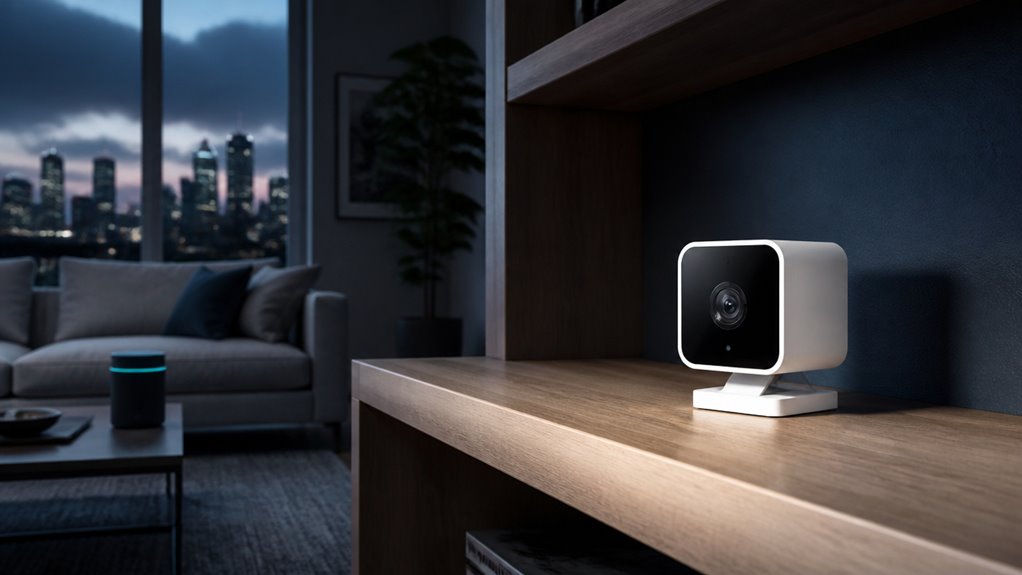

Wyze cameras offer budget-friendly features but have mixed security. Older models, like Cam V1, no longer get patches and remain vulnerable to serious flaws.
Newer devices such as Cam V2 and V3 receive ongoing firmware updates that mitigate risks like authentication bypass and remote code execution. Many vulnerabilities require local network access, so securing your Wi-Fi is critical.
You’ll want to weigh these factors carefully to guarantee your security needs align with Wyze’s protections; more details follow.
Key Takeaways
- Wyze cameras have mixed security, with newer models like Cam V2 and V3 actively supported and patched, while older models lack ongoing fixes.
- Many vulnerabilities require local network access, so securing home Wi-Fi and isolating devices is critical to reduce exploitation risks.
- The 2024 cross-account incident exposed some user video thumbnails due to cloud infrastructure flaws, prompting Wyze to enhance access verification.
- SD card footage is not encrypted by Wyze cameras, increasing privacy risks if local storage is exploited or accessed without authorization.
- Users should keep firmware updated, use strong authentication, review device permissions, and consider network hardening for safer Wyze camera deployment.
Wyze Camera Security: Overall Assessment
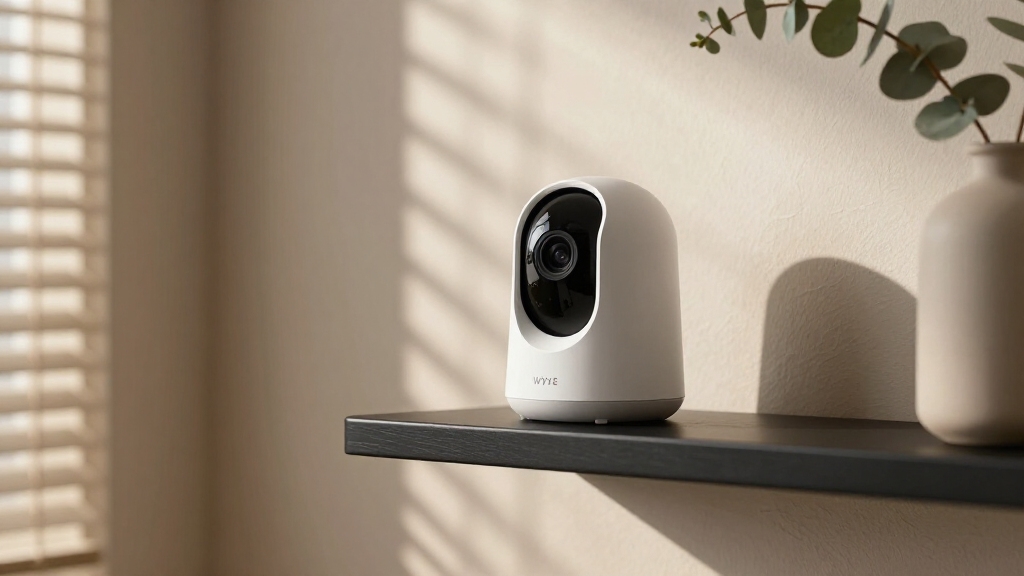
While Wyze cameras offer affordable and feature-rich options, their security record has been mixed. This requires you to carefully assess risks based on model and firmware.
Older generations, particularly Wyze Cam V1, lack ongoing security support. This leaves them vulnerable to known exploits.
You need to recognize that several documented flaws required local network access. This highlights the importance of securing your Wi-Fi environment.
Additionally, some vulnerabilities exposed cloud or app-side weaknesses. This complicates the attack surface beyond device-level protections.
Wyze has implemented patches and hardening measures in newer models, improving security posture. However, inconsistencies remain across the product line.
To evaluate your device’s risk, you should verify firmware currency. Also, disable unnecessary local storage and enforce strong account protections. Security implications vary considerably depending on these factors.
Choosing the right camera and maintaining regular firmware updates are critical for ensuring the best possible security performance.
Documented Vulnerabilities Affecting Wyze Cameras
Because Wyze cameras have faced multiple security challenges, understanding their documented vulnerabilities is essential for evaluating risk.
In 2022, researchers revealed critical flaws including authentication bypass, remote code execution, and unauthenticated SD card access affecting several models like Wyze Cam V1, V2, V3, and Pan versions.
These vulnerabilities typically required local network access, exposing devices within the home Wi-Fi perimeter.
Wyze addressed many issues through firmware patches, but discontinued models like Cam V1 remain unpatched and vulnerable.
The flaws highlight weaknesses in access controls and local storage security, enabling potential unauthorized device control or data extraction.
You should note that exploitability varies by firmware version and device generation, so maintaining updated software and limiting local storage use are crucial steps to mitigate these documented risks effectively.
Regular firmware updates, as recommended for security cameras, are vital to maintain feature accuracy and protect against emerging threats, making firmware maintenance an important aspect of camera security.
What Happened in the 2024 Cross-Account Viewing Incident?
When Wyze users opened their app in February 2024, approximately 13,000 of them saw thumbnail images from cameras that belonged to other users. This revealed a critical cross-account data exposure.
In February 2024, Wyze users experienced a critical data breach showing camera thumbnails from other accounts.
About 1,504 users tapped these thumbnails, with some gaining unauthorized access to full video feeds. Wyze traced the fault to a third-party caching client library that mishandled device-ID and user-ID mappings, causing cross-account data leakage.
This incident exposed significant weaknesses in session management and data isolation within the app’s cloud infrastructure. In response, Wyze implemented an additional verification layer to validate thumbnail and video access, aiming to prevent improper data retrieval.
The event underscored the risk posed by cloud-side vulnerabilities and the importance of rigorous access control to safeguard user privacy in IoT ecosystems. Implementing strict access controls and monitoring access logs regularly are critical steps to detect unauthorized activity and prevent similar incidents.
Which Wyze Models Still Receive Security Patches?
If you want to maintain strong security for your Wyze camera setup, it’s vital to understand which models currently receive firmware patches.
Wyze actively supports the Cam V2 and Cam V3 models with security updates addressing vulnerabilities identified since 2019. These patches mitigate risks such as authentication bypass and remote code execution, essential for maintaining device integrity.
Conversely, Wyze Cam V1 no longer receives security fixes, leaving known flaws unpatched and increasing exposure risk. The product lifecycle limits security support, so relying on older or discontinued models compromises your setup.
To ensure ongoing protection, regularly verify firmware versions on your devices and prioritize models with active update channels. Staying current with patches is critical for mitigating evolving threats and reducing your attack surface effectively.
Additionally, employing devices that support local AI processing can further enhance security by minimizing cloud exposure and potential remote hacking risks.
The Impact of Local Storage on Wyze Camera Security
Hey there! So, let’s chat about the security risks that come with using local storage on Wyze cameras. You know, when you store footage on an SD card, it can actually open the door to some pretty specific threats. For example, if someone finds a way to exploit vulnerabilities, they could gain unauthorized access to your footage.
There have been instances in the past where Wyze cameras had flaws that allowed for things like authentication bypasses and even remote code execution. This means that saved data on the device could potentially be exposed. Yikes, right?
To keep your footage safe, it’s really important to think about some precautions. You might want to consider disabling local storage altogether. If that’s not an option for you, then making sure that your network and firmware are well-protected is key. It’s all about taking those extra steps to secure your data!
Reolink cameras, by contrast, offer local storage options that eliminate cloud fees and enhance security by keeping footage on-site.
Risks of SD Card
Although local SD card storage offers convenient on-device video recording for Wyze cameras, it introduces significant security risks that you need to take into account.
Stored footage on SD cards is vulnerable to unauthorized access, especially if attackers gain physical access or exploit authentication bypass vulnerabilities documented in older Wyze models.
These flaws have allowed unauthenticated SD card access, increasing the risk of data theft or tampering.
Additionally, local storage bypasses cloud encryption and centralized access controls, shifting security responsibility to the device and network environment.
If malware or remote code execution exploits compromise your camera, attackers can manipulate or extract footage directly from the SD card.
Consequently, relying on SD card storage increases your exposure to data integrity and confidentiality risks inherent in local storage solutions within Wyze’s security landscape.
Unlike some systems that use AES-128 encryption for local storage, Wyze cameras typically do not encrypt SD card footage, further elevating security concerns.
Mitigating Local Storage
Given the security challenges posed by local SD card storage on Wyze cameras, mitigating its risks requires deliberate configuration and operational strategies.
You should disable local storage when not essential, as SD cards have been targeted in past vulnerabilities allowing unauthenticated access or data extraction.
If you rely on SD cards, encrypt the footage externally since Wyze cameras don’t provide native encryption for stored data.
Regularly update your camera firmware to patch known vulnerabilities affecting local storage access.
Additionally, maintain a segregated and secure home Wi-Fi network to limit unauthorized local access.
Employ strong, unique credentials for your Wyze account to prevent lateral attacks exploiting SD card weaknesses.
Isolating cameras on a dedicated VLAN network can further reduce the risk of lateral movement if the device is compromised.
Why Home Network Security Matters for Wyze Cameras?
Hey there! Let’s talk about why securing your home network is super important, especially when you’re using Wyze cameras. You see, having local network access really opens up a potential attack surface. Many vulnerabilities actually need someone to be on the same Wi-Fi network to exploit them.
So, one great tip is to segment your network. By doing this, you can keep your cameras separate from your more sensitive devices. It helps limit any lateral movement that an attacker might try to make.
And don’t forget about passwords! Using strong and unique passwords for both your Wi-Fi and your device accounts is absolutely essential. It’s a simple yet effective way to prevent unauthorized access and reduce your exposure.
Additionally, enabling two-factor authentication on your camera accounts adds an extra layer of security against unauthorized access.
Local Network Access Risks
Because several Wyze camera vulnerabilities require local network access to be exploited, securing your home Wi-Fi environment is critical to protecting your devices.
Attackers who gain entry to your local network can exploit authentication bypasses, remote code execution flaws, and unauthorized SD card access, all documented in past Wyze models.
These vulnerabilities enable adversaries to execute malicious code or retrieve sensitive footage directly, bypassing cloud protections.
Since many Wyze cameras rely on local network trust assumptions, any compromise of your Wi-Fi through weak passwords, outdated routers, or unsegmented networks effectively exposes your cameras.
Consequently, you must implement strong Wi-Fi encryption standards, use complex passwords, and regularly update router firmware to minimize local attack surfaces.
Maintaining a hardened local network environment markedly reduces the risk of these device-level exploits.
Additionally, assigning static IP addresses to your cameras can prevent IP conflicts and maintain consistent remote access security.
Impact of Network Segmentation
Although Wyze cameras depend heavily on local network trust, segmenting your home network can drastically limit the potential damage from compromised devices. By isolating IoT devices like Wyze cameras on a separate VLAN or guest network, you restrict lateral movement an attacker could exploit after gaining initial access.
This containment reduces exposure of critical systems such as your computers or smartphones. Given documented vulnerabilities requiring local network presence, like authentication bypass and remote code execution, network segmentation acts as a vital barrier. It enforces stricter traffic controls and limits broadcast domains, minimizing risk from flaws that rely on local access.
Without segmentation, a single vulnerable camera could serve as a foothold to infiltrate your entire network infrastructure, escalating threats beyond the device itself. Network segmentation therefore strengthens your overall home network security posture. Additionally, ensuring proper power and network connections helps prevent downtime and security weaknesses that could be exploited through network vulnerabilities.
Importance of Strong Passwords
Segmenting your network limits attacker movement but doesn’t eliminate the risks posed by weak authentication. Strong, unique passwords are essential for securing your Wyze cameras and related accounts. Weak passwords can lead to unauthorized access, especially given past vulnerabilities requiring local network access or cloud authentication bypasses.
You must use complex passwords and change default credentials immediately to reduce risk.
| Risk Type | Cause | Mitigation |
|---|---|---|
| Account takeover | Weak password | Use strong, unique passwords |
| Local network hack | Shared Wi-Fi access | Change Wi-Fi password regularly |
| Cloud breach | Credential reuse | Enable multi-factor authentication |
| Device compromise | Default passwords | Disable unused services |
| Data leakage | Poor password hygiene | Use password managers |
Prioritize strong authentication to protect your Wyze system effectively.
How Wyze Has Stepped Up Its Security Game?
Since facing multiple security challenges, Wyze has implemented significant measures to strengthen its camera security architecture. You’ll notice enhanced verification layers and improved session management that reduce unauthorized access risks.
Wyze has also focused on timely firmware patches and better third-party library vetting to prevent vulnerabilities similar to the 2024 cross-account incident.
Key improvements include:
Added verification steps for thumbnail and video streaming requests.
Accelerated firmware updates targeting critical vulnerabilities.
Phased out support for outdated models lacking robust security.
Strengthened internal code review and third-party dependency assessments.
How to Protect Your Wyze Camera?
When you set up your Wyze camera, prioritizing security measures is essential to minimize risks associated with known vulnerabilities and recent incidents.
Setting up your Wyze camera with strong security is crucial to reduce risks from vulnerabilities and recent incidents.
First, make certain your device runs the latest firmware. Wyze regularly patches critical flaws, especially for supported models.
Disable local SD card storage unless necessary, as past vulnerabilities have exposed saved footage on these cards.
Use a strong, unique password for your Wyze account and enable two-factor authentication to prevent unauthorized access.
Secure your home Wi-Fi network with robust encryption and a complex passphrase, since several exploits require network access.
Regularly review your linked devices and app permissions to detect anomalies.
Finally, monitor Wyze’s security advisories to stay informed about emerging threats and mitigation steps, maintaining a proactive defense posture.
Should You Buy Wyze Cameras for Security Reasons?
Although Wyze cameras offer affordability and convenience, you should carefully weigh their security posture before choosing them for protective purposes. Their mixed security record, including past vulnerabilities and the 2024 cross-account viewing incident, means you must assess risks thoroughly.
If you decide to buy Wyze, prioritize selecting newer, actively supported models with patched firmware. Disable local SD card storage to mitigate stored footage risks. Maintain strong home Wi-Fi security to prevent local network exploits. Regularly update firmware and monitor account access controls.
Wyze cameras can serve as budget-friendly options but don’t provide uniform security guarantees. If you require robust, long-term protection, consider devices with a stronger, consistently verified security track record. Your choice should align with your threat model and tolerance for potential exposure.
Frequently Asked Questions
How Do Wyze Cameras Handle Data Encryption During Transmission?
Wyze cameras encrypt data in transit using TLS protocols to protect video streams and user information from interception. You can expect encrypted communication between the camera, cloud servers, and the app, which mitigates man-in-the-middle attack risks.
However, encryption strength depends on firmware versions, so keeping devices updated guarantees prime protection. While transmission encryption is solid, vulnerabilities in other areas like authentication or caching may still expose data outside the encrypted channel.
Can Wyze Cameras Integrate With Third-Party Smart Home Security Systems?
Yes, you can integrate Wyze cameras with third-party smart home security systems, primarily through platforms like Amazon Alexa, Google Assistant, and IFTTT.
Wyze supports voice commands and basic automation triggers in these ecosystems. However, integration depth varies, and advanced features may be limited compared to native Wyze app functionality.
For robust security setups, you should verify compatibility with your specific third-party system and confirm firmware is up-to-date for seamless operation.
What Is Wyze’s Policy on Sharing User Data With Law Enforcement?
Coincidentally, Wyze’s policy on sharing user data with law enforcement is strict yet compliant.
They only provide data when legally compelled, such as through valid subpoenas or court orders. They don’t voluntarily share your footage or personal info.
Still, you must maintain strong account security to prevent unauthorized access. Wyze responds to lawful requests but relies on your vigilance to protect your data from improper exposure.
Are Wyze Camera Firmware Updates Automatic or Manual?
Wyze camera firmware updates are primarily automatic, pushing patches and improvements directly to devices when connected to Wi-Fi.
This ensures timely security enhancements.
However, you can also manually check for and apply updates through the Wyze app if you prefer more control or want to verify your device’s current firmware version.
Staying proactive with updates is essential since automatic delivery mightn’t immediately reach devices that are offline or have connectivity issues.
How Does Wyze Respond to Zero-Day Security Vulnerabilities?
Wyze responds to zero-day vulnerabilities by promptly investigating reported issues and issuing firmware patches when possible.
You’ll find they prioritize fixing critical flaws, especially those affecting newer models still under active support.
However, older devices may not receive updates, leaving known vulnerabilities unpatched.
Wyze also implements additional security layers, like enhanced verification, to mitigate risks quickly.
You should monitor firmware releases and apply updates immediately to maintain protection.
Final Answer: Are Wyze Cameras Secure?
Think of your Wyze camera as a fortress with both strong walls and occasional cracks.
While Wyze has fortified its defenses with timely patches and improved protocols, vulnerabilities like the 2024 cross-account incident remind you that no system is invincible.
Your vigilance, updating firmware, securing your network, and enabling local storage, acts as the moat protecting your digital castle.
Ultimately, your proactive steps determine if your Wyze camera is a reliable sentinel or an exposed gatekeeper.