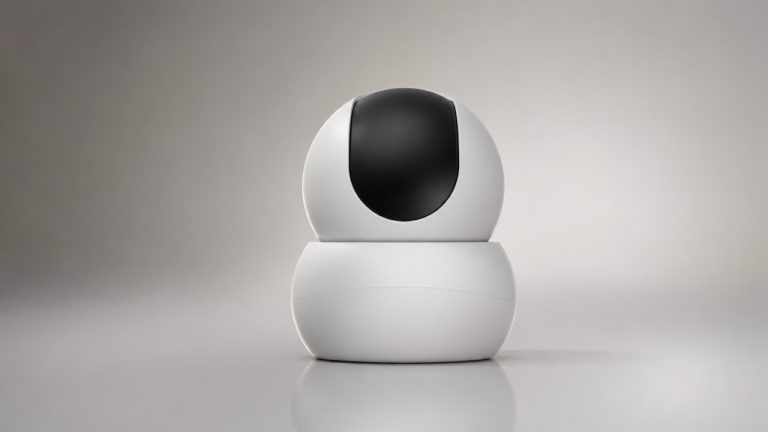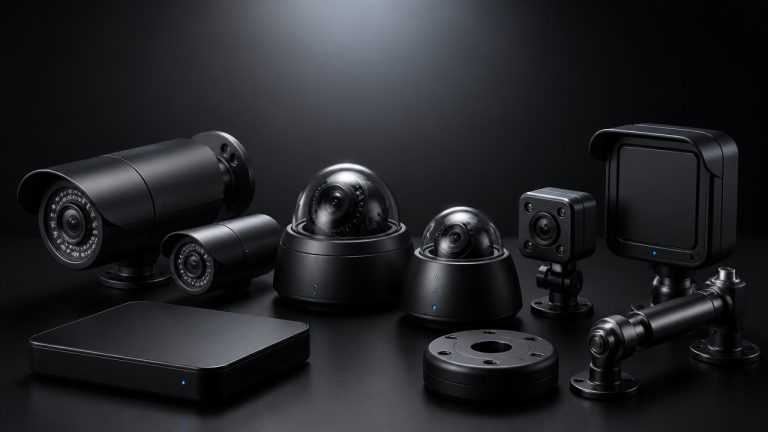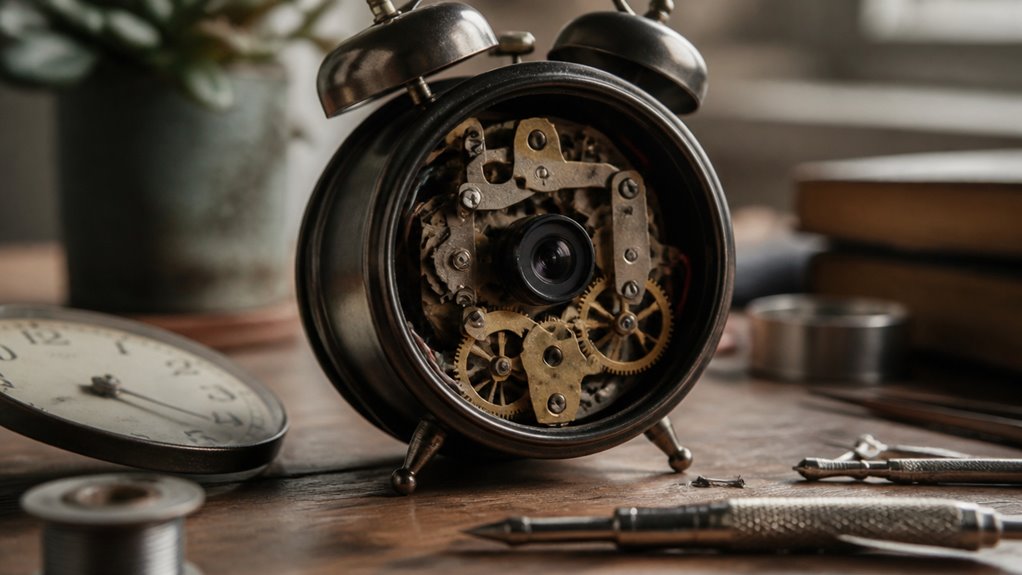

You can create an effective DIY hidden camera by choosing a compact Wi-Fi camera with a wide field of view, built-in infrared LEDs for night vision, and AI features like person and pet detection to reduce false alerts.
Conceal it in common household furniture near power sources while managing cables discreetly.
Enable motion detection with adjustable sensitivity and set up secure cloud or local storage.
Make sure you comply with privacy laws by avoiding private areas and disabling audio.
Explore further to refine your setup and privacy controls.
Key Takeaways
- Conceal compact Wi-Fi cameras on bookshelves or inside decorative objects with clear, unobstructed lenses for effective coverage and night vision.
- Use hollowed furniture compartments or entryway furniture near power outlets to hide cameras while maintaining ventilation and signal strength.
- Secure camera cables discreetly along walls, behind baseboards, or under carpets using cable ties or clips to minimize exposure and avoid damage.
- Disable or remove microphones to avoid legal issues with audio recording and respect privacy boundaries in shared or private spaces.
- Enable motion detection and AI features through compatible firmware for accurate alerts and minimize false notifications in concealed camera setups.
Choosing the Best Cameras for DIY Hidden Camera Projects
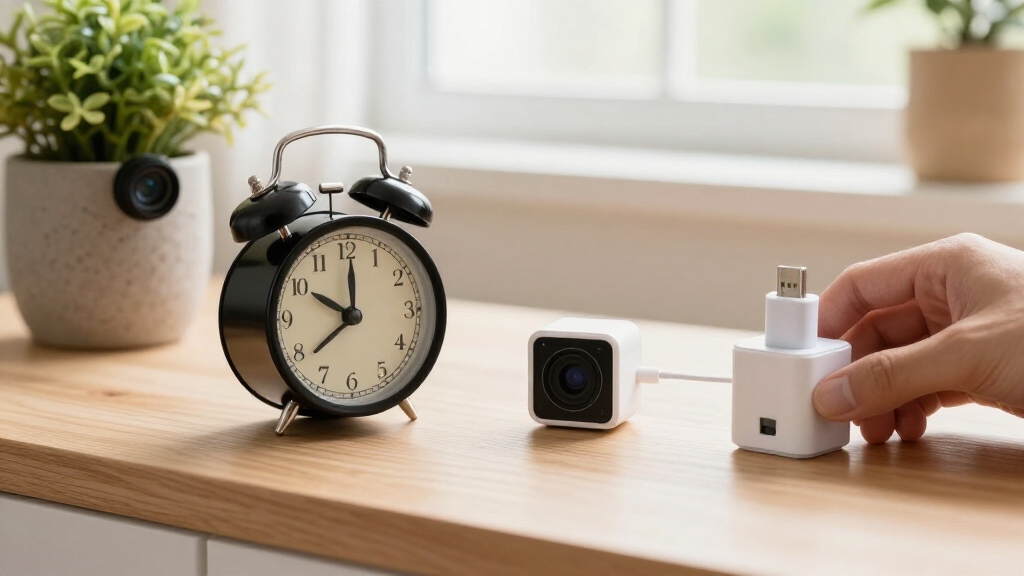
When selecting cameras for DIY hidden camera projects, you’ll want to prioritize models designed for indoor security that offer compact size, wide viewing angles, and integrated smart features like motion detection and remote access.
Look for cameras with at least a 130-degree field of view to maximize coverage. Pan-tilt capabilities can enhance monitoring by allowing the camera to track movement across larger rooms.
Devices with physical privacy shutters or privacy modes add user control and simplify concealment. Prioritize cameras equipped with PIR sensors and AI detection for more accurate motion sensing, minimizing false alerts.
Night vision is essential for low-light environments. Additionally, make certain the camera supports both cloud and local storage options to securely preserve footage.
Choosing a Wi-Fi-enabled indoor camera provides seamless integration with mobile apps for remote monitoring. Budget-friendly cameras like Blink Indoor offer reliable 1080p HD video and easy setup, making them ideal for renters and DIY projects with limited budgets and Alexa integration.
Set Up Motion Detection and Alerts on Your DIY Camera
Enable motion detection on your DIY hidden camera to transform it into a proactive security device that alerts you to activity in real time.
Start by accessing the camera’s app or web interface, then activate motion detection settings. Adjust sensitivity levels to balance responsiveness and minimize false alerts from minor movements or pets.
If available, enable AI-based detection to differentiate between people, animals, and objects, improving alert accuracy. Configure alert preferences to receive push notifications or emails instantly.
Make sure your camera is connected to a stable Wi-Fi network for timely alerts and remote monitoring. Test the system by simulating movement within the camera’s field of view, confirming that alerts trigger promptly.
Regularly update firmware to maintain peak detection performance and security. Adjusting motion detection zones can also help reduce false alerts from irrelevant movements.
Best Household Spots to Conceal Your DIY Camera
When it comes to hiding your DIY camera, think about those everyday spots that blend right in. Bookshelves, furniture in the entryway, and decorative shelves are perfect because they often face areas with a lot of activity. These furniture-based spots can really help you keep your camera out of sight, but you’ll need to pay attention to how you manage those cables.
Keeping everything organized is key! Make sure the camera has enough ventilation and that the lens isn’t blocked. You can run cables along walls or even tuck them inside power outlets to keep everything looking neat. That way, your DIY camera stays under the radar without losing any of its functionality. Additionally, combining concealed cameras with visible deterrents can help balance stealth with prevention.
Common Concealment Locations
Several household locations offer practical concealment opportunities for your DIY hidden camera without compromising functionality. Common spots include bookshelves, where you can blend the camera among books or decor facing high-traffic areas. This ensures clear lens visibility and signal strength.
Entryway furniture and decorative shelves provide natural sightlines and easy access to power sources. This minimizes cable exposure. Power outlets and nearby wall decor serve as excellent concealment points, allowing short cable runs and maintaining unobstructed lens openings.
When selecting a location, prioritize matching the camera size to the object for effective concealment. Avoid cramped enclosures that block the lens or impede ventilation. Position your camera to cover hallways, living rooms, or kitchens, where motion detection and wide-angle views optimize monitoring without drawing attention. Be sure to ensure clear line of sight to avoid obstructions like trees or décor that could block the camera’s view.
Furniture-Based Camera Hiding
When choosing furniture-based hiding spots for your DIY hidden camera, focus on pieces that naturally face high-traffic areas and offer easy access to power sources.
Ideal options include bookshelves, entryway tables, and entertainment centers, as they provide unobstructed sightlines and proximity to outlets.
Position the camera behind decorative objects or within hollowed compartments, ensuring the lens remains unobstructed for clear footage.
Match your camera size to the furniture’s available space to prevent bulky setups that may draw attention.
Prioritize devices with wide viewing angles and motion detection to maximize coverage.
Avoid enclosing cameras in spaces that restrict ventilation or signal strength, as this can degrade performance.
This strategic placement balances concealment effectiveness with technical functionality, optimizing your DIY hidden camera’s operational reliability.
Additionally, ensure your camera supports firmware updates to maintain security and enable new features over time.
Cable Management Tips
Effective cable management enhances the concealment and performance of your DIY hidden camera setup, especially when placed near furniture. Properly routed cables prevent signal interference and reduce the risk of accidental disconnections.
Start by selecting cable ties or adhesive clips to secure wiring along edges or behind furniture legs. Use cable raceways or tubing to bundle multiple wires discreetly. Position power adapters close to outlets to minimize visible cable length.
Consider these tips for optimal cable concealment: Run cables behind baseboards or under carpets where possible to avoid exposure. Use furniture with hollow sections, like desks or cabinets, to hide cables internally.
Avoid tight bends or kinks that can damage cables or degrade signal quality. Implementing these strategies guarantees your hidden camera remains unobtrusive and fully functional. Always seal connections with waterproof materials to protect cables from environmental damage and ensure reliable operation.
How to Ensure Privacy and Legal Compliance With DIY Cameras?
When setting up your DIY camera, it’s super important to think about where you place it. Stick to areas where recording is allowed, and definitely steer clear of private spaces like bathrooms and bedrooms.
Also, keep in mind that recording audio can get tricky due to stricter consent laws. To make things simpler and reduce any legal worries, consider disabling the microphone on your camera.
And remember, prioritizing privacy is key! Make sure you provide clear notifications about the camera’s presence and always respect the reasonable expectations of privacy that people have in their spaces.
Additionally, using technical safeguards such as encryption and strong passwords can help protect your footage and maintain privacy.
Legal Camera Placement
Although DIY cameras offer versatile surveillance options, ensuring legal compliance requires careful placement to respect privacy laws. You need to avoid placing cameras in private areas like bathrooms, bedrooms, and changing rooms where individuals have a reasonable expectation of privacy.
Instead, focus on common areas such as living rooms, kitchens, and entryways. Keep your camera’s field of view strictly within your property boundaries to prevent legal issues related to capturing neighbors’ private spaces.
Key considerations for legal placement include:
- Avoid recording sensitive or private spaces to comply with privacy regulations.
- Use visible or clearly marked cameras when monitoring shared areas for transparency.
- Position cameras to monitor common traffic areas without infringing on personal privacy.
This approach helps you maintain effective surveillance while adhering to legal standards. Additionally, it is important to respect privacy boundaries by avoiding viewing or sharing footage beyond agreed purposes to foster trust and legal compliance.
Audio Recording Restrictions
While placing cameras to respect visual privacy is fundamental, audio recording introduces distinct legal challenges that require careful attention. Many jurisdictions enforce two-party consent laws, meaning you must obtain explicit permission from all parties before capturing audio.
Failing to comply can lead to criminal penalties or civil lawsuits. Additionally, audio recording in areas with a reasonable expectation of privacy, such as private rooms, is often strictly prohibited.
When designing your DIY hidden camera, consider disabling or removing microphones to avoid inadvertent audio capture. If audio is essential, make certain you understand local laws thoroughly and secure necessary consents. Regularly performing listening device sweeps can help ensure no unauthorized audio recording devices compromise privacy.
Privacy-Friendly Monitoring Practices
Ensuring privacy and legal compliance with DIY hidden cameras requires a clear understanding of local laws and ethical monitoring practices.
You should install cameras only in common areas like living rooms or entryways, avoiding private spaces such as bedrooms and bathrooms.
Audio recording often triggers stricter consent requirements, so consider disabling microphones to reduce legal risks. Always inform household members or guests when cameras are active to maintain transparency.
Key privacy-friendly practices include:
Position cameras to avoid capturing neighbors’ private property or intrusive angles.
Use devices with physical privacy shutters or clear on/off indicators.
Prefer video-only recording to minimize legal complications related to audio capture.
Additionally, check privacy laws specific to hidden camera use in your jurisdiction before installation to ensure full legal compliance.
How to Add Night Vision and AI Features to Your DIY Camera?
When enhancing your DIY hidden camera, adding night vision and AI features markedly improves its functionality for 24/7 monitoring.
Start by selecting a compact Wi-Fi camera with built-in infrared LEDs for effective night vision. This ensures clear footage in low-light conditions.
Choose a compact Wi-Fi camera with infrared LEDs to capture clear night vision footage.
To integrate AI capabilities, choose models equipped with onboard processors or cloud-based AI services that support person, pet, and vehicle detection.
Adjust motion sensitivity to minimize false alerts. If your camera lacks AI, consider installing compatible firmware or software that enables AI analytics.
Proper placement is critical; avoid obstructing the infrared sensors and maintain an unobstructed lens.
These upgrades not only enhance detection accuracy but also enable smart alerts and event filtering. This is essential for discrete, reliable surveillance across varying lighting environments.
Storing and Accessing Your Hidden Camera Footage
Effective storage and access strategies are critical for maximizing the utility of your hidden camera footage. You want reliable methods to store data securely and retrieve it quickly when needed.
Cloud storage offers remote access and automatic backups but depends on stable internet and subscription costs. Local storage, such as microSD cards or network-attached storage (NAS), provides autonomy and faster access but requires manual maintenance.
Consider these storage and access factors:
- Data encryption to protect footage from unauthorized access.
- Automated motion-triggered recording to optimize storage use.
- Mobile app integration for real-time monitoring and playback.
Frequently Asked Questions
What Tools Do I Need to Modify a Camera for DIY Concealment?
You’ll need a precision screwdriver set to open and modify the camera casing safely.
Have a small drill or rotary tool for creating unobstructed lens openings in concealment housings.
Use wire cutters and strippers if you need to shorten or reroute cables.
A hot glue gun or double-sided tape helps secure components inside objects.
Finally, a multimeter can check electrical connections, ensuring the camera functions properly after modification.
How Can I Disguise Camera Cables Effectively?
You’ll want to disguise camera cables by blending them seamlessly into their surroundings. Run cables alongside existing wires or moldings, using cable clips or adhesive channels to keep them neat and hidden.
Wrap cables in fabric or electrical tape matching nearby colors, or thread them through hollow furniture legs or wall trims. Avoid sharp bends to maintain signal integrity, and make certain ventilation isn’t blocked.
This precise concealment helps your setup stay undetected and fully functional.
Can I Use Battery-Powered Cameras for Hidden Setups?
Yes, you can use battery-powered cameras for hidden setups. They offer flexibility without messy cables.
Just make sure the battery life matches your monitoring needs; some last days, others weeks. Choose compact models with motion detection and low power consumption to maximize runtime.
Keep in mind that frequent recharging or battery replacement may be necessary. Plan for easy access without exposing the camera.
Wireless signal strength and concealment remain critical for effective use.
How Do I Troubleshoot Connectivity Issues With Hidden Cameras?
Imagine you’ve hidden a Wi-Fi camera behind a bookshelf, but the feed keeps dropping.
To troubleshoot connectivity issues, first check your router’s signal strength near the camera; weak signals cause dropouts. Use a Wi-Fi analyzer app to identify interference or dead zones.
Restart both camera and router. Make sure firmware is updated.
If issues persist, try relocating the camera closer to the router or adding a Wi-Fi extender to boost signal reliability.
What Are the Best Ways to Test Camera Angles Discreetly?
To test camera angles discreetly, use your smartphone’s live-view app to preview the feed remotely. This helps avoid direct visibility of the camera.
Position the camera where its lens is unobstructed and covers key traffic areas. Adjust the angle incrementally while monitoring the live feed to ensure wide, clear coverage without detection.
Utilize motion detection alerts to verify activation zones. Perform tests during both day and low-light conditions to confirm night vision effectiveness.
Set Up Your DIY Camera With Privacy in Mind
By choosing the right camera and mastering motion detection, you can turn everyday items into stealthy watchdogs. Concealing your DIY camera in strategic household spots guarantees effective monitoring without drawing attention.
Always stay within legal boundaries to protect privacy rights. Enhancing your setup with night vision and AI features sharpens your surveillance.
Finally, organizing your footage storage promises quick access when you need it most. With these tools, you’ll build a camera system that’s as sharp as a hawk’s eye.