
To reset your car alarm system, start by disconnecting the negative battery terminal with the key out. Then wait at least five minutes.
For a full reset, remove both battery terminals and leave them disconnected for 15–30 minutes. Reconnect the positive terminal first.
You can also cycle the ignition to ON for 10–15 minutes or resync the key fob by using the driver’s door lock and fob buttons.
Removing the alarm fuse briefly is another option. Continue to explore for detailed steps and troubleshooting.
Key Takeaways
- Disconnect the negative battery cable first, wait 5 minutes, then reconnect positive and negative cables to reset the alarm system.
- Turn the ignition key to ON without starting the engine and wait 10–15 minutes to allow the security system to recognize the key.
- Use the physical key to lock/unlock the driver’s door and press fob lock/unlock buttons in sequence to resync the key fob with the vehicle.
- Remove the alarm fuse with ignition off, wait 2–5 minutes, then reinstall to perform a hard reset of the alarm system.
- Consult the owner’s manual for model-specific reset steps and seek professional help if repeated resets or persistent lockouts occur.
How to Reset a Car Alarm by Disconnecting the Battery?
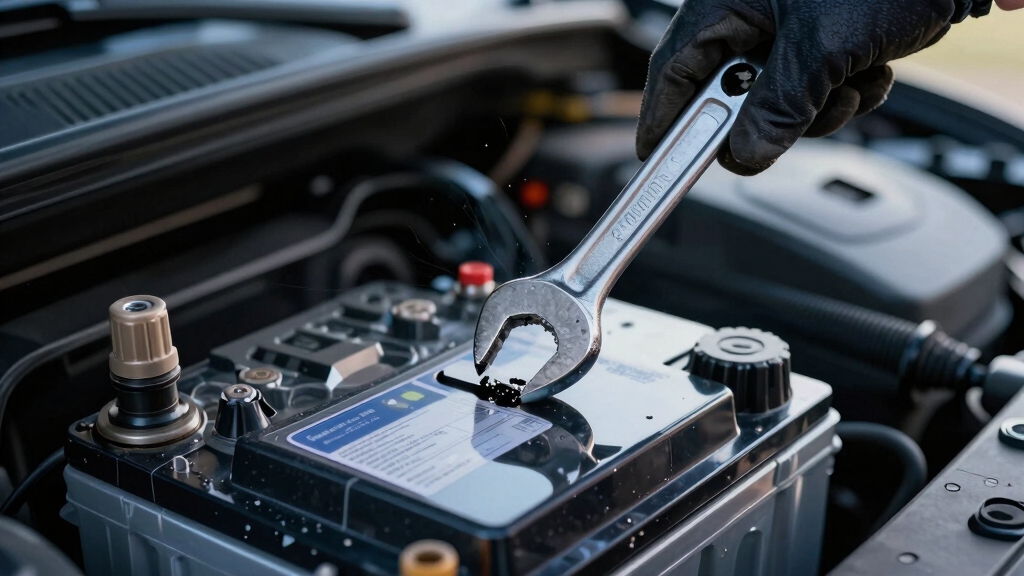
To reset your car alarm by disconnecting the battery, start by safely removing the negative battery cable. Use a wrench to loosen the clamp, ensuring the vehicle is off and the key is out of the ignition.
Begin resetting your car alarm by safely disconnecting the negative battery cable with the vehicle off.
After disconnecting, wait at least 5 minutes to allow residual power to dissipate.
For a more thorough reset, disconnect both positive and negative terminals and leave them off for 15–30 minutes to fully discharge the system.
When reconnecting, attach the positive cable first, then the negative, to prevent electrical faults.
Once reconnected, turn the key to the ON position without starting the engine and let the vehicle sit for several minutes to reinitialize electronic systems.
Note this reset may erase presets like the clock and radio settings.
This method should be used as a last resort reset after simpler disarm techniques have failed.
How to Reset Your Car Alarm Using the Ignition Cycle?
Although the ignition-cycle reset varies by vehicle, you can often clear your car alarm by inserting the key and turning it to the ON or RUN position without starting the engine.
Leave it there for 10 to 15 minutes. This allows the security system to recognize the key and reset itself.
On some models, you may need to repeat this process three times, turning the key OFF for a few seconds between cycles.
Watch for the security light; it will typically blink and then turn off, signaling reset completion.
If the alarm persists or the vehicle won’t start, consult your owner’s manual before repeating the procedure. The exact cycle and timing can differ by manufacturer and model.
Power surges and voltage spikes can sometimes cause false alarms or require a reset due to corrupted control memory.
How to Reset Door Locks and Key Fobs to Fix Car Alarm Issues?
If your alarm remains active despite completing the ignition-cycle reset, the issue might lie with your door locks or key fob communication.
Start by using the physical key in the driver’s door lock; turn it to unlatch and hold for 20–30 seconds on some systems.
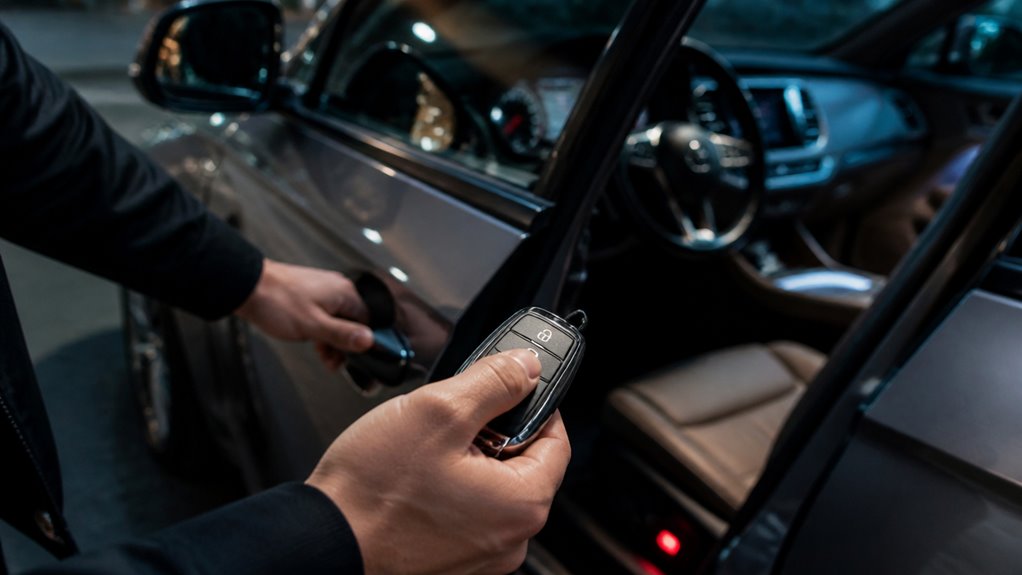
Perform lock/unlatch cycles with the key or fob to re-establish connection. Next, press the fob’s lock then unlatch buttons in sequence to sync the remote with the vehicle.
Check the key fob battery; replace it if low, since a weak battery can trigger anti-theft activation.
Replacing the battery typically involves a CR2032 lithium coin cell installed with the positive side facing up for proper function.
After completing these steps, test the fob functionality and door locks. If the alarm persists, verify the owner’s manual for model-specific procedures or consider professional assistance.
When and How to Use the Alarm Fuse to Reset Your Car Alarm?
When your car alarm system becomes unresponsive to standard reset methods, accessing the alarm fuse can provide a direct way to power down the security system.
Locate the alarm fuse in the vehicle’s fuse panel using the owner’s manual. Carefully remove the fuse to interrupt power; this acts as a hard reset.
Wait a few minutes before reinserting the fuse to guarantee power drain and restore normal operation. Note that the vehicle may not start while the fuse is removed.
It is important to avoid touching any wires during this process to prevent accidental shorts and potential damage to the system safe disconnection procedures.
| Step | Action |
|---|---|
| 1 | Consult owner’s manual for fuse location |
| 2 | Turn off ignition and remove alarm fuse |
| 3 | Wait 2–5 minutes to guarantee power drain |
| 4 | Reinstall fuse securely |
| 5 | Turn ignition ON and verify alarm reset |
How to Troubleshoot Car Alarm Resets and When to Get Help?
Because car alarm systems vary widely by make and model, troubleshooting reset issues requires careful attention to specific indicators and procedures.
Begin by consulting your owner’s manual for the exact reset method. Monitor security lights, dashboard codes, or flashing icons to assess the system’s status and progress.
If your key isn’t programmed correctly or if the door lock or immobilizer is damaged, the alarm may stay engaged despite reset attempts.
Check key-fob battery health and guarantee correct reset sequences.
When repeated resets fail or if you encounter persistent lockouts, seek professional assistance from a dealer or a certified mobile locksmith.
Complex faults often involve immobilizer electronics or remote transmitter issues beyond basic reset procedures, necessitating expert diagnostics and repair.
Regularly replacing batteries and inspecting backup power sources can prevent persistent alarm beeping and false alarms caused by low power or sensor issues, as seen in battery maintenance.
Frequently Asked Questions
Can Resetting My Car Alarm Void the Vehicle Warranty?
Resetting your car alarm typically won’t void your vehicle warranty, especially if you follow manufacturer-approved procedures.
However, if you use unauthorized methods or cause electrical damage during the reset, you risk warranty denial for related repairs.
Always consult your owner’s manual or dealer before attempting a reset. Sticking to recommended steps guarantees you won’t unintentionally trigger warranty issues tied to your vehicle’s security or electrical systems.
How Do Aftermarket Alarm Systems Differ From Factory-Installed Ones?
Aftermarket alarm systems differ from factory-installed ones by offering customizable features and installation flexibility but often lack full vehicle integration.
You’ll find aftermarket units may require manual code-entry resets and separate programming steps.
Factory systems are usually embedded in the vehicle’s electronics, enabling seamless communication with immobilizers and key fobs.
You should consult manuals closely, as aftermarket alarms can vary widely and might involve additional wiring or components for proper reset and function.
What Causes False Alarms Unrelated to the Reset Process?
False alarms often stem from your car’s heightened sensitivity to everyday disturbances, like a gentle breeze or passing traffic vibrations.
Electrical glitches, such as faulty door sensors or low key-fob batteries, can also trigger unnecessary alerts.
Make sure your sensors are clean and properly aligned, and replace weak batteries promptly.
Addressing these subtle causes improves system reliability, preventing unwarranted alarms that disrupt your peace and vehicle security.
Are There Smartphone Apps to Control or Reset Car Alarms?
Yes, you can use smartphone apps to control or reset car alarms, especially with modern vehicles offering connected services.
These apps allow you to arm, disarm, or monitor your alarm remotely. To use them, download the manufacturer’s official app, pair it with your vehicle via Bluetooth or cellular, and follow setup instructions.
Note that functionality depends on your car’s make, model, and system compatibility.
Check your owner’s manual or dealer for specifics.
How Often Should I Replace the Key Fob Battery to Avoid Alarm Issues?
You should replace your key fob battery approximately every 1 to 2 years to prevent alarm issues.
If you notice reduced range, inconsistent locking, or frequent false alarms, it’s time to swap the battery.
Always use the correct type specified in your owner’s manual.
Regular replacement helps maintain reliable communication between the fob and vehicle, reducing the risk of anti-theft activation caused by a weak or failing battery.
A Step-by-Step Guide to Resetting Your Car Alarm System
Now that you know how to reset your car alarm from disconnecting the battery to cycling the ignition and checking fuses, you’re equipped to tackle most issues efficiently.
Remember, sometimes your key fob or door locks need a quick reset too. If troubles persist, don’t hesitate to seek professional help.
Think of it like tuning a classic typewriter: a little patience and precision go a long way in restoring perfect function.