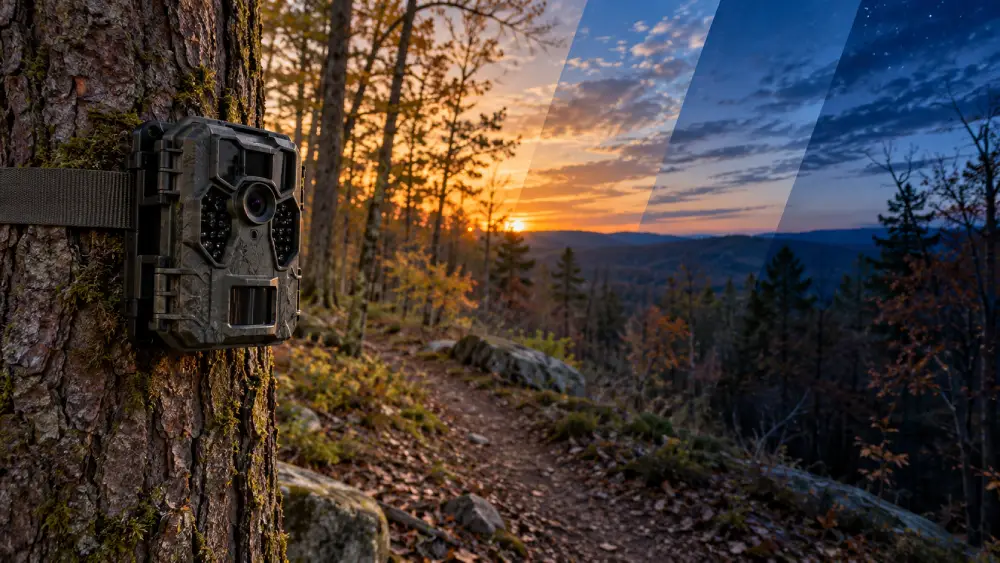

Time lapse on a trail camera lets you capture images at set intervals, like every few minutes, without relying on motion.
You’ll get a steady stream of photos showing slow changes such as plant growth or shifting clouds. The camera conserves energy by sleeping between shots, storing images sequentially for later viewing.
While it might miss quick wildlife moments, this mode is great for broad, uninterrupted scenes. If you want to understand when and how to best use time lapse, there’s more to discover.
Key Takeaways
- Time lapse mode on a trail camera captures images at fixed intervals, regardless of motion, to document gradual changes over time.
- It builds a sequential photo collection that can be compiled into a sped-up video showing slow processes like plant growth or weather changes.
- The camera wakes periodically to take photos, conserving energy by sleeping between shots without relying on motion sensors.
- Time lapse is ideal for monitoring steady, broad scenes and slow shifts, unlike motion-triggered mode which captures sudden activity.
- Users can adjust shooting intervals and active time windows to optimize battery life, storage, and coverage based on scene dynamics.
Understanding Time Lapse Mode on Trail Cameras
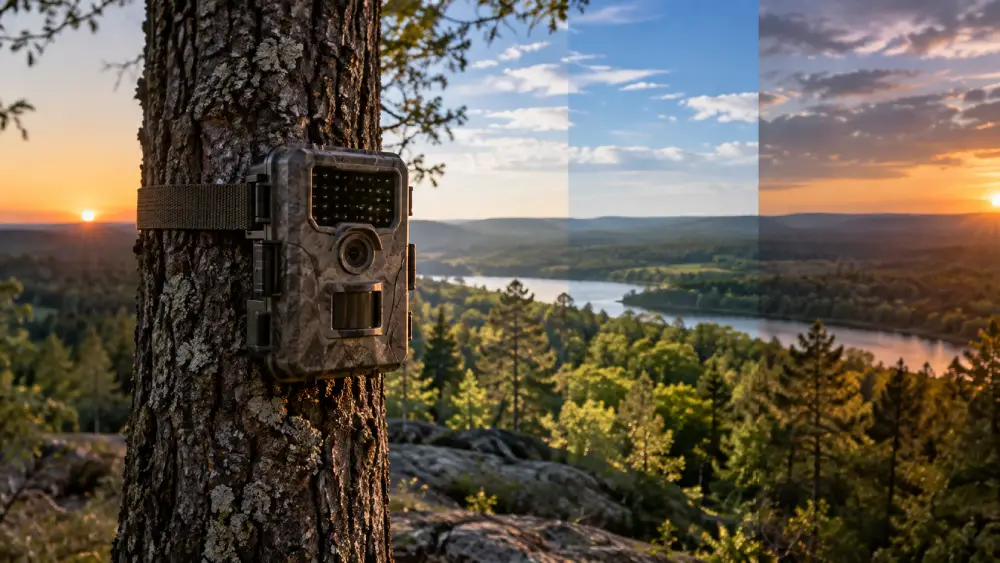
Although you might be more familiar with motion-triggered photos, understanding time lapse mode on trail cameras opens up new possibilities for capturing gradual changes in your environment.
In time lapse mode, your camera takes pictures at set intervals—every few seconds, minutes, or hours—regardless of any movement. You can watch slow shifts unfold, like plants growing or clouds drifting, by compiling these images into a sped-up sequence.
Some cameras even let you schedule when time lapse runs, conserving battery by waking only at those moments. This mode often disables motion sensors, focusing solely on consistent snapshots over time.
For remote or off-grid locations, using a camera with solar power capabilities can extend deployment time significantly without frequent maintenance.
How Time Lapse Works Without Motion Detection?
Time lapse mode takes control of your trail camera’s schedule, prompting it to capture images at fixed intervals whether or not anything moves in front of the lens.
Time lapse mode schedules your trail camera to capture images at regular intervals, regardless of motion.
Instead of relying on motion detection, the camera wakes at predetermined times, say every 10 minutes or every hour, to snap a photo automatically.
This steady rhythm allows you to observe gradual changes or broad scenes without missing moments due to inactivity.
The camera stores each image on its memory card, building a chronological collection that you can later review or compile into a video.
By disabling motion sensors in this mode, the camera conserves energy, sleeping between shots.
This method suits patient observation, capturing shifts in light, weather, or wildlife patterns over time without depending on sudden movement triggers.
Optimizing settings like resolution and compression can further extend battery life and storage capacity during time lapse recording, making energy-efficient configurations essential for remote use.
When to Choose Time Lapse vs Motion Trigger on Trail Cameras?
Deciding between time lapse and motion-triggered modes depends on what you want to capture and how you plan to use the footage.
If you’re interested in slow, steady changes, like plants growing or clouds drifting, time lapse suits you best.
It gives you a broad, uninterrupted view, capturing moments whether or not there’s movement.
On the other hand, if your focus is on fast, spontaneous animal activity close to the camera, motion-triggered mode is more reliable.
It wakes the camera only when something moves, saving battery life and storage.
Sometimes, you might want both: time lapse for the big picture and motion trigger for sudden action.
Choosing the right mode can optimize your results much like how proper foam proportioning is critical for effective suppression in firefighting.
Setting Up and Scheduling Time Lapse Shots
Start by choosing the right interval for your time lapse shots. This setting controls how often your camera captures images.
Consider your goal: short intervals for dynamic scenes, longer ones for slow changes.
Next, set the active time window when the camera should operate, such as daylight hours or specific periods like sunrise to sunset.
Position your camera carefully to frame the area you want to monitor without obstructions.
Don’t forget to check battery life and memory capacity, since frequent shots use more power and storage.
Finally, test your setup to make certain the timing works as planned and images are clear.
With thoughtful scheduling and placement, your time lapse will capture meaningful progress over time, creating a detailed visual story.
Using a camera with edge computing capabilities can help reduce data transfer and ensure continuous operation even during connectivity interruptions.
Benefits and Drawbacks of Using Time Lapse on Trail Cameras
Although using time lapse on trail cameras offers a unique way to capture gradual changes over time, it comes with both advantages and limitations that you should consider.
You’ll appreciate how time lapse captures broad scenes and slow transformations, like plant growth or shifting weather, creating compelling visual stories. It works well where motion sensors might miss activity because it records at fixed intervals regardless of movement.
However, you might miss quick, unpredictable wildlife moments occurring between shots. Battery life and storage fill up faster since images are captured continuously, so managing power and memory is essential.
Nighttime image quality might also be less reliable on some models. Still, if you’re patient and plan carefully, time lapse can reveal subtle, fascinating changes you’d otherwise overlook.
Choosing equipment with efficient battery capacity and proper energy management helps mitigate power concerns during extended time lapse use.
Frequently Asked Questions
Can Time Lapse Mode Work With External Power Sources for Longer Use?
Yes, you can use time lapse mode with external power sources to extend your trail camera’s operation.
Connecting a solar panel or external battery pack helps keep the camera running longer without worrying about battery drain from frequent captures.
Just make sure your camera supports external power and the connections are weatherproof.
This setup lets you monitor slow changes over days or weeks, giving you consistent images without frequent maintenance or battery swaps.
How Do Different Weather Conditions Affect Time Lapse Image Quality?
Weather plays tricks on your time lapse images like an artist changing a canvas mid-painting.
Rain can blur your shots, fog adds a ghostly veil, and harsh sunlight casts strong shadows, altering colors and contrast.
Wind might shake the camera, causing blur, while snow can brighten scenes but hide details.
You’ll want to position your camera thoughtfully and adjust settings to keep your images sharp and clear, no matter what nature throws at you.
Are There Specific Memory Card Requirements for Time Lapse Recording?
Yes, you’ll want a memory card with ample storage and fast write speeds for time lapse recording since the camera captures images frequently.
Look for cards labeled Class 10 or UHS-I (Ultra High Speed) to guarantee smooth saving without delays.
Also, choose a high-capacity card, 32GB or higher, to avoid running out of space during long monitoring periods.
Always check your camera’s specs to confirm compatible card sizes and formats.
Can Time Lapse Settings Be Remotely Changed via Smartphone Apps?
Imagine you’re steering a ship from afar, adjusting its sails to catch the right wind.
Yes, many modern trail cameras let you change time lapse settings remotely via smartphone apps.
You can patiently tweak intervals, schedules, and activation times without leaving your spot.
This remote control gives you the freedom to adapt to nature’s slow rhythms, observing and adjusting your camera’s watchful eye with gentle precision and ease.
What Are the Best Camera Brands Known for Reliable Time Lapse Features?
You’ll find brands like Bushnell, Reconyx, and Moultrie stand out for reliable time lapse features. They offer flexible interval settings, solid battery life, and clear image quality.
Browning also impresses with hybrid modes combining motion and time lapse. When choosing, consider your specific needs, like scheduling options and video compilation ease.
These brands balance durability and usability, helping you capture gradual changes smoothly over time.
Choose the Right Time-Lapse Interval for Better Results
When you use time lapse on your trail camera, you unlock a unique way to watch nature unfold, even without motion triggers.
It’s not just about catching animals; it’s about seeing the subtle changes over time, like shifting light or blooming plants.
While some say motion detection is always better, you might find time lapse offers a fresh perspective, revealing moments you’d otherwise miss.
Give it a try; you might be surprised by what patience reveals.