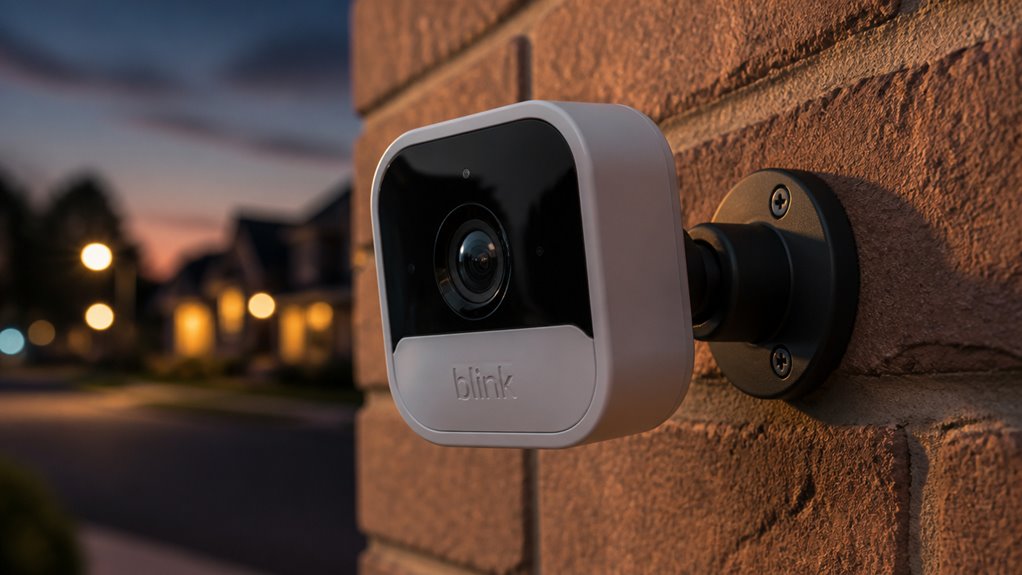

You’ll get reliable 1080p HD video, clear two-way audio, and solid motion detection with Blink security cameras.
They’re easy to install, battery-powered for up to two years, and offer wide coverage, especially the Blink Outdoor 4 with a 143-degree lens.
While lacking advanced features like facial recognition or 4K video, they deliver good value for budget-conscious users seeking straightforward home monitoring.
Discover how Blink balances coverage, performance, and pricing for various needs.
Key Takeaways
- Blink cameras offer consistent 1080p HD video with clear audio but lack advanced features like 4K and facial recognition.
- The Blink Outdoor 4 model provides a wider 143-degree field of view, ideal for broad outdoor coverage.
- Motion detection uses PIR sensors with about 90% false alarm filtering and works best with side-to-side movement.
- Installation is quick and DIY-friendly, powered by long-lasting AA lithium batteries, with optional Sync Module for local storage.
- Blink delivers budget-friendly security with cloud storage options and seamless Alexa integration, suitable for renters and basic monitoring.
What Video Quality Can You Expect From Blink Security Cameras?
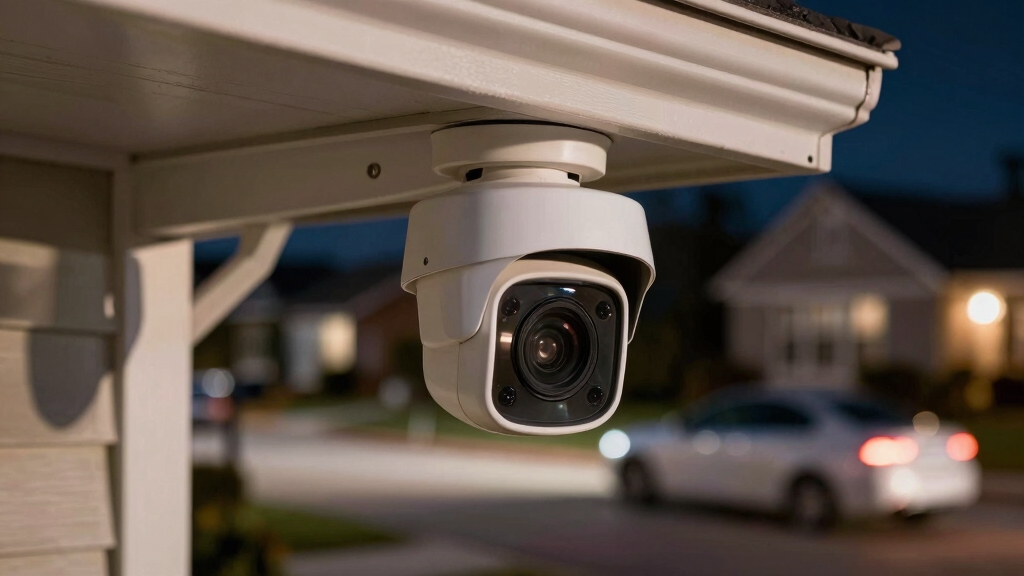
Anyone looking at Blink security cameras can expect consistent 1080p HD video quality across most models, delivering sharp visuals and clear audio that rival many premium brands.
You’ll notice smooth live video due to automatic fluid adjustments, which enhances real-time monitoring.
However, when it comes to detailed footage clarity, Blink cameras fall slightly short compared to higher-end competitors.
Their color night vision, aided by adjustable infrared LED intensity, allows you to see more clearly in low-light conditions, though it’s not flawless.
While the image quality is solid for general home security needs, it may not capture fine details like license plates or distant faces as crisply.
This is partly due to small sensor limitations, which affect low-light performance and detail retention.
How Easy Is It to Install and Set Up Blink Security Cameras?
Setting up Blink security cameras typically takes just 5 to 10 minutes, making them a quick solution for home monitoring.
You’ll appreciate the DIY-friendly design; lightweight cameras require minimal tools, usually just a screwdriver, for mounting.
The app guides you intuitively through the setup, reducing complexity and ensuring a smooth process. Most models don’t require additional hardware, though the Blink Outdoor 4 does need a Sync Module for local storage and connectivity.
This straightforward installation suits renters and those with limited technical skills. While simple, the process remains effective, delivering reliable connections and easy integration with Alexa.
For optimal performance, it’s important to verify Wi-Fi signal strength at the camera location to prevent connectivity issues.
What Field of View and Coverage Do Blink Security Cameras Offer?
Most Blink cameras provide a standard field of view of 110 degrees. But if you’re looking for something a bit wider, the Blink Outdoor 4 model takes it up a notch with an impressive 143-degree field of view. This broader coverage is pretty handy, as it means you won’t need as many cameras to keep an eye on important spots like driveways and walkways. For comparison, some other models offer wide-angle lens features that capture sharper and more detailed outdoor views.
Standard And Upgraded Angles
When evaluating Blink security cameras, the field of view plays a pivotal role in determining coverage efficiency. Most models come with a standard 110-degree angle, which covers typical residential areas effectively.
However, if you need broader surveillance, the Blink Outdoor 4 model upgrades this to a 143-degree wide-angle lens.
Here’s what you should note:
- Standard 110-degree angle fits most home security needs.
- Upgraded 143-degree angle on Outdoor 4 reduces blind spots.
- Wide-angle lenses decrease the number of cameras required.
- Single-camera setups can cover multiple zones like driveways and walkways.
This range of angles offers flexibility depending on your property size and monitoring priorities. Cameras with wide-angle lenses provide wide-angle coverage that is ideal for reducing blind spots and maximizing surveillance efficiency.
Coverage Efficiency Benefits
Typically, Blink security cameras deliver efficient coverage by combining wide fields of view with strategic placement options.
Most models offer a 110-degree field of view, providing broad surveillance that minimizes blind spots.
The Blink Outdoor 4 model steps this up with a 143-degree expansive field of view, allowing you to cover larger areas like driveways and walkways with fewer cameras.
This wide-angle lens design reduces the need for multiple units, streamlining installation and cutting costs.
By positioning cameras thoughtfully, you can maximize sensor effectiveness and guarantee thorough monitoring.
While Blink cameras don’t match premium systems in image detail, their coverage efficiency suits typical residential needs well.
This makes them a practical choice for budget-conscious users seeking reliable, hassle-free security coverage.
Additionally, the inclusion of Wide Dynamic Range (WDR) technology helps Blink cameras maintain clear visibility in challenging lighting conditions, enhancing overall coverage effectiveness.
How Reliable Is Blink’s Motion Detection Performance?
Although Blink’s motion detection performs well in many scenarios, it has some limitations you should consider. The system uses PIR sensors that detect heat pattern changes, making it effective but not flawless.
Blink’s motion detection is effective using heat-sensing PIR technology, though it has some limitations to keep in mind.
For instance, movement directly toward the lens often causes delayed or missed alerts. However, side-to-side motion triggers detection more reliably. Here’s what you need to know:
- PIR sensors prioritize heat changes, enabling accurate motion sensing.
- Detection accuracy drops when objects approach the camera head-on.
- Side-to-side motion results in faster, more consistent alerts.
- It filters false alarms from vehicles, animals, and wind about 90% of the time.
- Customizable sensitivity settings help balance detection accuracy and false alarm reduction.
What Smart Features and Integrations Do Blink Cameras Offer?
How do Blink cameras integrate with your smart home ecosystem and enhance security through advanced features?
Blink cameras offer seamless Alexa integration, allowing you to control devices and view live feeds using voice commands.
Their two-way audio provides clearer communication compared to standard calls, improving real-time interaction.
With the Blink Plus subscription, you gain AI-powered person detection, which filters alerts more accurately, reducing false alarms.
Local storage becomes available if you add a Sync Module, giving you flexible options beyond cloud storage.
Although Blink lacks facial recognition or extensive sensors found in premium systems, its smart features emphasize usability and affordability.
These integrations make Blink a practical choice for those wanting straightforward, efficient smart home security without complex setups or high costs.
However, for users seeking enhanced data privacy, options like local edge processing offer stronger control over footage storage and AI analysis.
How Long Do Blink Camera Batteries Last and What Powers Them?
Blink cameras generally deliver impressive battery life, often lasting up to two years on just two AA batteries. This longevity makes them ideal if you want a low-maintenance security solution. You don’t need to worry about frequent replacements or recharging.
Here’s what powers and affects their battery life:
- Two standard AA lithium batteries provide the power source.
- Energy-efficient PIR motion sensors reduce unnecessary power use.
- 1080p video recording and two-way audio are optimized for minimal battery drain.
- Battery life may vary based on motion activity and recording frequency.
For continuous and reliable recording, some security cameras use Power over Ethernet (PoE) technology to combine power and data transmission through a single cable.
How Blink’s Pricing Compares to Competitors?
Many budget-conscious buyers find Blink’s pricing highly attractive compared to other security camera brands.
You’ll notice that Blink offers equipment at markedly lower prices, making it ideal if you want basic security without overspending.
Their cloud storage plans are also competitively priced, providing up to 60 days of footage at a lower monthly cost than most rivals.
While Blink lacks some advanced features like 4K resolution or facial recognition, the value proposition suits renters or DIY installers with limited budgets.
Additionally, you can choose between wired and wireless options, adding flexibility without inflating costs.
However, unlike some models like Wyze cameras that offer local microSD storage for continuous recording without subscription fees, Blink primarily relies on cloud storage solutions.
Which Blink Cameras Fit Your Needs and Budget?
When it comes to Blink cameras, you’ll be pleased to know they offer some budget-friendly options that really balance essential features with affordability. This makes it a lot easier to pick the one that suits your specific needs.
Now, when you’re comparing models, things like video quality, motion detection, and field of view really matter. These factors can help you figure out which camera is best for your situation—whether you need something for indoor monitoring or you’re looking for wider outdoor coverage.
Additionally, ensuring compatibility with smart home platforms is crucial for seamless integration and effective management of your Blink cameras.
Budget-Friendly Model Options
When weighing your options for a security camera, it helps to zero in on models that balance affordability with essential features.
Blink offers several budget-friendly choices that fit various needs without breaking the bank. Here’s what you should consider:
- Blink Indoor: Compact, easy to install, and ideal for basic indoor monitoring.
- Blink Outdoor: Weather-resistant with a 110-degree field of view, perfect for entryways.
- Blink Mini: Affordable indoor option with 1080p HD video and two-way audio.
- Blink Outdoor 4: Slightly higher priced, offers a wider 143-degree view and Sync Module compatibility.
These models deliver solid video quality and straightforward setup, making them suitable for renters or DIY users on a budget.
They lack some advanced features but cover essential security needs effectively.
Feature Comparison Overview
Although Blink’s lineup shares core features like 1080p HD video and two-way audio, each model targets different user needs and budgets.
For example, the Blink Outdoor 4 offers a wider 143-degree field of view and requires a Sync Module, ideal if you want expansive coverage and local storage.
Other models provide a standard 110-degree view and operate wirelessly with long-lasting batteries, fitting renters or DIY installers seeking straightforward setups.
All cameras deliver reliable motion detection with 90% false alert filtering and integrate Alexa for voice control.
However, advanced features like facial recognition or 4K video aren’t available.
Your choice depends on balancing coverage, installation complexity, and budget, ensuring you get the right mix of performance and value without paying for unnecessary extras.
Ideal Use Case Scenarios
Since every home and budget varies, selecting the right Blink camera depends on your specific security needs and installation preferences.
If you want broad coverage and enhanced field of view, the Blink Outdoor 4’s 143-degree angle suits large driveways or yards.
For renters or those seeking easy DIY installation, the lightweight, battery-powered Blink Indoor models offer simple setup without wiring.
Consider your motion detection needs: side-to-side movement triggers faster alerts, so place cameras strategically at chest height.
Finally, factor in budget constraints; Blink’s affordable pricing and optional cloud storage fit well if you seek basic, reliable surveillance without premium features.
Here’s a quick guide:
- Wide outdoor areas: Blink Outdoor 4
- Indoor apartments or small spaces: Blink Indoor
- DIY with minimal tools: Battery-powered models
- Budget-conscious users: Entry-level Blink cameras
Frequently Asked Questions
Can Blink Cameras Record Continuously Without Motion Triggering?
No, Blink cameras don’t support continuous recording by default; they rely on motion-triggered recording to conserve battery life.
You can’t set them to record nonstop without motion events. However, if you purchase the Sync Module and use local storage, you might access longer recording options.
Even then, continuous recording isn’t fully supported. Blink prioritizes efficiency and battery longevity over constant video capture, aiming for event-based footage instead.
Are Blink Cameras Compatible With Non-Alexa Smart Home Systems?
You might find Blink cameras a bit selective when it comes to smart home friendships. They’re primarily designed with Alexa integration in mind.
While they don’t officially support non-Alexa systems like Google Home or Apple HomeKit, some users explore workarounds through third-party apps or hubs. However, these solutions aren’t seamless or officially endorsed.
If you rely heavily on non-Alexa platforms, Blink mightn’t fully meet your smart home compatibility expectations.
How Secure Is the Data Transmission and Cloud Storage for Blink Cameras?
You can expect Blink to use standard encryption protocols to secure data transmission between your camera and cloud servers, protecting video streams from interception.
Cloud storage includes encryption at rest, though Blink’s security measures don’t match high-end enterprise solutions.
If you prioritize maximum privacy, you might consider local storage options with a Sync Module.
Can Blink Cameras Be Integrated With Other Home Security Systems?
Yes, you can integrate Blink cameras with other home security systems, primarily through Alexa-enabled devices. Alexa integration lets you control your cameras using voice commands and incorporate them into broader smart home routines.
However, Blink lacks direct compatibility with many third-party security hubs or advanced home automation platforms. So integration options remain limited. You’ll want to rely mostly on Amazon’s ecosystem for seamless cross-device functionality.
Get Reliable Security Without Overspending
Choosing Blink security cameras is like planting a sturdy oak in your digital garden. They offer clear video, easy setup, and reliable motion detection.
Their smart features blend seamlessly with your home’s ecosystem, while battery life keeps watch without constant worry.
When comparing costs, Blink stands firm against competitors, giving you solid value.
Whether you need broad coverage or budget-friendly options, Blink’s lineup grows to meet your unique security needs with confidence and clarity.