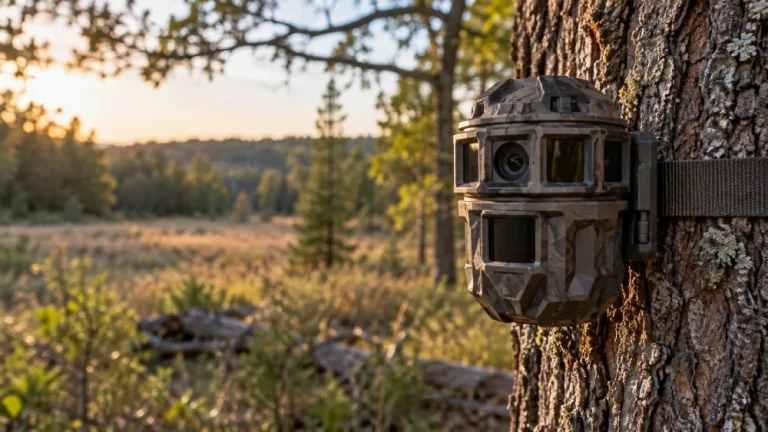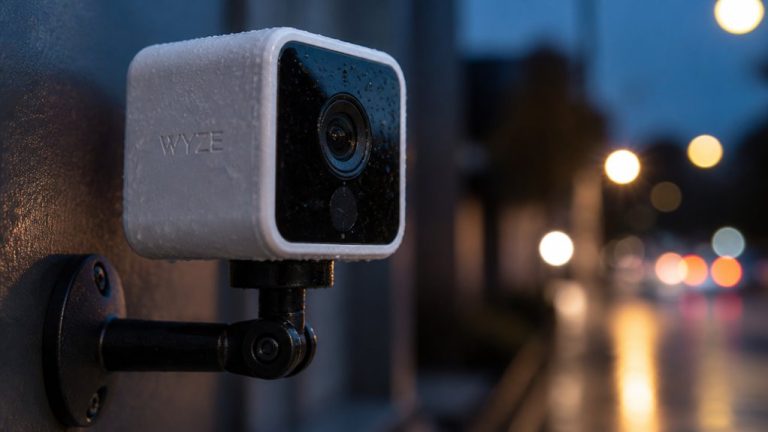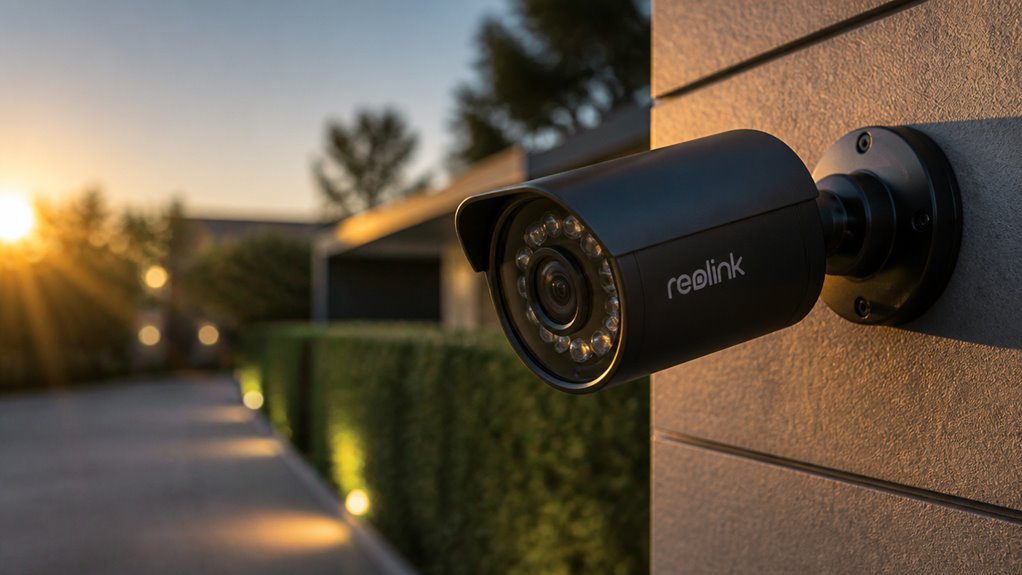

You’ll get sharp daytime images with up to 4K or reliable 2K resolution, plus AI-powered person and vehicle detection that runs locally to reduce false alarms and protect privacy.
Reolink cameras offer color night vision benefits in low light but may struggle with fast motion after dark.
With flexible local storage options and no subscription fees, they provide long-term savings.
Weather-resistant builds and versatile connectivity add practical value.
Explore further to understand their full capacity and fit.
Key Takeaways
- Reolink cameras deliver strong daytime image quality with sharp 2K to 4K resolution and wide 120-degree fields of view.
- On-device AI enables accurate person and vehicle detection without subscription fees, preserving privacy via local processing.
- Local storage options via microSD and NVR eliminate cloud fees and enhance data security with no ongoing costs.
- Dual-band Wi-Fi and optional LTE models offer flexible connectivity, though app reliability and network stability vary.
- Durable, weather-resistant build with IP65–IP66 ratings supports reliable outdoor use in diverse climates and requires routine maintenance.
Why Reolink Cameras Shine in Daylight?
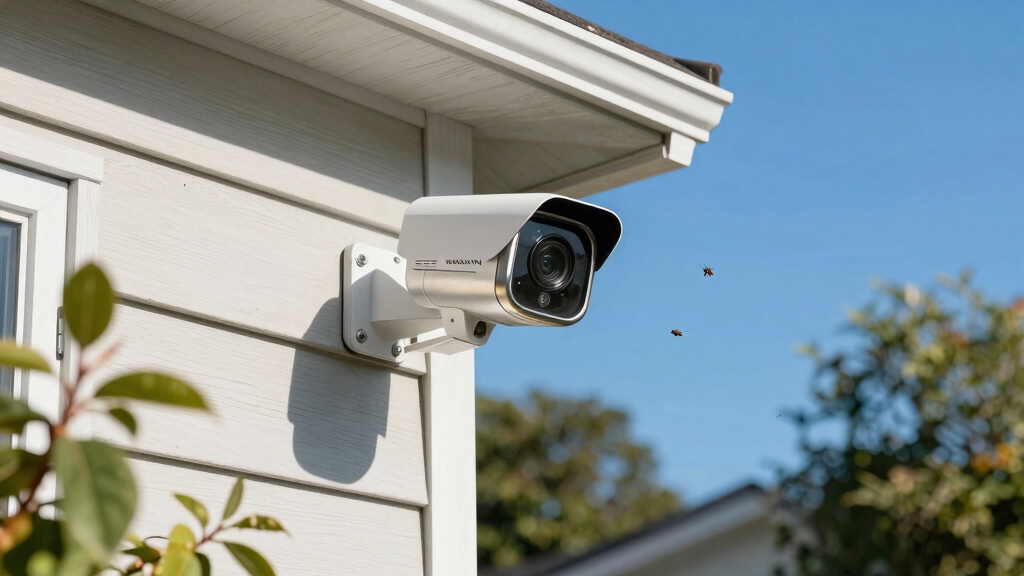
Although performance varies by model, Reolink cameras consistently deliver outstanding daytime image quality that often exceeds expectations for their price range.
You’ll notice sharp, detailed images, especially in well-lit conditions, with higher-end models supporting up to 4K resolution. Mid-tier options like the Argus 3 Pro offer 2K clarity.
The typical 120-degree field of view guarantees broad scene coverage, allowing you to monitor expansive areas without blind spots.
Reviewers frequently highlight that image detail surpasses what you’d expect at this price point, making Reolink a strong contender for budget-conscious users prioritizing daylight surveillance.
When you set up these cameras, you’ll benefit from crisp colors and clear contrast, delivering reliable visual information for everyday monitoring needs in various well-illuminated environments.
Proper positioning and secure mounting prevent tampering and help maintain image quality over time.
What to Expect From Reolink Night Vision and Low-Light Performance?
When it comes to Reolink cameras, you can count on some impressive color night vision features in certain models. This really helps capture more detail when there’s some ambient light around.
However, it’s worth noting that tracking moving subjects in the dark can be a bit tricky. That’s mainly due to sensor limitations and slower image processing speeds.
For the best results, these cameras really shine in static scenes or in areas with a bit of light, like streetlights or porch lights. So, if you’re setting up your camera in a well-lit spot, you’re likely to get clearer images.
To maintain optimal night vision performance, it is important to consider cameras with infrared illumination designed to reduce scattering from moisture and fog.
Color Night Vision
Several Reolink camera models feature color night vision, enhancing detail preservation in low-light conditions compared to traditional black-and-white infrared imaging. This capability relies on modern image sensors that maintain color fidelity at luminance levels as low as 0.1 lux, provided some ambient light is present.
You’ll notice better color accuracy in static scenes and well-lit environments. Very dark areas may revert to infrared monochrome. Color night vision helps you identify objects and surroundings more clearly than standard infrared.
| Feature | Performance Insight |
|---|---|
| Minimum Light Level | ~0.1 lux with ambient light |
| Color Retention | Strong in static scenes |
| Environmental Impact | Works best near streetlights |
| Motion Handling | Less effective in motion |
This balance improves situational awareness but depends on lighting conditions. For users prioritizing privacy and local data control, cameras with local AI processing offer enhanced security by storing and analyzing footage on-device.
Low-Light Motion Challenges
While color night vision improves detail retention in low-light static scenes, Reolink cameras face notable challenges when capturing moving subjects under these conditions.
Motion tends to blur more easily at night due to sensor limitations and slower shutter speeds required for low-light exposure. This results in reduced clarity and less reliable identification of fast-moving people or vehicles after dark.
Reolink’s performance improves markedly in environments with ambient or artificial lighting, such as streetlights, where the sensors maintain better color fidelity and motion tracking.
However, in very dark settings, even advanced models struggle to deliver sharp, actionable footage of motion. If your priority is nighttime motion capture, consider supplementing with additional lighting or evaluating systems optimized specifically for low-light motion detection.
For improved night monitoring, advanced cameras often incorporate color night vision with built-in spotlights to enhance detail and identification in low-light conditions.
AI Person and Vehicle Detection in Reolink Cameras
You know, Reolink cameras really stand out because they use on-device AI to tell the difference between people and vehicles. This smart tech helps improve alert accuracy, so you get fewer false alarms. And the best part? There’s no subscription fee! You can enjoy all these smart detection features without worrying about recurring costs, which a lot of users find super appealing.
Plus, since the cameras process data locally, they don’t lean too heavily on cloud services. This not only enhances your privacy but also gives you more control over your data. It’s a win-win! Reolink’s support for local microSD cards and NVR compatibility adds flexible storage options that further reduce dependency on cloud services.
On-Device AI Detection
Because Reolink integrates AI-driven person and vehicle detection directly on its cameras, you can benefit from accurate motion alerts without relying on cloud services or subscriptions.
The on-device processing minimizes latency and reduces false alarms caused by irrelevant motion, such as animals or tree movement.
This capability also enhances privacy since data isn’t transmitted externally for analysis. You’ll find this particularly useful if you prefer local storage and want to avoid recurring fees.
While the AI algorithms perform well in well-lit environments, detection accuracy may decrease in low-light or complex scenes.
Additionally, using on-device AI detection supports uninterrupted recording and enhanced privacy protection by eliminating the need for WiFi or internet connectivity.
Person vs Vehicle Alerts
Although AI detection is a core feature of Reolink cameras, distinguishing between person and vehicle alerts adds an extra layer of specificity that can improve your monitoring efficiency.
This differentiation helps you prioritize alerts, reducing false alarms from irrelevant movements like animals or leaves.
Reolink’s AI models analyze shape, size, and motion patterns to classify objects accurately.
While person alerts focus on human forms, vehicle alerts capture cars, trucks, or motorcycles, enabling tailored responses.
The system performs best in well-lit environments, with accuracy decreasing in low light or complex backgrounds.
By separating alerts, you gain clearer situational awareness, especially useful in high-traffic areas.
Subscription-Free Smart Features
Reolink’s subscription-free smart features stand out by delivering AI-powered person and vehicle detection directly on the device. This eliminates the need for ongoing fees.
This approach reduces false alerts and reliance on cloud services, enhancing privacy and cost-effectiveness. You’ll appreciate that many models perform detection locally, which increases responsiveness and reliability.
To maintain optimal performance and security, it is important to regularly update the camera’s firmware and software.
| Feature | Benefit |
|---|---|
| AI Person Detection | Filters irrelevant motion |
| AI Vehicle Detection | Differentiates cars from objects |
| No Subscription Required | Saves money, no recurring fees |
How Reolink’s Local Storage and No-Subscription Model Save You Money?
Cutting ongoing costs is one of the most tangible benefits you get with Reolink’s local storage and no-subscription model. Instead of paying monthly fees for cloud storage, you store footage directly on microSD cards or network video recorders (NVRs), eliminating recurring expenses.
This setup also enhances privacy since your data stays on-site rather than being uploaded to third-party servers. Additionally, Reolink’s AI-driven detection works without subscription, so you avoid extra charges for smart features.
While local storage requires initial investment in memory devices, it offers long-term savings and control over your recordings. By sidestepping subscription models common with other brands, you maintain full system functionality without ongoing costs.
This makes Reolink a cost-effective choice for budget-conscious users prioritizing both security and affordability. Unlike some systems, Reolink does not require professional monitoring, which can add to monthly fees.
Usability and Reliability of the Reolink Mobile App
When managing your security system remotely, the mobile app plays a crucial role in delivering a seamless user experience.
Reolink’s app offers intuitive navigation and straightforward setup, making it accessible even if you’re not tech-savvy.
You can view live feeds, receive motion alerts, and manage recordings without hassle.
However, some users report occasional connectivity glitches and slow load times, which can interrupt real-time monitoring.
Despite this, the app supports local storage configurations effectively, minimizing cloud dependence and subscription costs.
Its compatibility with both Wi-Fi and cellular networks enhances flexibility, but network stability remains critical for reliability.
Similar to Wyze cameras, using local microSD storage can enable continuous recording without additional subscription fees, enhancing overall system reliability.
How Reolink Cameras Stand Up in Build Quality and Weather Resistance?
Although security cameras often face harsh outdoor conditions, Reolink models consistently deliver solid build quality and robust weather resistance to meet these challenges. Many cameras feature durable housings with IP65 to IP66 ratings, ensuring protection against rain, dust, and temperature fluctuations. This makes them suitable for prolonged outdoor use without frequent maintenance.
| Feature | Specification |
|---|---|
| Build Material | High-grade plastic & metal |
| Weather Rating | IP65 to IP66 |
| Operating Range | -10°C to 55°C (varies by model) |
Regular inspection of weatherproof seals and housings helps maintain their protective ratings and prevents environmental damage.
With this level of durability, you can confidently deploy Reolink cameras in various climates. Their sturdy construction is praised in user reviews for long-term reliability, making them a practical choice if you prioritize weather resistance and build integrity.
Reolink Connectivity: Wi-Fi and Cellular Options
How do Reolink cameras maintain reliable connections across different environments? They offer both Wi-Fi and cellular options to suit diverse deployment needs.
Most models rely on dual-band Wi-Fi (2.4GHz and 5GHz), which balances range and speed. This helps you maintain stable streaming and quick alerts.
Reolink also supports select cellular-enabled cameras, ideal if your location lacks consistent Wi-Fi or you want backup connectivity.
This cellular option uses LTE networks, ensuring you stay connected even during Wi-Fi outages. The cameras handle network handoffs smoothly, but performance depends on signal strength and network congestion.
Wired models avoid wireless interference altogether, providing maximum reliability.
Best Use Cases and Alternatives for Reolink Cameras
Reliable connectivity options, including Wi-Fi and cellular networks, give you the flexibility to install Reolink cameras in various environments.
Reliable Wi-Fi and cellular connectivity enable versatile Reolink camera installations across diverse settings.
You’ll find they excel in well-lit residential or small-business settings where local storage and straightforward setup matter most.
Their strong daytime image quality and AI-driven person and vehicle detection provide effective monitoring without ongoing subscription fees.
However, if your priority is capturing fast-moving subjects at night or in very low light, Reolink’s performance can lag behind some competitors.
In such cases, you might consider alternatives offering superior night vision or advanced motion tracking.
Overall, Reolink suits users valuing high-value solutions for broad coverage with reliable connectivity.
You should weigh their limitations against your specific surveillance needs before committing.
Reolink Price and Performance Compared to Competitors
When comparing Reolink’s price and performance to competitors, you’ll find that its cameras consistently offer strong daytime image quality and AI-driven detection features at a markedly lower cost.
You get up to 4K resolution on higher-end models and reliable 2K on popular options like the Argus 3 Pro. Broad 120-degree fields of view enhance coverage.
While night vision struggles with moving subjects, performance improves in well-lit areas, matching many peers.
Reolink’s AI-powered person and vehicle detection works without subscription fees, unlike many rivals. Local storage options reduce cloud reliance, adding value.
However, app reliability can vary. Overall, if you prioritize daytime clarity, smart detection, and cost efficiency for residential or small-business use, Reolink offers a compelling balance compared to higher-priced alternatives.
Frequently Asked Questions
What Is the Warranty Period for Reolink Security Cameras?
You’ll typically find that Reolink security cameras come with a one-year limited warranty covering defects in materials and workmanship.
This warranty period is fairly standard in the consumer electronics space, providing you with basic protection against manufacturing faults.
However, coverage details and length might vary slightly depending on the model or region.
It’s smart to check the specific warranty terms when purchasing, so you know exactly what support you can expect.
Can Reolink Cameras Integrate With Smart Home Systems?
Think of your smart home as a puzzle. Reolink cameras can fit several key pieces seamlessly. You can integrate them with popular systems like Google Assistant and Amazon Alexa, letting you control cameras via voice commands or routines.
This compatibility enhances your home’s automation, but keep in mind integrations might vary by model. You’ll find the process straightforward. However, advanced users may want to verify specific features to guarantee smooth, reliable connectivity within your smart ecosystem.
Are Reolink Cameras Compatible With Third-Party Recording Software?
Yes, you can use Reolink cameras with some third-party recording software, especially those supporting ONVIF protocols.
However, compatibility varies by model, so you should verify your specific camera supports ONVIF or RTSP streaming.
This enables integration with popular NVRs or software like Blue Iris.
Keep in mind, advanced AI features and local storage may only work fully within Reolink’s own app ecosystem, limiting third-party software functionality.
How Easy Is the Physical Installation of Reolink Cameras?
You’ll find installing Reolink cameras straightforward, but it depends on the model you pick.
Wired cameras require mounting, drilling, and cable management, which demands some planning and patience.
Wireless models simplify this, often just needing a secure spot and Wi-Fi connection.
The manufacturer includes clear instructions and mounting kits to help you.
Do Reolink Cameras Support Two-Way Audio Communication?
Yes, many Reolink cameras support two-way audio communication, allowing you to both listen and speak through the camera.
This feature is useful for real-time interaction, such as greeting visitors or deterring intruders. However, two-way audio availability varies by model, so you should check specific product specs.
The audio quality is generally clear, but it depends on your network strength and microphone placement for peak performance.
What to Remember Before Choosing Reolink
When choosing Reolink cameras, you’ll appreciate their impressive 95% accuracy in AI person and vehicle detection. This reduces false alerts markedly.
This precision, combined with reliable local storage and no subscription fees, makes them a cost-effective choice. Their strong build quality and versatile connectivity options guarantee dependable performance in various environments.
Overall, Reolink offers a balanced blend of affordability, advanced features, and user-friendly design. This makes it a smart option for both casual and security-focused users.