
Yes, Ring offers a thorough DIY alarm system featuring a central base station that wirelessly connects contact sensors and motion detectors.
You can control it via the Ring app or keypad, switching among Away, Home, and Disarmed modes to customize protection.
The system provides real-time alerts, and cellular and battery backups guarantee continued operation during outages. It integrates seamlessly with cameras and environmental sensors.
To understand how its components, monitoring, and subscriptions work together, explore further details.
Key Takeaways
- Ring offers a DIY home security alarm system with a base station hub connecting sensors and cameras wirelessly.
- The system includes contact sensors, motion detectors, a keypad, and a base station with siren and backups.
- Users control the alarm via the Ring app or keypad, choosing from Away, Home, and Disarmed security modes.
- The base station has cellular and battery backups to maintain alarm functionality during power or internet outages.
- Ring Alarm integrates with Ring cameras and FirstAlert Z-Wave smoke/CO alarms for comprehensive home protection.
What Is Ring Alarm And How Does It Work?
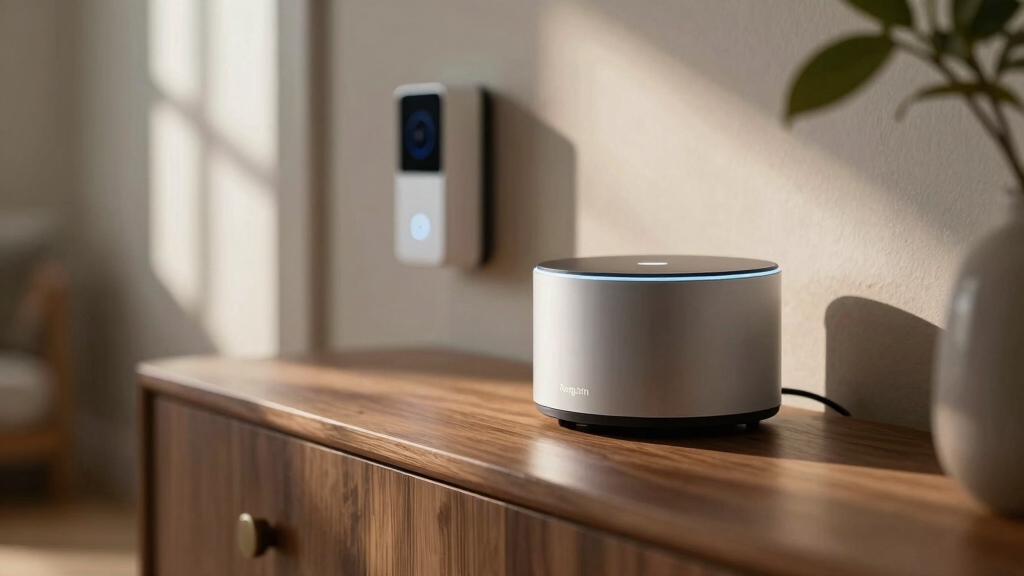
Ring Alarm is a thorough DIY home security system designed to protect your residence affordably and efficiently. Its base station acts as the central hub, wirelessly connecting sensors and Ring cameras to your mobile app.
You monitor door and window contact sensors, as well as motion detectors, which trigger alarms upon unauthorized activity. The system offers three security modes: Away, Home, and Disarmed, allowing you to tailor protection based on occupancy.
You control all functions via the Ring app on your iOS or Android device or through a physical keypad with a secure access code. The base station includes a built-in siren, 24-hour battery backup, and cellular backup capability, ensuring continuous operation during power or internet outages.
This robust architecture guarantees reliable, real-time home security management. Ring Alarm’s inclusion of cellular backup communication helps maintain connectivity during internet outages for uninterrupted protection.
What Devices Come With Ring Alarm Kits?
When you buy a standard Ring Alarm kit, you get some key devices right out of the box. It includes the base station, a keypad, a contact sensor, and a motion detector. These gadgets are designed to cover entry points and detect movement, helping to keep your home safe and secure.
But that’s not all! If you want to enhance your security setup, you can easily expand your system with optional add-ons. Think range extenders and extra sensors, all tailored to fit your specific security needs.
So, whether you’re looking to cover more ground or add a little extra peace of mind, there are plenty of options to choose from! For optimal security, it’s important to position sensors and cameras at primary entry points to ensure comprehensive coverage of your home’s vulnerable areas.
Standard Kit Components
Start securing your home immediately with a standard Ring Alarm kit, which includes essential components designed for straightforward installation and all-encompassing coverage.
The kit provides a Base Station that acts as the central hub, equipped with a built-in siren, cellular backup, and 24-hour battery backup to guarantee continuous operation.
You’ll get a Keypad for arming and disarming the system via a physical interface, powered by rechargeable battery or AC.
Included are one Contact Sensor and one Motion Detector, covering entry points and interior movement detection.
The kit also contains necessary mounting accessories, enabling easy, wireless setup through the Ring app.
This combination delivers a balanced foundation for DIY home security, allowing reliable monitoring and control from your smartphone right out of the box.
For enhanced reliability, professional monitoring plans often include 4G LTE cellular backup to maintain protection during outages.
Sensor Types Included
Beyond the core components in the standard kit, several sensor types play specific roles in detecting security breaches and environmental hazards.
You get contact sensors designed to mount on doors and windows, which detect openings and closings with reliable magnetic switches and offer a three-year battery life.
Motion detectors utilize passive infrared (PIR) technology, covering a 90-degree radius to sense movement inside your home. These sensors communicate wirelessly with the base station, enabling real-time alerts via the Ring app.
Additionally, the system integrates with FirstAlert Z-Wave Smoke and Carbon Monoxide alarms, enhancing environmental safety by triggering alarms and notifications.
Each sensor type is engineered for precise detection, seamless connectivity, and long-term power efficiency, ensuring thorough monitoring as soon as you install your Ring Alarm kit.
For enhanced safety, the Ring Alarm system supports interconnected smoke alarms to ensure that all alarms sound simultaneously in case of an emergency.
Optional Add-On Devices
Among the devices included in Ring Alarm kits, you’ll find the essential components needed for immediate home security setup. You can also expand your system with optional add-on devices tailored to your specific needs.
Beyond the base station, keypad, contact sensor, and motion detector, you can add extra contact sensors and motion detectors to increase coverage. A range extender boosts wireless signal strength, ensuring reliable communication between distant devices and the base station.
Additionally, integrating FirstAlert Z-Wave Smoke and Carbon Monoxide alarms enhances safety by linking fire and CO detection directly to your Ring system. You can also incorporate compatible Ring cameras and video doorbells for visual verification of alarms. This provides a thorough security solution that adapts to your home’s size and security requirements.
To maintain optimal safety, it’s important to regularly test your alarms by pressing the test button and verify the green LED blinking every 60 seconds to confirm normal operation.
How Do Ring Alarm Security Modes Protect Your Home?
You’ve got the power to customize Ring Alarm’s security modes, making it super easy to protect your home based on whether you’re there or not.
When you set it to Away Mode, it arms all the sensors, giving you complete coverage. It’s like having an invisible shield around your place!
Now, if you’re at home, you can switch to Home Mode. This activates only the exterior sensors, which helps prevent those annoying false alarms inside. So, you can relax without worrying about tripping the system while you’re just hanging out.
Switching modes is a breeze, too! You can do it all through the app or the keypad.
Plus, you can even assign unique access codes for different users, making it easy for everyone to stay safe while keeping things convenient.
Alarm systems like Ring help reduce burglary risk by up to 60%, making them a smart choice for home protection.
Overview Of Security Modes
Typically, Ring Alarm offers three distinct security modes: Away, Home, and Disarmed that adapt to your presence and activity within the home.
Away Mode fully arms all sensors, ensuring thorough protection when you’re absent.
Home Mode selectively arms only exterior sensors, allowing you to move freely indoors without triggering alarms.
Disarmed Mode disables all sensor monitoring, granting unrestricted access during authorized periods. You control these modes via the Ring app or physical keypad, using secure access codes.
This mode flexibility lets you tailor security to your lifestyle, balancing safety with convenience.
By intelligently switching between modes, you maintain peak protection while minimizing false alarms.
This ensures your home’s security system operates precisely according to your needs at any given time.
For enhanced security, it’s important to regularly update the system firmware and configure strong encryption settings to protect against unauthorized access.
Mode-Specific Sensor Activation
Each Ring Alarm security mode activates a specific set of sensors tailored to your presence and security needs.
In Away Mode, the system arms all contact and motion sensors, securing every entry point and interior space to detect unauthorized access when you’re not home.
Home Mode selectively arms only exterior contact sensors, allowing you to move freely inside without triggering alarms while maintaining perimeter security.
Disarmed Mode deactivates all sensors, granting unrestricted access without alarms.
This targeted sensor activation optimizes security while minimizing false alarms and inconvenience.
The system’s architecture relies on passive infrared motion detectors and contact sensors communicating wirelessly with the base station.
This ensures instant alarm triggers based on the active mode.
This mode-specific activation enhances both security effectiveness and user convenience.
Additionally, the system integrates advanced sensor precision, similar to the photoelectric sensor advantages found in Kidde alarms, to reduce false alerts while maintaining fast detection.
User Control And Access
Although the Ring Alarm system operates automatically based on selected security modes, it grants you direct control and personalized access to manage home protection effectively.
You can switch between Away, Home, and Disarmed modes via the Ring app or the physical keypad, using a secure four-digit code.
This flexibility lets you tailor sensor activation precisely, arming all sensors when away or only perimeter sensors when home.
Shared user accounts enable multiple household members to have unique access codes, maintaining security while allowing individualized control.
The system’s cellular and battery backups guarantee continuous operation during outages, preserving your ability to adjust modes remotely.
This design guarantees you maintain authoritative oversight of your home’s security state, adapting protection dynamically to fit your daily routine and security needs.
If you encounter unexpected alerts, following safe disarming procedures can help prevent false alarms and maintain system integrity.
Ring Alarm’s Backup Power And Connectivity
Ring Alarm guarantees uninterrupted security through multiple backup power and connectivity features that keep your system operational during outages.
The base station includes a 24-hour rechargeable battery backup that automatically activates if your power fails, guaranteeing continuous operation.
Additionally, the built-in cellular chip enables alarm communication even when your broadband internet is down.
With a Ring Protect Pro or AI Pro subscription, you gain cellular backup for persistent connectivity, allowing your system to send alerts and maintain monitoring without Wi-Fi.
The Ring Alarm Pro model further extends this capability by providing 24/7 cellular internet backup for other Wi-Fi devices.
Together, these redundancies guarantee your home remains protected and connected for about 24 hours without external power or internet access.
For added safety, it is recommended to disconnect power before inspecting wiring to ensure safe handling and prevent damage.
How Ring Alarm Sends Real-Time Alerts And Monitors Your Home?
Maintaining connectivity during power or internet outages guarantees your security system remains vigilant.
Effective monitoring depends on how promptly and accurately you receive alerts.
Ring Alarm transmits real-time notifications directly to your mobile device via the Ring app, ensuring immediate awareness of door openings, motion detection, or environmental hazards such as smoke or carbon monoxide.
The base station’s integrated cellular backup maintains communication even if broadband fails, preventing alert loss.
You control and monitor your system remotely through the app, which consolidates sensor status and live camera feeds for thorough situational awareness.
With seamless integration of Z-Wave smoke/CO alarms and multi-camera views, Ring Alarm delivers precise, instantaneous updates.
This enables you to respond swiftly to any security or safety event in your home.
Which Subscription Plans Unlock Ring Alarm Features?
When you want to access the full potential of your Ring Alarm system, choosing the right subscription plan is essential.
Ring offers multiple tiers that open up features like professional monitoring, cellular backup, and video storage. Without a subscription, you get basic alerts but limited functionality.
| Plan Name | Key Features | Monthly Cost |
|---|---|---|
| Ring Protect Basic | Video storage, mobile alerts | $3.99 |
| Ring Protect Plus | Video storage, cellular backup | $10.00 |
| Ring Protect AI Pro | 24/7 professional monitoring, AI | $20.00 |
Selecting the right plan guarantees continuous protection with features like automatic emergency dispatch and backup connectivity. This elevates your home security beyond basic self-monitoring.
How Easy Is DIY Installation And Setup Of Ring Alarm?
Although setting up a security system might seem intimidating, you can complete the Ring Alarm installation yourself with minimal technical knowledge.
Start by plugging in the base station, which acts as the system’s hub. Then use the Ring app to connect sensors wirelessly.
The app provides step-by-step pairing instructions for each device, including contact sensors and motion detectors. These mount easily using screws or double-sided tape.
The keypad offers a physical interface and can be wall-mounted or placed on a tabletop with rechargeable or AC power.
Installation requires no professional tools, and the system’s wireless design simplifies device placement.
If your home is large, adding a range extender secures reliable connectivity between sensors and the base station, maintaining system integrity.
How Ring Alarm Integrates With Cameras And Devices?
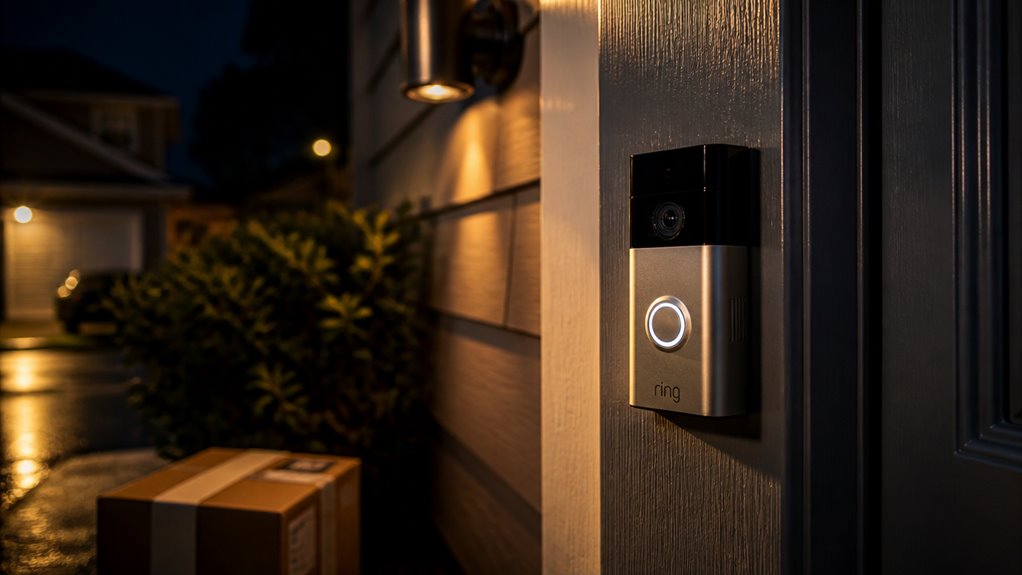
Since Ring Alarm serves as the central hub, it seamlessly integrates with Ring cameras and video doorbells. This allows you to receive real-time visual confirmation of alarm events directly through the Ring app.
When a sensor triggers, linked cameras automatically activate, capturing video clips or initiating live streams that you can monitor remotely. This integration enhances event verification, reducing false alarms and improving response accuracy.
Additionally, Ring Alarm supports interaction with compatible smart devices, such as FirstAlert Z-Wave Smoke/CO alarms, enabling coordinated alerts.
The system’s wireless architecture and app-guided setup guarantees that all connected devices communicate reliably with the base station. With multi-camera live view and picture-in-picture functionality, you maintain thorough situational awareness, consolidating security management within a single, authoritative platform.
Frequently Asked Questions
Can Ring Alarm Systems Be Expanded With Third-Party Smart Home Devices?
You know what they say: “Don’t put all your eggs in one basket.”
Yes, you can expand your Ring Alarm system with third-party smart home devices, primarily through Z-Wave compatibility.
Ring supports Z-Wave sensors and locks, allowing seamless integration for enhanced security. However, compatibility is limited to Z-Wave devices, so you’ll want to verify each device’s specs before adding it.
This approach guarantees precise control and scalable home automation.
How Long Does It Take for Professional Monitoring to Respond to an Alarm?
Professional monitoring through Ring Protect AI Pro typically responds within seconds after an alarm triggers.
Once your Ring Alarm detects a breach or emergency, the monitoring center receives an instant alert via cellular backup, ensuring minimal delay.
They promptly verify the alarm and contact you or emergency services if necessary.
This rapid response helps maximize your home’s security and safety, offering peace of mind with continuous, reliable monitoring.
Are There Any Monthly Fees Required Without Professional Monitoring?
You don’t have to pay monthly fees if you opt for self-monitoring with the Ring Alarm System.
Without professional monitoring, you control alerts and emergency contacts manually via the app.
However, if you want advanced features like cellular backup or AI monitoring, subscription plans ranging from $4.99 to $20 per month apply.
Can Multiple Homes Be Managed Under One Ring App Account?
Yes, you can manage multiple homes under one Ring app account. The app supports adding multiple Ring Alarm systems and devices across different locations.
This allows you to monitor and control each property individually. You’ll switch between homes seamlessly within the app interface.
This centralized control streamlines managing security, notifications, and user access codes for all your properties. You won’t need separate accounts or apps.
What Happens if the Keypad Battery Completely Dies During an Outage?
If your keypad battery completely dies during an outage, you won’t be able to use it to arm or disarm the system physically.
However, the base station’s 24-hour backup battery and cellular backup keep the alarm and monitoring active.
You can still control your Ring Alarm through the mobile app on your smartphone, ensuring uninterrupted security management despite the keypad power failure.
Replace the keypad battery promptly to restore full functionality.
Ring Alarm Makes Home Security Simple and Effective
You’ll appreciate that Ring Alarm offers thorough home protection with up to 24/7 professional monitoring. This reduces burglary risk by 60%.
Its seamless integration with cameras and smart devices guarantees you stay connected and informed in real time. With reliable backup power and multiple security modes, you maintain control even during outages.
Easy DIY installation means you can confidently enhance your home’s security without professional help. This makes Ring Alarm a smart, effective choice.