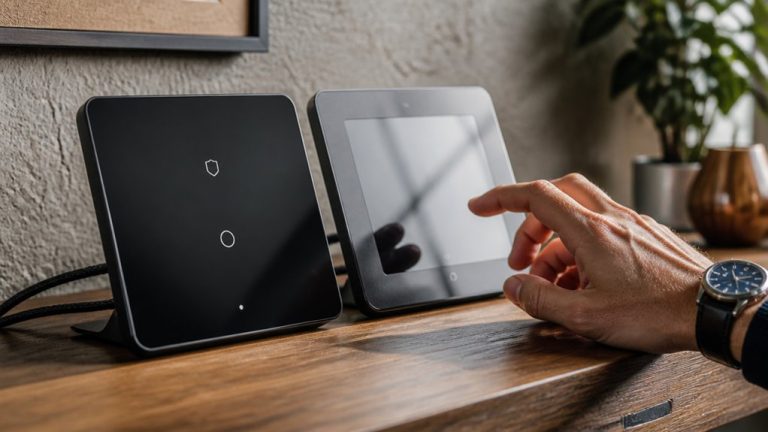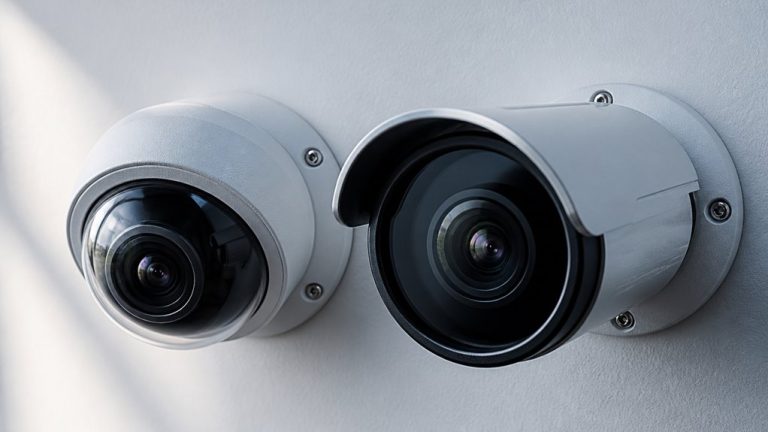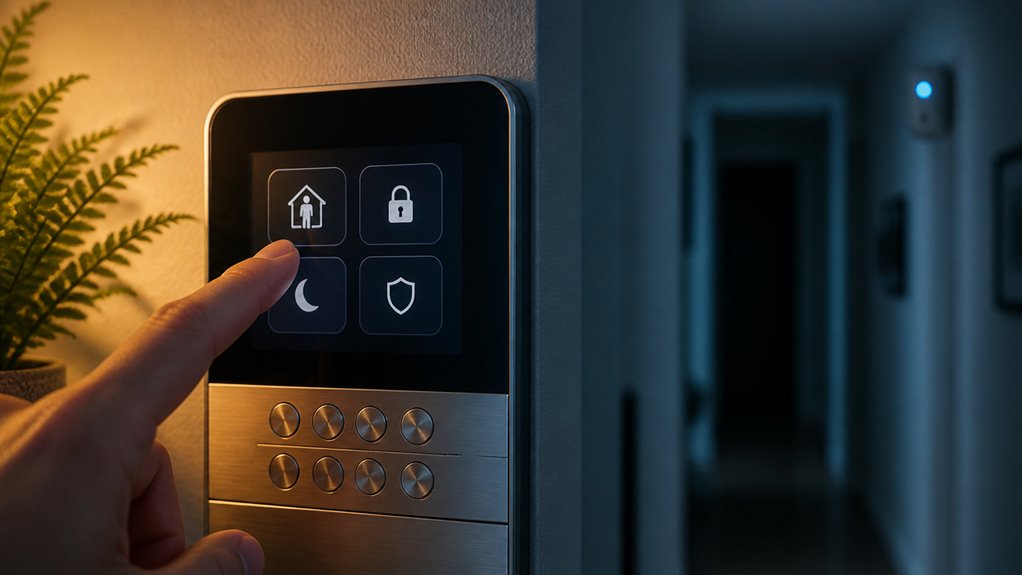

When you set your alarm to Stay mode, it arms only the perimeter sensors like doors and windows. This lets you move freely inside without triggering alarms.
Away mode activates both perimeter and interior motion detectors, offering full protection when you’re out. Stay reduces false alarms caused by indoor activity or pets.
Away maximizes security with entry and exit delays to prevent accidental triggers. Understanding these differences helps you choose the right mode for your home’s needs and security level.
Key Takeaways
- Stay mode arms only perimeter sensors, allowing indoor movement without triggering alarms.
- Away mode arms both perimeter and interior motion sensors for full home protection when vacant.
- Stay mode reduces false alarms from indoor activity, ideal when occupants remain inside.
- Away mode includes entry and exit delays to prevent accidental alarms while leaving or returning.
- Pet movement can cause false alarms in Away mode unless pet-immune sensors or sensitivity adjustments are used.
Alarm Stay vs Away: Key Differences in Sensor Activation, Security, and Home Protection
| Comparison Factors | Stay Mode | Away Mode |
|---|---|---|
| Primary Purpose | Protects occupied homes | Protects unoccupied homes |
| Security Coverage | Perimeter-focused protection | Perimeter and interior protection |
| Door Sensors | Armed | Armed |
| Window Sensors | Armed | Armed |
| Interior Motion Detectors | Usually bypassed or inactive | Usually activated |
| Glass-Break Sensors | May remain active, depending on configuration | Usually active when included in the armed zones |
| Indoor Movement | Allows normal indoor movement | Movement may trigger an alarm |
| Entry Delay | May be enabled or shortened | Usually enabled for designated entry doors |
| Exit Delay | May be shorter or omitted | Usually provides time to leave |
| False Alarm Potential | Lower risk from indoor movement | Higher risk from indoor movement or pets |
| Pet Compatibility | Suitable when pets move indoors | May require pet-immune motion sensors |
| Nighttime Use | Well suited to sleeping hours | Generally intended for vacant properties |
| Daytime Use | Useful while occupants remain home | Useful during work, errands, or travel |
| Sensor Customization | May support selective zone activation | May support zone bypassing and configuration |
| Smart Home Integration | May trigger mode-specific security automations | May trigger absence-related automations and alerts |
| Overall Recommendation | Best when people remain inside the home | Best when the property is empty |
Key Differences Between Stay and Away Modes
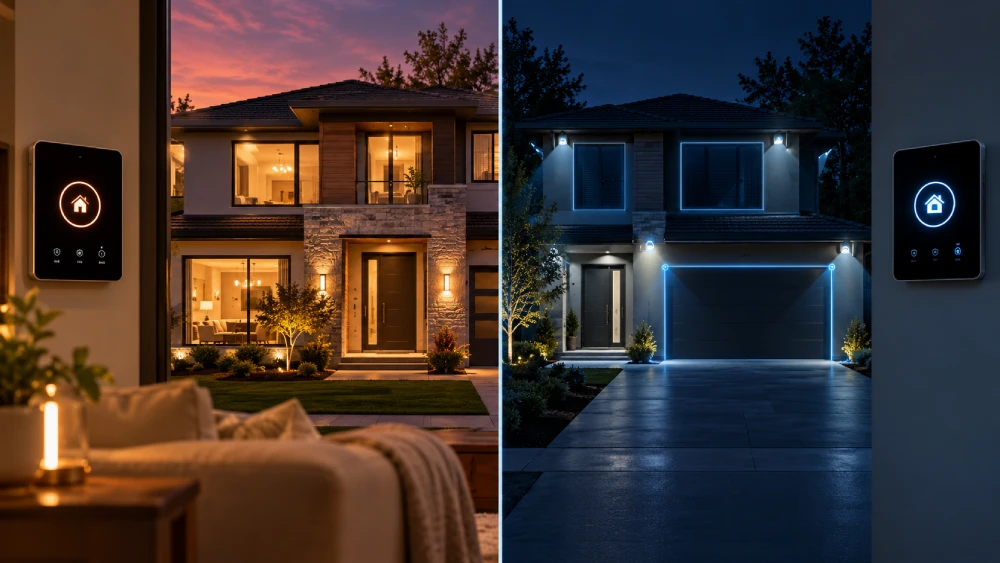
While both Stay and Away modes aim to secure your home, they differ fundamentally in sensor activation and intended use.
Stay and Away modes both secure your home but differ in sensor use and purpose.
Stay mode arms only the perimeter sensors, such as doors, windows, and sometimes glass-break detectors. This allows interior motion sensors to remain inactive.
This setup suits occupied homes, reducing false alarms caused by normal indoor movement.
Away mode arms the entire system, including interior motion detectors, providing all-encompassing coverage when the home is vacant.
You’ll find Stay mode ideal for when you’re inside but want perimeter security, while Away mode offers broader intrusion detection during absences.
These distinct configurations help you balance security needs with daily activities, ensuring your system responds appropriately based on whether your home is occupied or empty.
For best results, select and activate the appropriate mode via keypad or app to arm your system effectively.
Sensor Activation in Stay vs Away Modes
When you set your alarm to Stay mode, it mainly activates the perimeter sensors, like those on doors and windows. This means the interior motion detectors are turned off, which helps prevent any false alarms.
On the other hand, when you switch to Away mode, both the perimeter sensors and the interior motion detectors are fully armed.
This gives you complete coverage throughout your home, ensuring that you’re protected from all angles.
Understanding how these sensor activations work can really help you choose the right mode based on whether you’re home or away, and what your security needs are.
For optimal performance, it is important to avoid placing sensors near moving objects such as curtains or pets to reduce false alarms.
Perimeter Sensor Activation
Because perimeter sensors form the primary defense in both Stay and Away modes, understanding their activation is essential for effective security management.
In Stay mode, your system arms all perimeter zones: doors, windows, and sometimes glass-break sensors, while interior motion sensors remain inactive.
Away mode also arms these perimeter sensors and adds interior motion detection for thorough coverage.
| Feature | Stay Mode Activation | Away Mode Activation |
|---|---|---|
| Door Sensors | Armed | Armed |
| Window Sensors | Armed | Armed |
| Glass-Break Sensors | Often armed | Armed |
| Interior Motion | Disarmed | Armed |
| Entry/Exit Delay | Enabled | Enabled |
This setup balances security needs based on occupancy.
Proper sensor positioning and calibration help minimize false alarms while ensuring reliable detection in both modes.
Interior Motion Detection
Interior motion detection plays a crucial role in distinguishing Stay mode from Away mode in security systems.
In Stay mode, interior motion sensors remain inactive, allowing you to move freely inside without triggering alarms. This setting arms only the perimeter sensors, focusing on doors, windows, and sometimes glass-break detectors.
Conversely, Away mode activates both perimeter and interior motion sensors, providing all-encompassing protection by detecting movement anywhere inside the home. This mode suits vacant homes or extended absences, but it can cause false alarms if pets trigger the motion detectors unless pet-friendly sensors are used.
Understanding these sensor activations helps you select the appropriate mode. This balances intrusion detection with daily activity, minimizing false alarms while maximizing security based on occupancy and lifestyle.
For enhanced security, systems like Ring Alarm offer customizable sensor sensitivity to help reduce false alarms while maintaining effective motion detection.
Entry and Exit Delays in Stay and Away Modes
When you’re using Stay or Away modes, you might notice that entry and exit delays can change. This variation depends on your system settings and how your zones are configured. It’s pretty interesting how both modes handle entry and exit zones with specific timing. This way, you can safely access your space without accidentally triggering the alarms.
Understanding these differences is really important. It helps you manage just how quickly your system arms or disarms when you’re coming in or going out. So, keeping these details in mind can make your experience smoother and more secure! Before troubleshooting or testing these settings, always contact authorities to ensure the system is placed in test mode and emergency responses are avoided.
Delay Timing Differences
Although both Stay and Away modes incorporate delay timing, their application and purpose differ markedly to accommodate varying security needs.
In Away mode, you typically encounter a longer exit delay to give you ample time to leave the premises before the system fully arms.
Entry delays in Away mode allow you to disarm the system upon returning, preventing immediate alarms triggered by perimeter sensors and interior motion detectors.
Stay mode, on the other hand, usually features shorter or adjustable entry delays since interior motion sensors are often disabled.
This setup minimizes false alarms from indoor movement while still securing doors and windows.
Exit delays in Stay mode may be minimal or omitted, reflecting that occupants remain inside and won’t trigger immediate alarms by opening entry points briefly.
Proper system deactivation, including backup battery removal, is essential for maintenance or service changes without triggering alarms.
Entry Exit Zone Handling
Entry and exit zones play a distinct role in how Stay and Away modes manage delays. This ensures you have appropriate time to arm or disarm your system without triggering alarms.
In Stay mode, delays primarily cover perimeter doors, allowing you to move inside without alarm activation. Away mode includes both exit delays when leaving and entry delays when returning, accommodating full system arming and disarming.
| Mode | Exit Delay | Entry Delay |
|---|---|---|
| Stay | Yes, perimeter only | Yes, perimeter only |
| Away | Yes, full system | Yes, full system |
| Notes | Interior sensors usually inactive | Interior sensors active |
Understanding these distinctions helps you configure delay timing effectively. This matches your occupancy and security needs.
Best Use Cases for Stay Mode
Utilizing Stay mode provides focused perimeter security while allowing freedom of movement inside your home. This mode arms doors, windows, and sometimes glass-break sensors while disabling interior motion detectors to prevent false alarms from normal household activity. It’s ideal when you want protection without restricting movement indoors.
Consider these best use cases for Stay mode:
- Occupied Homes: When you or family members remain inside, Stay mode secures entry points but permits interior movement.
- Nighttime Security: It’s effective during sleep hours, securing perimeters while allowing movement inside bedrooms and common areas.
- Short Absences: If you briefly leave certain areas but stay inside the home, Stay mode maintains perimeter security without triggering alarms from indoor activity.
For optimal reliability, it’s important to test sensors and alarms regularly after configuring Stay mode to ensure all components function correctly.
Why Away Mode Is Ideal for Empty Homes?
When you leave your home vacant, Away mode activates both perimeter and interior sensors to provide all-encompassing protection.
This mode arms doors, windows, and motion detectors inside the house, monitoring any movement throughout the property.
Unlike Stay mode, which only secures the perimeter, Away mode guarantees that unauthorized entry in any area triggers an immediate alarm.
It also incorporates entry and exit delay timers, giving you enough time to leave without setting off false alarms.
By activating interior motion sensors, Away mode covers vulnerabilities that perimeter-only protection can miss, such as window break-ins or forced entry through interior access points.
This thorough sensor activation makes Away mode the prime choice for securing empty homes, delivering heightened security during your absence with minimal risk of undetected intrusion.
The system’s built-in siren and cellular backup ensure continuous alerting even during power outages or internet failures.
Pets and False Alarms in Stay and Away Mode Selection
Frequently, pet owners face challenges choosing between Stay and Away modes because pets can trigger false alarms. This is especially true in Away mode where interior motion sensors are active.
When selecting a mode, consider these technical points:
- Stay mode arms only perimeter sensors, avoiding motion detectors inside. This reduces false alarms caused by pets moving indoors.
- Away mode activates interior motion sensors, increasing sensitivity. However, it risks false alarms from pets unless pet-immune sensors are installed.
- Pet-friendly solutions include configuring motion sensor sensitivity or installing pet-immune detectors. These detectors ignore animals below a certain weight or height.
Additionally, understanding the system’s entry delay period is crucial to prevent accidental alarms when pets trigger sensors shortly after entry.
Frequently Asked Questions
Can Stay Mode Be Customized for Different Perimeter Zones?
Yes, you can customize Stay mode for different perimeter zones on many alarm systems. This means you can selectively arm specific doors, windows, or glass-break sensors while leaving others disarmed.
You’ll have control over which sensors stay active to suit your security needs during occupancy. Check your system’s programming options to configure zones individually, ensuring maximum perimeter protection without triggering false alarms from interior movement.
How Do Alarm Systems Handle Stay Mode During Power Outages?
During a power outage, your alarm system typically relies on its backup battery to keep Stay mode active.
This means your perimeter sensors will remain armed without interruption.
However, battery life varies, so prolonged outages might cause the system to shut down or lose some functions.
It’s vital to make certain your backup battery is well-maintained and fully charged.
This ensures your Stay mode protection continues seamlessly even when the main power fails.
Are Glass-Break Sensors Always Active in Stay Mode?
Imagine you’re home at night, and a window is broken.
Glass-break sensors often stay active in Stay mode to catch this, but not always; it depends on your system’s configuration.
Some systems keep glass-break sensors armed during Stay mode for perimeter protection.
Others might disable them to reduce false alarms.
Can Away Mode Be Temporarily Paused Without Disarming?
Yes, you can temporarily pause Away mode without fully disarming on many alarm systems by using a “snooze” or “bypass” feature.
This lets you deactivate interior motion sensors while keeping perimeter sensors active. It’s useful if you’re inside briefly but want some security maintained.
However, availability depends on your system’s model and settings, so check your user manual or app for specific instructions on pausing or bypassing Away mode.
Do Stay and Away Modes Affect Smart Home Integrations Differently?
You might think Stay and Away modes behave the same with smart home integrations, but they don’t.
Stay mode typically keeps interior motion sensors off, so automation tied to movement inside won’t trigger.
Away mode activates all sensors, enabling full smart responses like lights or alerts when motion’s detected.
Your system’s behavior depends on mode-specific sensor activation, so understanding this helps you tailor smart home reactions accurately and avoid false triggers.
Choose the Right Security Mode for Home or Away
Choosing between stay and away modes depends on your home’s activity level.
Stay mode arms perimeter sensors, letting you move freely inside. Away mode activates all sensors for full protection.
Notably, 60% of false alarms occur due to pets triggering interior sensors in away mode.
By understanding these differences, you can optimize your alarm system to reduce false alarms and enhance security.
This ensures the right mode matches your presence and lifestyle needs.